
PicVideo
AI Video Maker Generators & Tools
PicVideo turns photos into short AI video clips in your browser—start with free credits, then choose models, effects, and privacy options.
Promoted
 Sidrune AI85% off. Stable Claude API for agent developers. Pay as you go. Invoices & refunds available.
 Pixmax.aiPixmax.ai is an all-in-one AI workspace for videos, visual stories, and marketing content.
 SEOify - Improve your SEO & rankingsBuild links to rank in Google. Improve your DR with links you can start building now.Advertise here270,000+ people visit Dang.ai every month.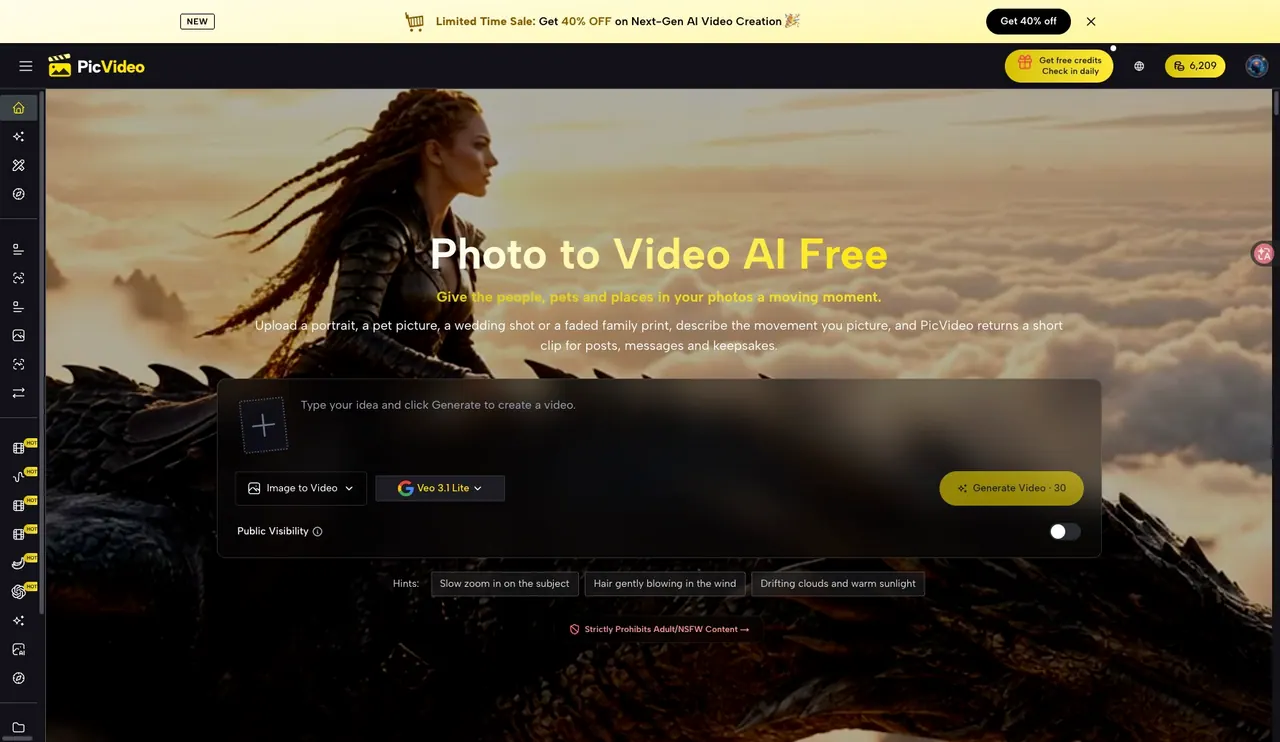
What does PicVideo do?
PicVideo is a photo-to-video AI tool that animates still photos into short clips for posts, messages, and keepsakes. Upload a portrait, pet picture, wedding shot, or older family photo, describe the motion you want, and generate a moving result designed to keep the subject recognizable.
You can create simple photo-to-video animations, or go deeper with generation controls like start and end frames to guide reveals and before/after moments. Reference-based video generation helps keep a face, product, or style consistent, while effects add ready-made scene concepts such as hugs, kisses, dances, cartoon-style versions, and pet-themed transformations. PicVideo also supports text-to-video, plus image generation and image editing workflows when you want to create or refine visuals before animating.
Multiple AI models are available, with different clip lengths, resolutions, and input styles. Examples include MiniMax H3 for 4–15 second clips up to 768p or 2K, Seedance 2.5 for up to 30 seconds (silent clips), and Kling 3.0 for 3–15 seconds with optional sound and outputs up to 4K. Other models support multi-reference image generation and edit guidance.
Get started with free credits. Additional credits and paid plans are available, and free results are public with a PicVideo watermark. Paid options support private generation and watermark-free output; output options and credit costs vary by model and plan.
What can I create with PicVideo?
You can animate photos into short video clips by uploading an image and describing the movement or scene. You can also use text-to-video, guide results with references, or steer with start and end frames.
How do I guide the motion in my photo-to-video clip?
Describe the movement you want (for example, a slow zoom, a gentle hair motion, or a camera push). For more control, set start and end frames to define what the clip should begin and end with.
Can I keep my subject consistent using references?
Yes. Reference-to-video helps maintain consistency for a face, product, or style by using additional reference images alongside your motion description.
How long are the generated videos?
Clip length depends on the selected model. Some models support about 1–15 seconds, while others support longer outputs (for example, up to 30 seconds for Seedance 2.5).
Are the results private, and do they include a watermark?
Free results are public and include a PicVideo watermark. Paid options support private generation and watermark-free output.
Do I need a paid plan to start?
You can start with free credits. Paid options are available when you want more generation capacity or private, watermark-free results.
This listing is claimed
Own PicVideo? Sign in with the email used to claim it to manage this listing, or upgrade to Pro for featured-first placement and a newsletter feature.