
PicEditor
AI Image Enhancer Tools
PicEditor is a free, browser-based AI photo editor and text-to-image generator for editing photos with prompts and generating new images.
- Pricing
- Free
- Category
- Enhance
- Listed
- Sep 6, 2026
- Updated
- Oct 16, 2026
Promoted
 AI Checker PlusAI detector that highlights which passages AI wrote. Free check, no sign-up. Plagiarism too.
 RewindType any X/Twitter handle. Get their year back as a narrated video story. Then ask it anything.
 KurodyneSell the tools from your AI side projects. Listing is free.
 Sidrune AI85% off. Stable Claude API for agent developers. Pay as you go. Invoices & refunds available.
 Pixmax.aiPixmax.ai is an all-in-one AI workspace for videos, visual stories, and marketing content.
 SEOify - Improve your SEO & rankingsBuild links to rank in Google. Improve your DR with links you can start building now.Advertise here330,000+ people visit Dang.ai every month.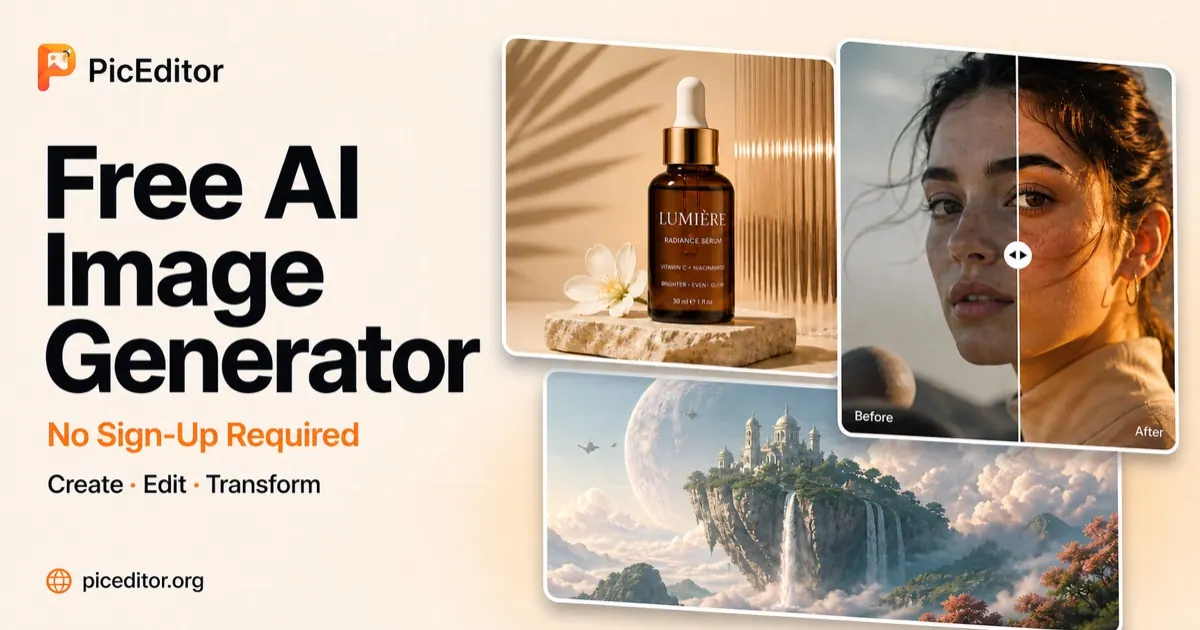
What does PicEditor do?
PicEditor is a free AI photo editor and AI image generator you can use directly in your browser. Upload an existing photo, then describe what you want to change using simple text prompts—PicEditor applies your instructions to the uploaded image for edits like background replacement, object removal, style changes, and more.
If you want to start from scratch, PicEditor also generates completely new images from text prompts. You can create portraits, product visuals, illustrations, posters, social media graphics, concept art, and other styles. The tool supports multiple AI image models so you can choose the one that best matches your prompt, source image, desired style, and level of detail.
For editing workflows, PicEditor supports reference-image editing, letting you guide results with additional context (up to 10 MB per image, in supported formats). You can also work with flexible aspect ratios, and model-dependent resolution settings, including free 1K output for the available free model and higher outputs with paid access.
Privacy is built in: uploaded photos, prompts, and generated results are private by default and aren’t automatically posted to a public gallery. There’s a free option with one image free (with or without signing in), and you can contact support at support@piceditor.org for help with access and subscriptions.
What can I do with PicEditor?
You can upload a photo to edit it using text prompts (background replacement, object removal, text updates, style/color changes) or generate a brand-new image from a text prompt.
Can I use PicEditor for free without creating an account?
Yes—you can try one image free without signing up. Signing in lets you save your work and view your history.
Does PicEditor include reference-image editing?
Yes. Upload JPEG, PNG, or WebP images (up to 10 MB each) to guide AI photo editing or help steer a generated result. Free generation supports one reference image.
What image sizes and resolution options are available?
Supported aspect ratios include 1:1, 2:3, 3:2, 3:4, 4:3, 9:16, and 16:9. Free access supports 1K output using the available free model, while paid access can use supported 2K and 4K outputs.
Will my images be public or automatically shared?
No. Uploaded photos, prompts, edited images, and generated images are private by default and aren’t automatically published to a public gallery.
Is there a watermark on free outputs?
No. Free-only images are watermark-free, and they’re intended for personal, non-commercial use.
This listing is claimed
Own PicEditor? Sign in with the email used to claim it to manage this listing, or upgrade to Pro for featured-first placement and a newsletter feature.