Photogenerator
Verified
AI Art Generator & Creator Tools
Photogenerator is a free AI photo generator that turns text prompts into high-resolution photos in seconds.
Promoted
 Pixmax.aiPixmax.ai is an all-in-one AI workspace for videos, visual stories, and marketing content.
 AI Checker PlusAI detector that highlights which passages AI wrote. Free check, no sign-up. Plagiarism too.
 RewindType any X/Twitter handle. Get their year back as a narrated video story. Then ask it anything.
 KurodyneSell the tools from your AI side projects. Listing is free.
 Sidrune AI85% off. Stable Claude API for agent developers. Pay as you go. Invoices & refunds available.
 SEOify - Improve your SEO & rankingsBuild links to rank in Google. Improve your DR with links you can start building now.Advertise here270,000+ people visit Dang.ai every month.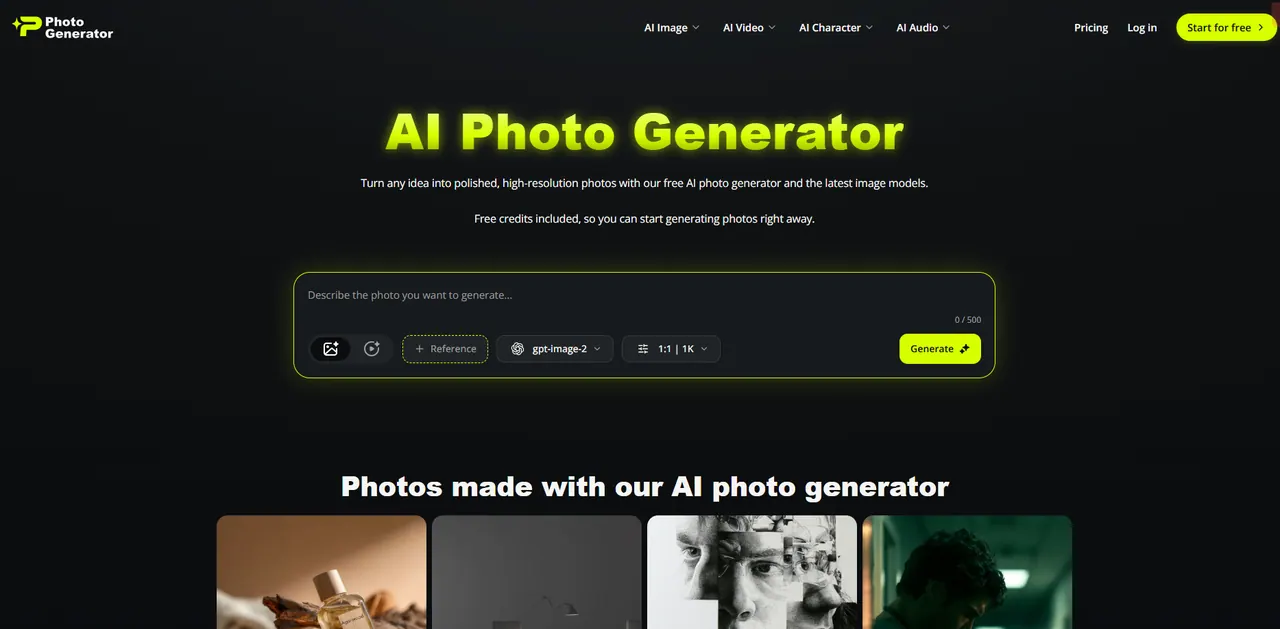
What does Photogenerator do?
Turn any idea into polished, high-resolution photos with Photogenerator’s AI photo generator. Start for free with included credits, then refine your prompt until the details look right.
Create from text prompts or generate photo-style concepts like portraits, product shots, and cinematic imagery. You can also edit your own photos by uploading an image and describing what to change—swap the background, restyle the look, or retouch details.
Choose from multiple models and styles to match the output you want, including GPT Image 2, Nano Banana 2, Midjourney, and Seedream 5.0. Photogenerator also includes an AI photo upscaler that enlarges images up to 4K for clearer, sharper results—useful for prints, product images, and restoring older photos.
What can I generate with Photogenerator?
You can turn text prompts into high-resolution photos like portraits, product photos, and concept art, and generate themed visuals such as wedding, group, and holiday images.
Is Photogenerator free to start?
Yes—Photogenerator is free to start with credits and no credit card requirement. You can sign up to unlock higher resolution, more models, and faster generation.
Which AI models can I use?
You can switch between models including GPT Image 2, Nano Banana 2, Midjourney, and Seedream 5.0 to match different styles and output needs.
Can I edit a photo with Photogenerator?
Yes. Upload your own photo and use a prompt to edit it—swap the background, restyle it, or retouch details. You can compare changes using the before/after view.
Does it upscale photos?
Yes. The AI photo upscaler can enlarge images up to 4K, sharpen fine details, and clean up noise to restore more realistic texture.
Do I need an app to use it?
No. Photogenerator runs in your browser on desktop and mobile, so there’s no app or download needed.
This listing is claimed
Own Photogenerator? Sign in with the email used to claim it to manage this listing, or upgrade to Pro for featured-first placement and a newsletter feature.