
PhotoGridCollage
AI Photo Collage Maker
Create clean photo grids and collages online for free—no account, no sign-up, and no watermark.
Promoted
 Pixmax.aiPixmax.ai is an all-in-one AI workspace for videos, visual stories, and marketing content.
 AI Checker PlusAI detector that highlights which passages AI wrote. Free check, no sign-up. Plagiarism too.
 RewindType any X/Twitter handle. Get their year back as a narrated video story. Then ask it anything.
 KurodyneSell the tools from your AI side projects. Listing is free.
 Sidrune AI85% off. Stable Claude API for agent developers. Pay as you go. Invoices & refunds available.
 SEOify - Improve your SEO & rankingsBuild links to rank in Google. Improve your DR with links you can start building now.Advertise here270,000+ people visit Dang.ai every month.
What does PhotoGridCollage do?
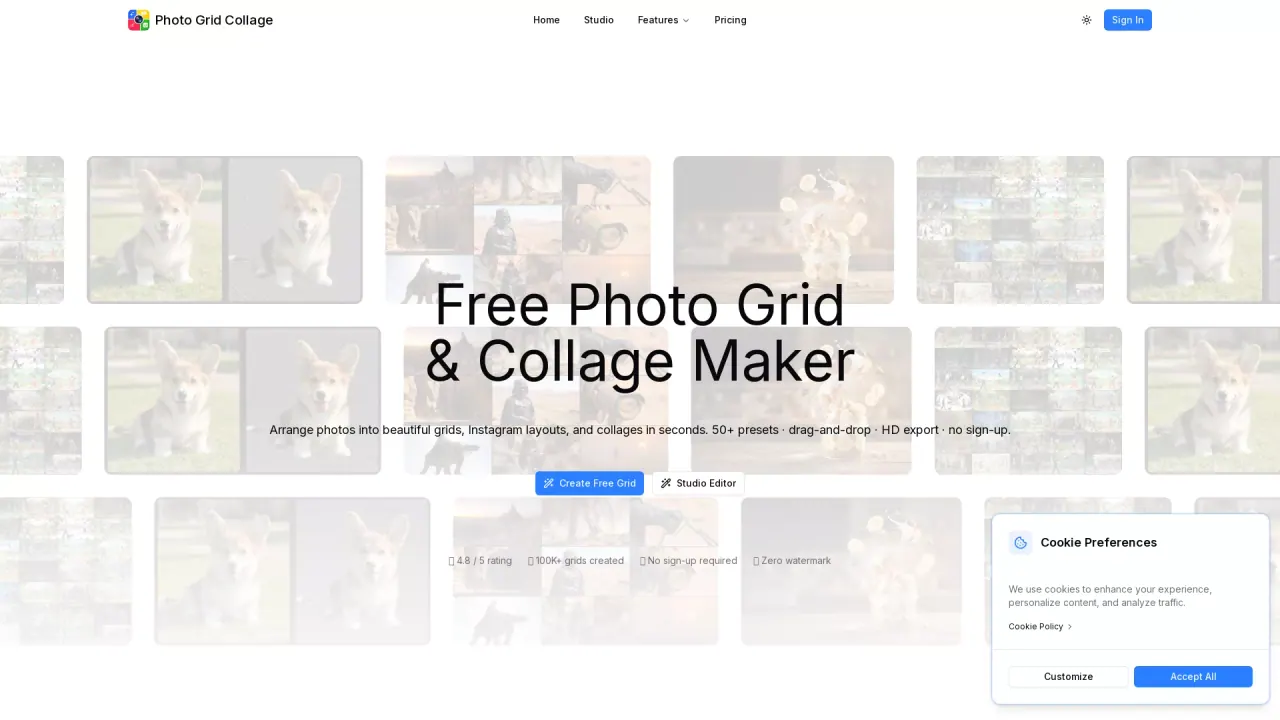
PhotoGridCollage is a free online photo grid and collage maker that helps you combine multiple photos into a polished layout directly in your browser. Start with a simple 2×2 grid or pick other standard and special row/column presets, then upload your images and see your changes as you go.
The editor is built around finishing a layout end-to-end: flexible layouts, drag-and-drop image placement, and controls for cropping, gaps, and corners. You can reposition photos to get the exact composition you want and add a background that matches the finished design. There are also tools for adding context—such as text overlays and labels—right inside the collage.
PhotoGridCollage supports exports for different destinations. Download a clean, high-resolution collage, or create numbered tiles for an Instagram grid or carousel. It’s also useful for product photo grids (combining angles, variants, and details), photography portfolio collages, and planning a 3×3 feed.
You can use it without an account, and your exported collage won’t include a PhotoGridCollage watermark.
Is PhotoGridCollage free to use?
Yes—create and export photo grids and collages for free using the core online editor.
Do I need to create an account or log in to make a collage?
No. You can start creating immediately in the editor without requiring an account.
Will my exported collage include a PhotoGridCollage watermark?
No watermark is included on your exported collage.
Can I control cropping, spacing, and gaps between photos?
Yes. You can adjust image placement and fine-tune spacing, corners, and crop positioning inside the grid editor.
Can I add text or labels to my photo collage?
Yes. Use the text tools to place captions, product labels, dates, or short titles within the collage.
Can I split an image for an Instagram grid or carousel?
Yes. You can export numbered tiles suitable for organizing an Instagram grid or carousel.
This listing is claimed
Own PhotoGridCollage? Sign in with the email used to claim it to manage this listing, or upgrade to Pro for featured-first placement and a newsletter feature.