
pdf and image tools
AI Image Generators from Text Tools
Remove photo and image backgrounds instantly with privacy-first, on-device AI, exporting transparent PNGs or JPGs for your chosen background.
- Pricing
- Free
- Category
- Image
- Listed
- Jul 16, 2026
- Updated
- Oct 22, 2026
Promoted
 KurodyneSell the tools from your AI side projects. Listing is free.
 Sidrune AI85% off. Stable Claude API for agent developers. Pay as you go. Invoices & refunds available.
 Pixmax.aiPixmax.ai is an all-in-one AI workspace for videos, visual stories, and marketing content.
 RewindType any X/Twitter handle. Get their year back as a narrated video story. Then ask it anything.
 SEOify - Improve your SEO & rankingsBuild links to rank in Google. Improve your DR with links you can start building now.Advertise here270,000+ people visit Dang.ai every month.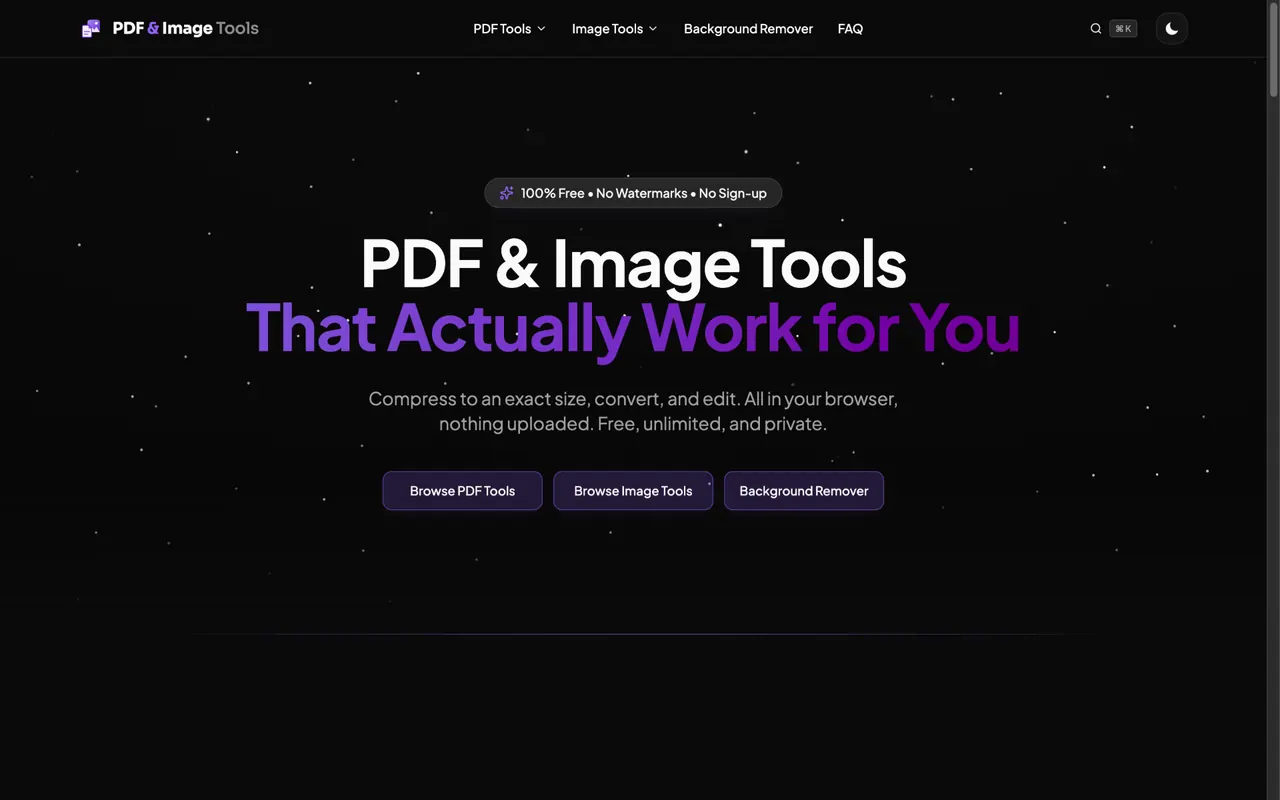
What does pdf and image tools do?
Dang.ai’s PDF and Image Tools background remover instantly isolates your subject with professional-accuracy results using advanced on-device AI—no cloud uploads required.
Upload an image (or drop one in) and preview the result in three ways: Original, Removed, and Compare. Use the compare view to check edges and fine detail, especially around challenging areas like hair. You can also apply a solid color background or keep the subject cut-out transparent.
When you’re ready, download your edited output. Export a transparent PNG for clean cut-outs, or download a JPG with your chosen background. The tool supports common formats including PNG, JPG, WEBP, HEIC, and AVIF, with file sizes up to 25 MB each.
This tool is built for creative workflows where speed and clean results matter—photographers cutting studio and location shots, e-commerce teams standardizing product images, marketers creating ad and thumbnail visuals, and designers building crisp PNG assets for mockups and decks. Unlimited, fully private background removal is available for teams and enterprise, while “everyone else” can use it free, with no signup, watermarks, or limits.
Is the background remover free to use?
Yes. Background removal can be used for free without signup, watermarks, or limits.
Do my images get uploaded to a server?
No. Background removal runs entirely in your browser, and your images aren’t sent to a server.
What file formats and sizes are supported?
PNG, JPG, WEBP, HEIC, and AVIF are supported, up to 25 MB per file.
How can I judge the quality of the cut-out?
Use the slider to switch between Original, Removed, and Compare views to inspect edges and fine detail.
Can I download a transparent PNG?
Yes. Export the removed background as a transparent PNG, or download a version with a solid background as a JPG.
Who is this tool for?
It’s useful for photographers, e-commerce teams, marketers, designers, and anyone needing fast, clean cut-outs for profile pictures, ads, thumbnails, mockups, and more.
This listing is claimed
Own pdf and image tools? Sign in with the email used to claim it to manage this listing, or upgrade to Pro for featured-first placement and a newsletter feature.