Paper Animation
AI Art Generator & Creator Tools
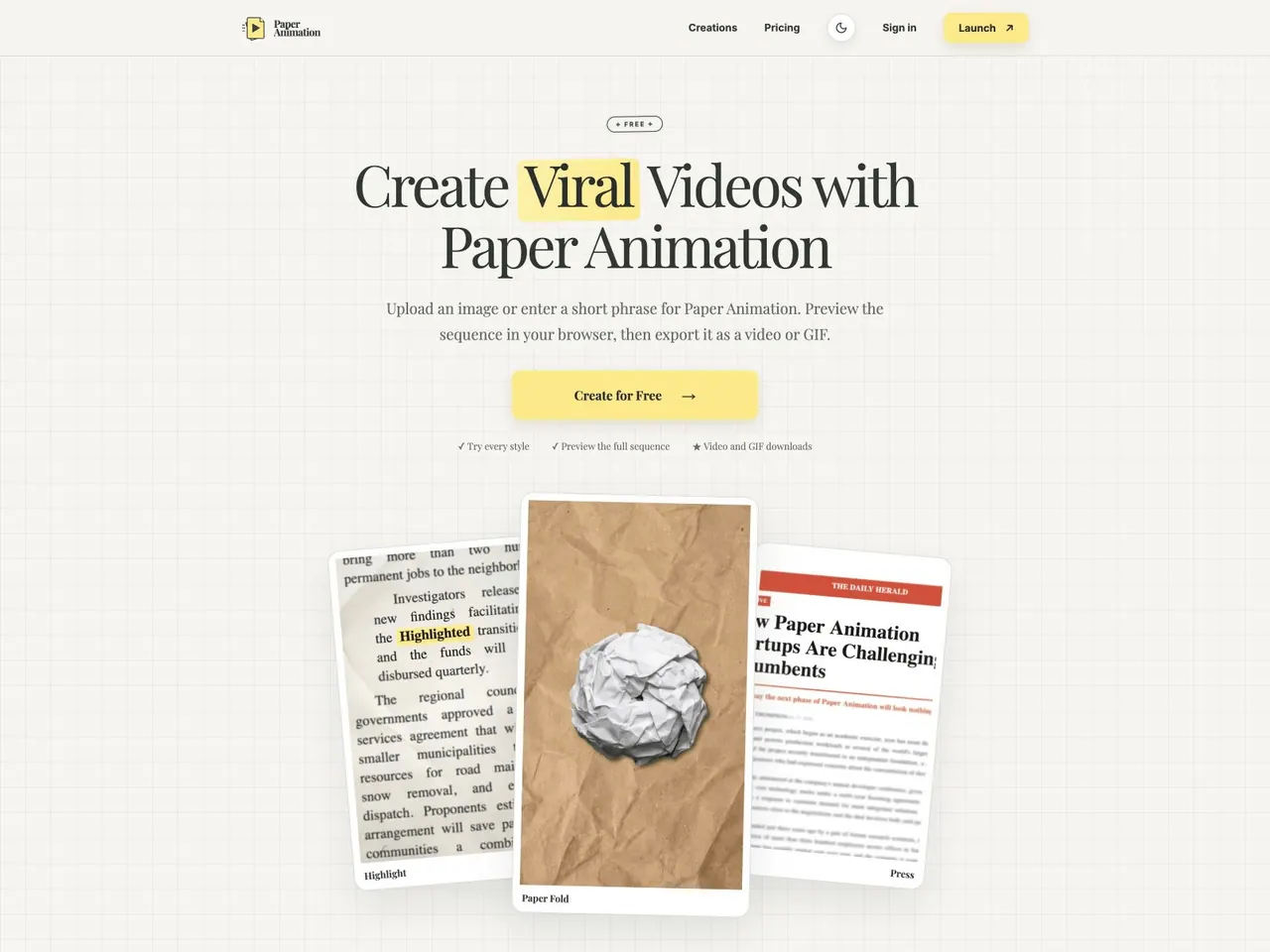
Turn an image or short phrase into paper-fold, newspaper, magazine, or press-style video and GIF animations in your browser.
- Pricing
- Free
- Category
- Art
- Listed
- Aug 15, 2026
- Updated
- Oct 16, 2026
Promoted
 Pixmax.aiPixmax.ai is an all-in-one AI workspace for videos, visual stories, and marketing content.
 AI Checker PlusAI detector that highlights which passages AI wrote. Free check, no sign-up. Plagiarism too.
 RewindType any X/Twitter handle. Get their year back as a narrated video story. Then ask it anything.
 KurodyneSell the tools from your AI side projects. Listing is free.
 Sidrune AI85% off. Stable Claude API for agent developers. Pay as you go. Invoices & refunds available.
 SEOify - Improve your SEO & rankingsBuild links to rank in Google. Improve your DR with links you can start building now.Advertise here270,000+ people visit Dang.ai every month.
What does Paper Animation do?
Paper Animation turns images and short phrases into paper-inspired videos and GIFs directly in your browser. Start with a PNG, JPG, or WebP for a nine-stage Paper Fold reveal, or use short text to create Highlight, Magazine Letters, or Press Coverage motion.
Create with a guided workflow: choose a style, customize settings, preview the full sequence, then export. In the editor, you can adjust the aspect ratio, frame count (for the Paper Fold style), typography and colors, texture, and style-specific controls. Live previews make it easier to fine-tune your timing and look before downloading your final asset.
Paper Animation is built for creators and teams who want distinctive motion without leaving their browser workflow—brand and marketing teams can create launch and campaign announcements, while TikTok/Instagram/Reels creators can build animated headlines and cutout-style hooks. Teachers and students can use readable paper-style animations for key terms and presentation titles, and podcast or YouTube editors can animate episode titles, guest names, and shareable clip moments.
Pricing is simple: 720p watermarked exports are free. For unlimited 1080p and watermark-free video and GIF exports, you can purchase a 30-day pass for $2.99 or a Lifetime pass for $9.99 (one-time payment, no auto-renewal).
What can I animate with Paper Animation?
You can upload an image (PNG, JPG, or WebP) for Paper Fold, or enter a short phrase for the Highlight, Magazine Letters, and Press Coverage styles.
Can I preview my animation before downloading?
Yes—preview the full sequence in your browser after choosing a style and adjusting your settings, then export when it looks right.
What export formats are available?
You can download your finished animation as a video or a GIF, in the aspect ratio you selected.
How do free exports work?
Free exports provide watermarked 720p downloads. To get unlimited 1080p and watermark-free exports, use a 30-day or Lifetime pass.
What are the available pricing options?
Choose a one-time payment: a 30-day pass for $2.99 or a Lifetime pass for $9.99. Both unlock unlimited 1080p, watermark-free video and GIF exports.
Where does my project get saved?
Your saved projects can be reopened later, and projects are created within your browser workflow.
This listing is claimed
Own Paper Animation? Sign in with the email used to claim it to manage this listing, or upgrade to Pro for featured-first placement and a newsletter feature.