
Page to Prompt
AI Prompt Generator Tools
Page to Prompt is a Chrome extension that turns any selected text or page into a ready-to-use AI prompt for your favorite assistant.
- Category
- Prompt
- Listed
- Oct 16, 2026
- Updated
- Oct 19, 2026
Promoted
 AI Checker PlusAI detector that highlights which passages AI wrote. Free check, no sign-up. Plagiarism too.
 RewindType any X/Twitter handle. Get their year back as a narrated video story. Then ask it anything.
 KurodyneSell the tools from your AI side projects. Listing is free.
 Sidrune AI85% off. Stable Claude API for agent developers. Pay as you go. Invoices & refunds available.
 Pixmax.aiPixmax.ai is an all-in-one AI workspace for videos, visual stories, and marketing content.
 SEOify - Improve your SEO & rankingsBuild links to rank in Google. Improve your DR with links you can start building now.Advertise here270,000+ people visit Dang.ai every month.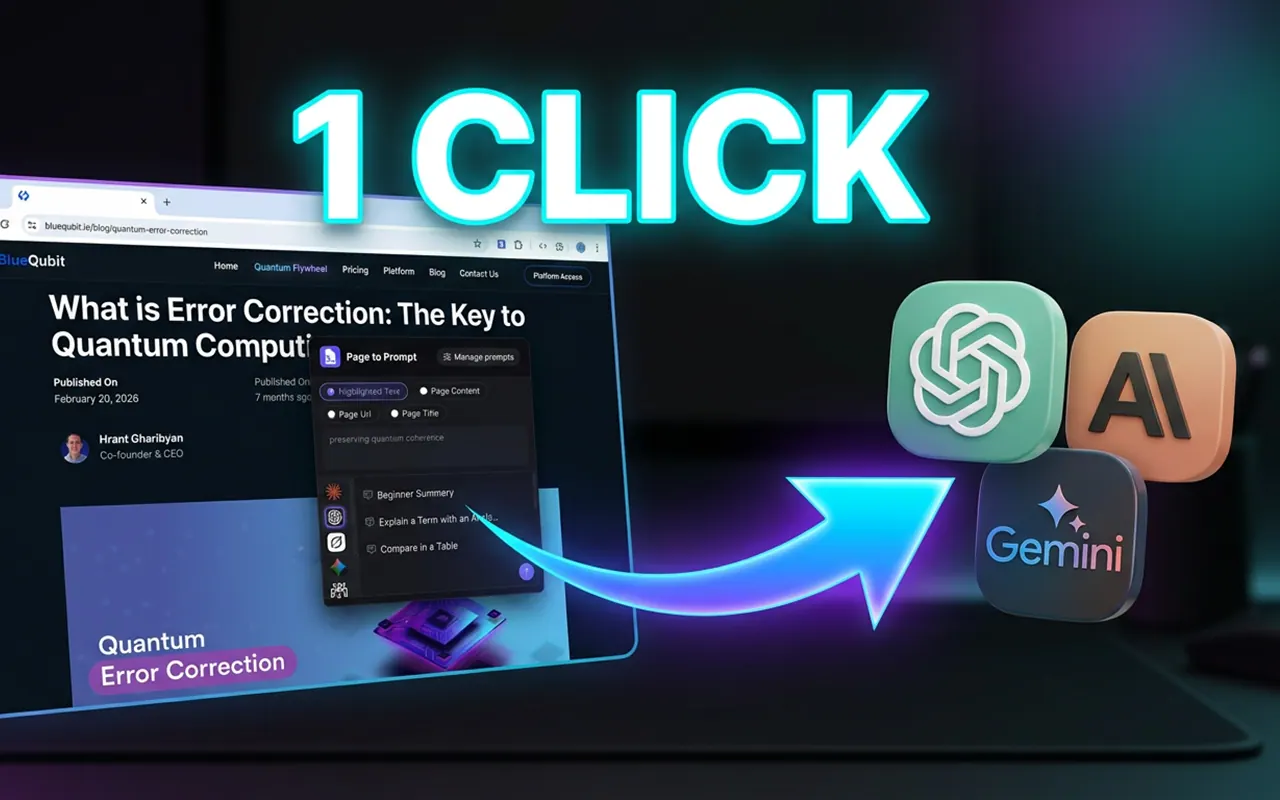
What does Page to Prompt do?
Page to Prompt is a Chrome extension that helps you create and manage prompts from any web page. Instead of copying and reformatting text, you can send highlighted text, the page content, the page URL, or the page title directly into your preferred AI assistant.
Build a reusable prompt library and insert your selection with the {{SELECTED_TEXT}} placeholder. When you run a prompt, {{SELECTED_TEXT}} is replaced with the text you highlighted, so you can quickly apply the same instruction to different pages or sections.
To use it, right-click on a page and choose Page to Prompt, or press Cmd + Shift + P (you can change the shortcut in Chrome extension settings). Pick what you want to send and then choose the AI assistant you want to use: Claude, ChatGPT, Grok, Gemini, Perplexity, Copilot, or Qwen. Click a saved prompt to open the assistant, or click edit to load the prompt into the input box before sending.
Your conversations can continue: the extension remembers the AI tab it connected to, so selecting another prompt continues in the same conversation instead of starting over. It can also work with multiple AIs at once, keeping each AI’s tab separate.
Pricing is $5.99/month with unlimited page-to-prompt conversions, works on any public web page, includes all future updates, and you can cancel anytime.
What can I send from a page using Page to Prompt?
You can send Highlighted Text, Page Content, Page URL, or Page Title into your chosen AI assistant.
How does the {{SELECTED_TEXT}} placeholder work?
Add {{SELECTED_TEXT}} in your prompt, highlight text on a page, and run the prompt—{{SELECTED_TEXT}} will be replaced with what you highlighted.
Which AI assistants does Page to Prompt support?
You can open prompts in Claude, ChatGPT, Grok, Gemini, Perplexity, Copilot, and Qwen.
Will my next prompt restart a new conversation?
No—Page to Prompt remembers the AI tab it connected to, so the next prompt continues the same conversation. Each AI’s tab is remembered separately if you use multiple assistants.
Do I need AI accounts to use the extension?
Yes. The AI assistants run in your own web accounts, and Page to Prompt is a bridge that connects the current page to the AI you choose.
What does the $5.99/month subscription include?
Unlimited page-to-prompt conversions, support for any public web page, all future updates included, and you can cancel anytime after subscribing.
This listing is claimed
Own Page to Prompt? Sign in with the email used to claim it to manage this listing, or upgrade to Pro for featured-first placement and a newsletter feature.