
Ozil Goal AI
AI Video Maker Generators & Tools
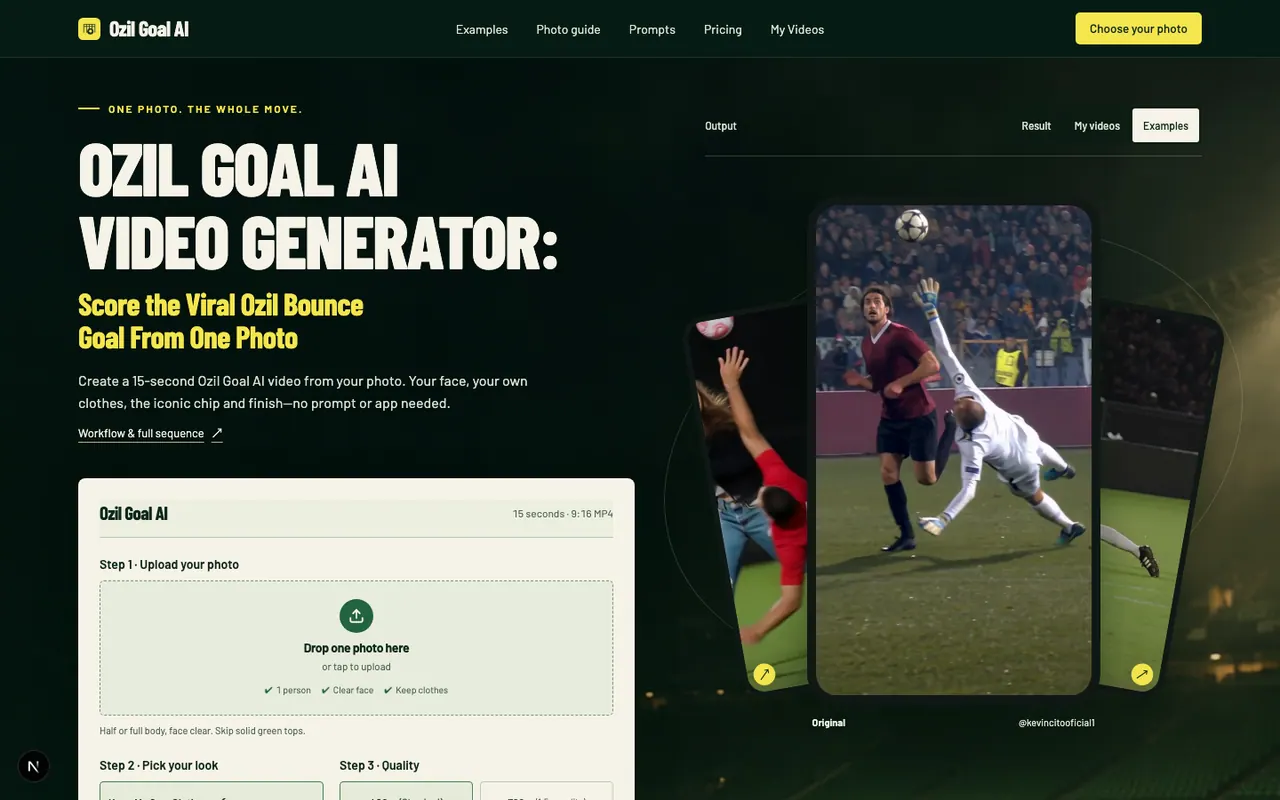
Turn one photo into a 15-second Ozil Goal AI video, choose Standard (480p) or HD (768p), and get an MP4 result.
Promoted
 AI Checker PlusAI detector that highlights which passages AI wrote. Free check, no sign-up. Plagiarism too.
 RewindType any X/Twitter handle. Get their year back as a narrated video story. Then ask it anything.
 KurodyneSell the tools from your AI side projects. Listing is free.
 Sidrune AI85% off. Stable Claude API for agent developers. Pay as you go. Invoices & refunds available.
 Pixmax.aiPixmax.ai is an all-in-one AI workspace for videos, visual stories, and marketing content.
 SEOify - Improve your SEO & rankingsBuild links to rank in Google. Improve your DR with links you can start building now.Advertise here270,000+ people visit Dang.ai every month.
What does Ozil Goal AI do?
Ozil Goal AI lets you create a viral-style 15-second “Ozil bounce goal” video from a single portrait. Upload one photo of yourself (one person), review how your chip, bounce, slide-by defenders, and finish look, and download an MP4 once the render completes.
The workflow is built around keeping your identity and outfit: the process uses your face and clothes from your uploaded image to generate the full move. You’ll choose between two quality options—480p Standard or 768p HD—and the output is formatted as a vertical 9:16 MP4 for TikTok-style viewing. A free photo check shows the exact price before you pay, and failed renders return credits automatically.
To get the best results, start with a clear face and visible outfit. Half or full-body photos work best, while solid green tops may blend with the pitch. Avoid sunglasses, masks, or anything covering your face, and keep other people out of the frame.
Pricing is pay-per-video with one-time packs (no subscription). 480p Standard uses 1 video credit, while 768p HD uses 1.5. Packs start at $9.90 for 2 Standard videos, and larger packs are available for multiple tries.
What does Ozil Goal AI create from my photo?
It generates a 15-second vertical 9:16 MP4 showing the full “Ozil bounce goal” sequence from a single-photo input (chip, bounce, defenders sliding past, and the finish).
Do I keep my own clothes and face?
Yes—upload a photo with a clear face and visible outfit, and the generator uses that to keep your look as the character in the sequence. You’ll also want to review the full video and final frame before sharing.
What photo should I use for the best outcome?
Use one person with a clear face and an outfit visible (half or full body). Face-only selfies make clothing less reliable, and solid green tops can cause blending with the pitch.
How much does it cost, and is there a subscription?
Video rendering is pay-per-video with one-time packs and no subscription. Standard 480p uses 1 video credit and HD 768p uses 1.5, with packs starting at $9.90 for 2 Standard videos.
What happens if the render fails or the result is broken?
If a render fails, credits are returned automatically. If something is clearly broken (such as no face, frozen output, no goal, or no sound), you can report the task for an approval review that returns credits.
How do the quality options (480p vs 768p) affect my credit usage?
480p Standard uses 1 video credit per 15-second video, while 768p HD uses 1.5 credits per 15-second video.
This listing is claimed
Own Ozil Goal AI? Sign in with the email used to claim it to manage this listing, or upgrade to Pro for featured-first placement and a newsletter feature.