
AISwapFace
AI Face Swap Tool
AISwapFace lets you swap faces in photos, GIFs, and videos directly in your browser—no sign-up for most uses and free credits available.
Promoted
 Sidrune AI85% off. Stable Claude API for agent developers. Pay as you go. Invoices & refunds available.
 Pixmax.aiPixmax.ai is an all-in-one AI workspace for videos, visual stories, and marketing content.
 SEOify - Improve your SEO & rankingsBuild links to rank in Google. Improve your DR with links you can start building now.Advertise here270,000+ people visit Dang.ai every month.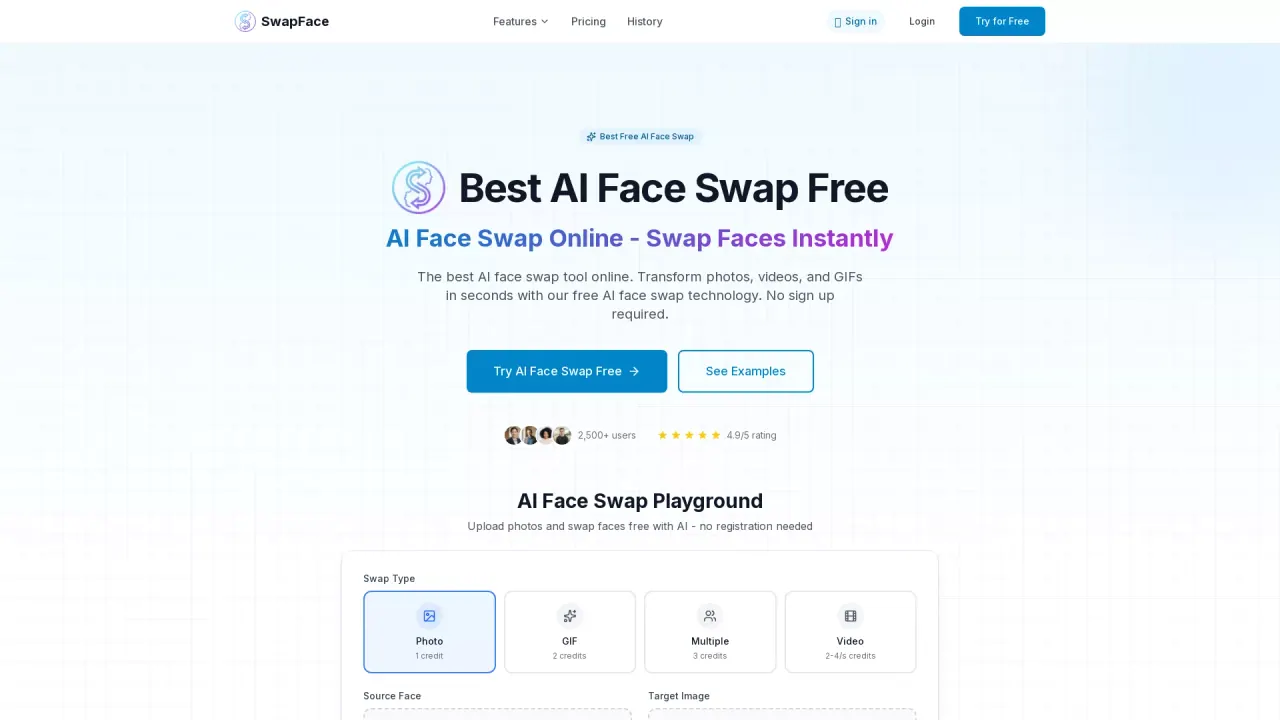
What does AISwapFace do?
AISwapFace is an AI face swap tool you can use online to create edited images and animations by replacing a source face with a target face. It supports photo swaps, GIF swaps, video swaps, and multi-face swaps for group photos. Photos and GIFs are designed for quick results, with swaps completing in seconds.
The workflow is simple: upload your source image (the face you want to use), upload or select the target image (where you want the face to appear), then download the finished swap. If you don’t have a photo handy, you can use a sample to try the process. For video, the tool performs frame-by-frame tracking for more natural results, and video swaps typically take a few minutes.
AISwapFace includes features for different content types: high-quality photo swaps, animated GIF face swaps, video face swaps, group photos via multi-face swapping, and AI portrait/image swaps. File support covers JPG, PNG, and WebP for photos (up to 10 MB), GIFs up to 20 MB, and videos (MP4, WebM, or MOV) up to 50 MB.
Pricing is credit-based. Free usage includes 5 free credits every 24 hours for photo, GIF, and multi-face swaps (no account needed for those types). Video requires a free account using a 6-digit email code, and new accounts get 10 free credits with the first video swap free. Paid credits are available as optional one-time packs starting at $14.99 for 250 credits, with no subscription. There’s no watermark on free or paid results.
How do I use AISwapFace to swap a face in a photo?
Upload your source photo (the face you want to use), upload or select the target photo (where the face should go), then download the result. Photo swaps usually finish in a few seconds.
Is there a free option on AISwapFace?
Yes. You can get 5 free credits every 24 hours for photo, GIF, and multi-face swaps without signing up. Video also starts free with a free account and an initial set of credits.
Do I need an account for photos and GIFs?
No—photos and GIFs can be swapped without creating an account. Video swaps require a free account with a 6-digit email code.
Which file types and limits are supported?
Photos support JPG, PNG, or WebP up to 10 MB; GIFs up to 20 MB; and videos (MP4, WebM, MOV) up to 50 MB.
Are the results watermarked?
No. There’s no watermark on both free and paid results.
How much do paid credits cost on AISwapFace?
Paid credits are available as optional one-time packs starting from $14.99 for 250 credits. There’s no subscription.
This listing is claimed
Own AISwapFace? Sign in with the email used to claim it to manage this listing, or upgrade to Pro for featured-first placement and a newsletter feature.