
On-Model
AI Fashion Stylist and Design Tools
On-Model uses AI to turn fashion flat-lays into on-model imagery, create packshots, and swap models—preserving garment details at pixel level.
- Pricing
- Free
- Category
- Fashion
- Listed
- Jun 13, 2026
- Updated
- Jun 14, 2026
What does On-Model do?
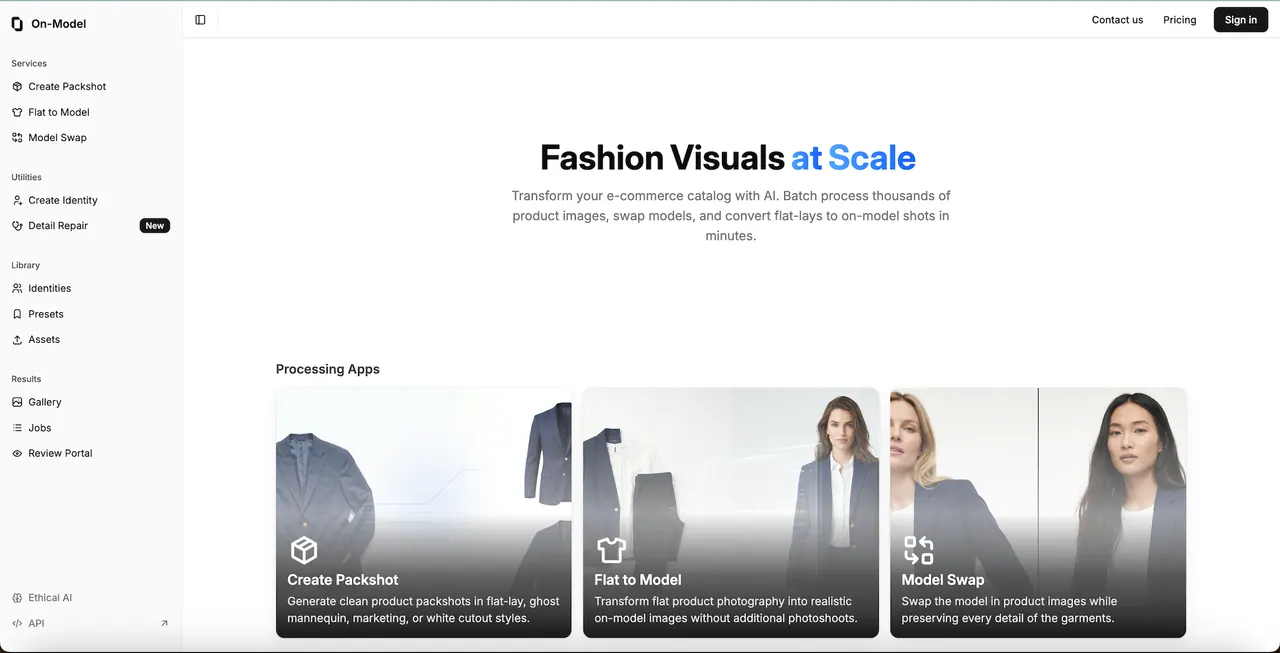
On-Model is an AI fashion visuals studio built for e-commerce teams that need high-quality product imagery at scale. Convert flat-lay product photos into realistic on-model shots, generate marketplace-ready packshots, or recast existing PDP imagery with model swap.
The focus is on garment preservation: stitches, seams, patterns, and textures are kept pixel-accurate to your original inputs. That makes it practical to expand content coverage without reshooting entire catalogs.
For teams processing lots of assets, On-Model supports batch workflows and offers a REST API for automation. You can upload folders (in common formats up to 4K), choose from 70+ AI model identities or upload a reference photo to build a consistent digital twin, then generate results for use across your listings.
What can I create with On-Model?
You can generate packshots, convert flat-lays to on-model imagery, and swap models in existing product photos—all while preserving garment details.
How does On-Model keep garments looking accurate?
It’s built to preserve pixel-perfect garment detail from your original images, including stitches, seams, patterns, and texture.
Can I use my own brand model faces?
Yes. Upload reference images of your brand model and On-Model can use those faces to create consistent imagery across your catalog.
What input formats and output resolution are supported?
On-Model supports JPEG, PNG, and WebP inputs up to 4K, and can generate output images up to 4K.
How does batch processing work?
Upload a folder of product images, select the model and settings you want, run the job, then track progress in real time and download the results as a zip package.
Is there an API for automation?
Yes. On-Model provides a REST API (and SDKs for TypeScript & Python) so you can automate content generation end-to-end.
Is this your tool?
Upgrade On-Model to Pro for featured-first placement, a newsletter feature and ongoing listing management.