
Oimi AI Studio
AI Video Maker Generators & Tools
Oimi AI Studio lets you create AI images, videos, music, and canvas workflows in one online infinite canvas—starting from templates or a blank space.

- Pricing
- Free
- Category
- Video
- Listed
- Sep 28, 2026
- Updated
- Sep 29, 2026
Promoted
 Sidrune AI85% off. Stable Claude API for agent developers. Pay as you go. Invoices & refunds available.
 Pixmax.aiPixmax.ai is an all-in-one AI workspace for videos, visual stories, and marketing content.
 SEOify - Improve your SEO & rankingsBuild links to rank in Google. Improve your DR with links you can start building now.Advertise here270,000+ people visit Dang.ai every month.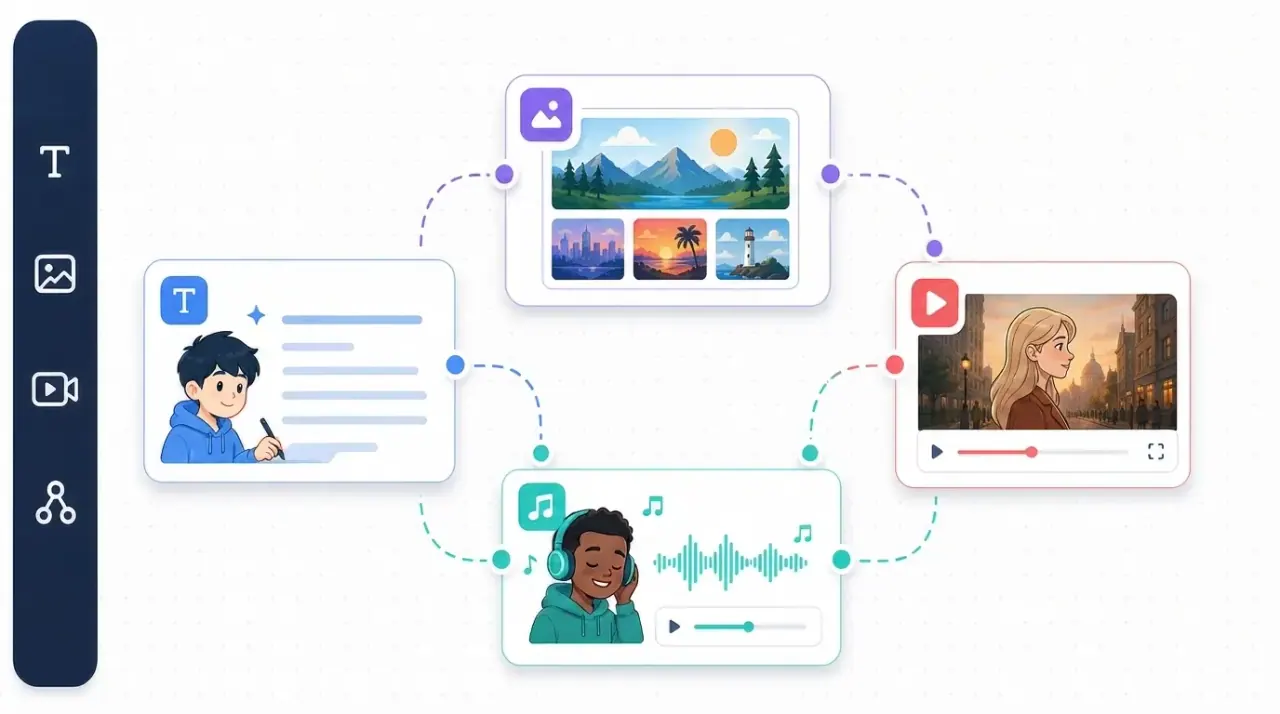
What does Oimi AI Studio do?
Oimi AI Studio is a browser-based infinite canvas for creating AI images, videos, and music in one place. Instead of moving between separate tools, you can build visuals, turn them into motion, and extend the creative flow with music—without installing anything.
Start from a blank canvas or pick from template bundles that include workflows, models, prompts, and settings. These templates are designed to recreate viral-style results quickly, such as storyboard-to-video workflows for ads and shorts, photo-to-video experiments, and style generation from a single reference image.
Oimi AI Studio supports a range of AI creation modes including AI image generation, AI video generation, storyboard-to-video, Nano Banana for styled portraits with character consistency, Seedance 2.0 for cinematic multi-shot storytelling, and AI music creation using SUNO. It also includes tools like background removal and creation guides to help you continue building directly in the canvas.
What can I create in Oimi AI Studio?
You can generate AI images, create AI videos, and produce AI music, all inside a single online infinite canvas. You can also use storyboard-to-video workflows to turn panels into short video shots.
Do I need to install software to use it?
No—Oimi AI Studio runs in your browser. You can start creating from the canvas without installing anything.
Can I start from templates instead of a blank prompt?
Yes. Explore canvas workflow templates that bundle models, prompts, and settings, so you can recreate trending image and video styles with one-click workflow setups.
What kinds of inputs can I use for video generation?
You can generate video from text and from visual references such as photos and storyboard panels. For storyboard-to-video, you build the panels first and then convert them into video shots.
How do credits work in Oimi AI Studio?
Credits are consumed differently depending on the selected model and output type. 4K image generation, video duration, and music creation each use different amounts, and you can view the current credit cost when selecting a model in the canvas.
Is there a way to try Oimi AI Studio before subscribing?
Yes—there’s a free trial on signup that provides introductory credits to explore the platform.
This listing is claimed
Own Oimi AI Studio? Sign in with the email used to claim it to manage this listing, or upgrade to Pro for featured-first placement and a newsletter feature.