
HandwrittenNotesToText
AI OCR Tool
Handwritten Notes to Text is an AI OCR tool that converts photos or scans of handwritten pages into editable digital text.
Promoted
 Sidrune AI85% off. Stable Claude API for agent developers. Pay as you go. Invoices & refunds available.
 Pixmax.aiPixmax.ai is an all-in-one AI workspace for videos, visual stories, and marketing content.
 SEOify - Improve your SEO & rankingsBuild links to rank in Google. Improve your DR with links you can start building now.Advertise here270,000+ people visit Dang.ai every month.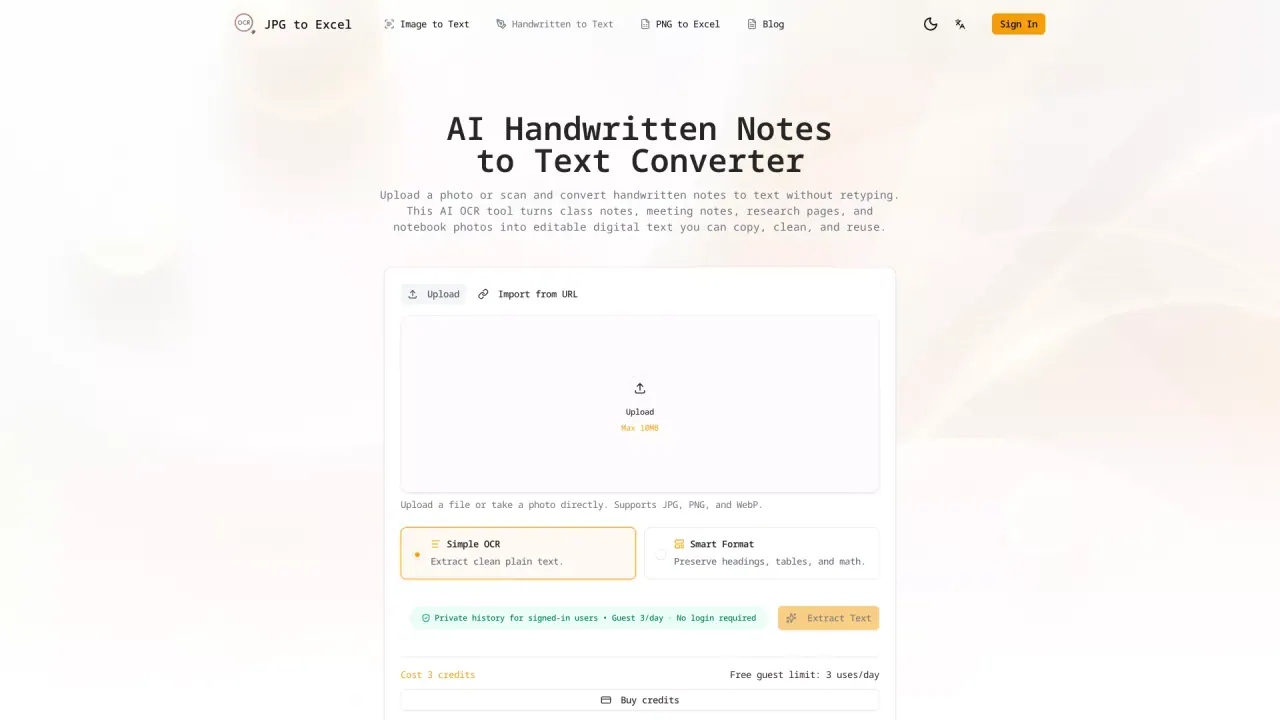
What does HandwrittenNotesToText do?
Upload a photo or scan of handwritten notes and use AI OCR to convert them into clean, editable text—so you don’t have to retype pages from a notebook, worksheet, or meeting.
The tool is designed for real handwriting, including content like lecture notes, research pages, handwritten checklists, and mixed-format notes. It supports uploading images (JPG, PNG, and WebP) and can preserve useful structure such as line breaks, lists, headings, and paragraph formatting.
After OCR, copy the result into tools you already use (like Google Docs, Microsoft Word, Notion, or email). For math and scientific work, it can recognize equations and convert them into editable LaTeX/MathML codes, and it can also detect and isolate hand-drawn diagrams and geometry elements as inline images.
You can run conversions directly in your browser from a phone, tablet, or laptop—then review the output for names, numbers, dates, and formulas before sharing or saving.
Can I convert handwritten notes to text online?
Yes. Upload a photo or scan in your browser and the handwritten notes are converted into editable digital text for you to review and copy.
Does it work for cursive handwriting?
It’s built for handwritten pages, including messy real-world handwriting styles. For best results, use a clear, well-lit image and review names, numbers, and formulas afterward.
What types of handwritten content can I upload?
You can upload handwritten lecture notes, study summaries, meeting notes, lab/field notes, handwritten citations, filled forms and checklists, and pages with math or tables.
What file types and size limits are supported?
You can upload JPG, PNG, and WebP files, with a maximum size of 10MB per upload.
Can I use the converted text in Word, Google Docs, or Notion?
Yes. After OCR, you can copy the text into Word, Google Docs, Notion, email, or other apps to edit, store, or share your notes.
Is the OCR output always perfect?
No OCR can guarantee perfection—handwriting varies and accuracy depends on image clarity. Always check proper names, dates, numbers, addresses, and any formulas before relying on the output.
This listing is claimed
Own HandwrittenNotesToText? Sign in with the email used to claim it to manage this listing, or upgrade to Pro for featured-first placement and a newsletter feature.