
NovaClipper
AI Video Maker Generators & Tools
NovaClipper turns a script or long video into vertical, captioned Shorts-style clips using AI narration, auto-reframing, and viral moment detection.
Promoted
 Sidrune AI85% off. Stable Claude API for agent developers. Pay as you go. Invoices & refunds available.
 Pixmax.aiPixmax.ai is an all-in-one AI workspace for videos, visual stories, and marketing content.
 AI Checker PlusAI detector that highlights which passages AI wrote. Free check, no sign-up. Plagiarism too.
 RewindType any X/Twitter handle. Get their year back as a narrated video story. Then ask it anything.
 KurodyneSell the tools from your AI side projects. Listing is free.
 SEOify - Improve your SEO & rankingsBuild links to rank in Google. Improve your DR with links you can start building now.Advertise here270,000+ people visit Dang.ai every month.
What does NovaClipper do?
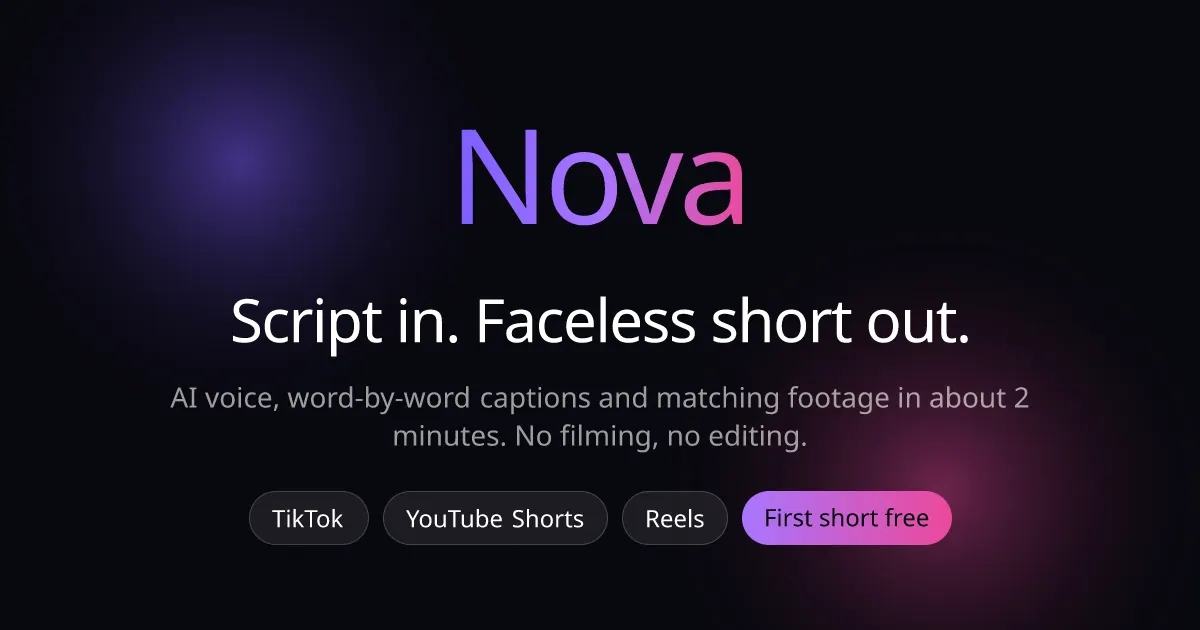
NovaClipper helps you repurpose content into ready-to-post vertical short videos quickly—without needing to film. Start by pasting a script (or describing it in one line). Nova narrates it using an AI voice over looping background footage, then generates word-by-word, animated captions timed to the narration so your short reads as clearly as it sounds.
If you already have a long-form video, Nova can extract the most post-worthy segments. It finds moments worth clipping and ranks them for viral potential, creating multiple vertical clips. Nova also reframes for 9:16 with active-speaker tracking, helping keep whoever is speaking properly centered instead of losing them to center-cropping.
Across both workflows, the output is designed to be “scroll-stopping”: every clip is vertical, captioned, and uses kinetic text to keep attention on the message. You can process a video file to get several clips per input, with live progress tracking while renders run.
Nova supports creating clips for TikTok, YouTube Shorts, and Instagram Reels, and it supports captions across 99+ languages. Pricing starts with a free plan (30 minutes/month, standard quality, auto captions, and no credit card required). Paid plans include Starter ($15/mo, 150 minutes/month), Pro ($29/mo, 300 minutes/month), and Premium ($99/mo, 1,000 minutes/month). Your first short is free with no credit card required.
Can I create faceless shorts from a script?
Yes. Paste or write your script and Nova narrates it with an AI voice over looping background footage, then generates timed, animated word-by-word captions.
How does Nova turn a long video into multiple Shorts clips?
Nova transcribes the video, ranks segments by viral potential, and exports several 9:16 vertical clips with animated captions so you can post to TikTok, Shorts, and Reels.
Will Nova keep the active speaker framed correctly for 9:16?
Yes. Nova uses active-speaker tracking and spatial reframing so the person speaking stays properly centered instead of getting cut off by center-cropping.
Does Nova support non-English captions?
Yes. Captions are generated from your script and support 99+ languages, including Hindi, Arabic, Urdu, and Russian.
Can I clip directly from a YouTube link?
Not right now. YouTube link clipping is temporarily unavailable, but you can upload a video file and processing works normally. Making a faceless short from a script is also unaffected.
What plans are available and do I need a credit card?
You can start with a Free plan (30 minutes/month) with no credit card required. Paid options include Starter ($15/mo), Pro ($29/mo), and Premium ($99/mo), each with more processing minutes.
This listing is claimed
Own NovaClipper? Sign in with the email used to claim it to manage this listing, or upgrade to Pro for featured-first placement and a newsletter feature.