Nano Banana
AI Image Generators from Text Tools
Nano Banana generates and edits identity-consistent portraits and realistic composites from prompts using Google’s latest AI model.
- Pricing
- Free
- Category
- Image
- Listed
- Aug 13, 2026
- Updated
- Nov 1, 2026
Promoted
 AI Checker PlusAI detector that highlights which passages AI wrote. Free check, no sign-up. Plagiarism too.
 RewindType any X/Twitter handle. Get their year back as a narrated video story. Then ask it anything.
 KurodyneSell the tools from your AI side projects. Listing is free.
 Sidrune AI85% off. Stable Claude API for agent developers. Pay as you go. Invoices & refunds available.
 Pixmax.aiPixmax.ai is an all-in-one AI workspace for videos, visual stories, and marketing content.
 SEOify - Improve your SEO & rankingsBuild links to rank in Google. Improve your DR with links you can start building now.Advertise here330,000+ people visit Dang.ai every month.
What does Nano Banana do?
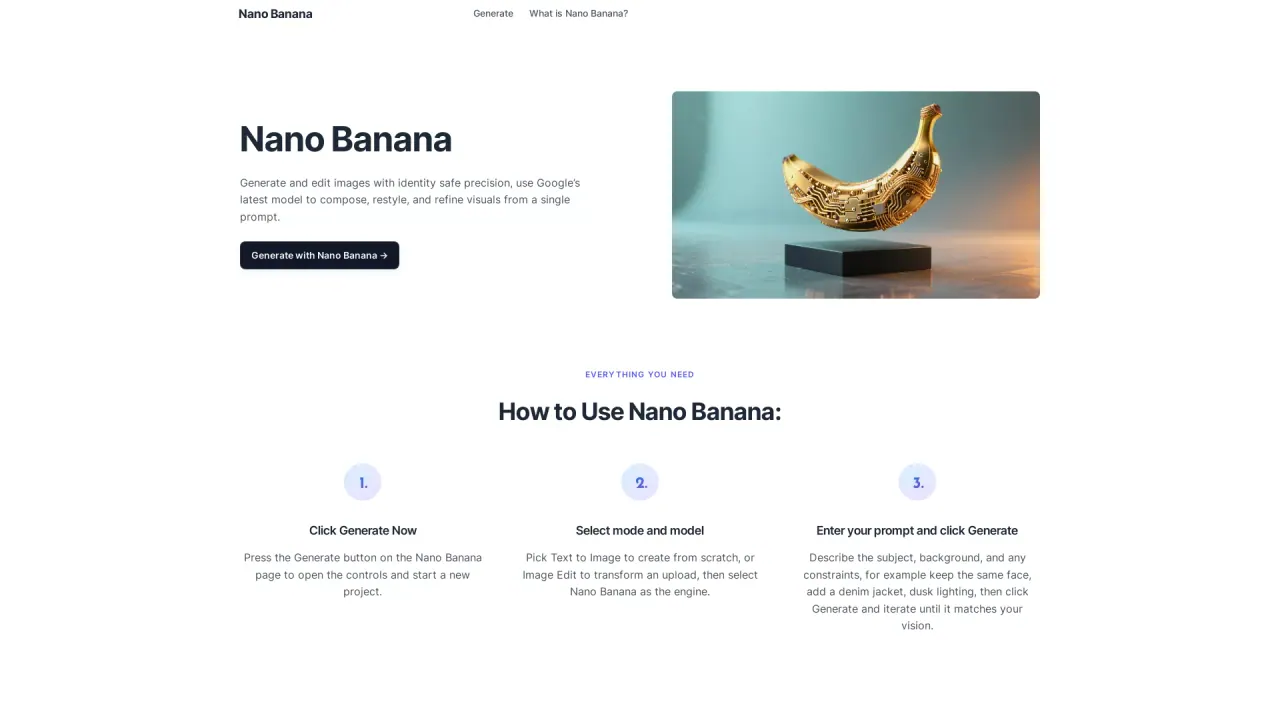
Nano Banana is an AI image generation and editing tool built to compose, restyle, and refine visuals from a single prompt. It focuses on identity-safe results—keeping faces, pets, and signature details consistent even when you change outfits, locations, or lighting—so a set of images stays recognizably the same subject.
You can start from scratch using Text to Image, or transform an existing upload with Image Edit. Work by selecting your mode and engine, entering a prompt with clear constraints (like maintaining the same face while changing clothing and lighting), and iterating until the image matches your vision.
Nano Banana also supports believable compositing. It can add or remove objects, rebuild backgrounds, and harmonize shadows so edits look natural instead of “cut out.” Perspective and grain are kept coherent to help complex retouches remain clean without spending hours on manual masking.
For creative look changes, Nano Banana includes style transfer that respects form and materials. You can transfer color, texture, or patterns from one image onto objects in another while keeping highlights and wrapping realistic—useful for material studies, apparel mockups, and product finish exploration.
Can Nano Banana keep the same person across multiple edits?
Yes—Nano Banana is designed to preserve identity details like faces, pets, and signature characteristics across outfits, locations, and lighting, so a series stays consistent.
What’s the difference between Text to Image and Image Edit in Nano Banana?
Text to Image creates an image from scratch based on your prompt, while Image Edit transforms an uploaded image using the same Nano Banana engine.
Can I add or remove objects and swap backgrounds?
Yes. Nano Banana can add or remove objects and rebuild backgrounds, while working to harmonize shadows and keep perspective consistent.
How does Nano Banana help with realistic compositing?
It aims to keep edits believable by harmonizing shadows, maintaining coherent perspective and grain, and aligning edits so the result doesn’t look like a cut-and-paste composite.
Does Nano Banana support style transfer that respects materials?
Yes. It can transfer color, texture, or patterns while keeping materials wrapped around curves and edges with realistic highlights.
How do I use Nano Banana to enforce constraints like a specific likeness and lighting?
Describe the subject and any constraints in your prompt—e.g., “keep the same face,” then specify changes like outfit, background, and dusk lighting—then generate and iterate.
Is this your tool?
Claim Nano Banana to manage this listing, or upgrade to Pro for featured-first placement and a newsletter feature.