
MusicVisualizer
AI Video Maker Generators & Tools
Create audio-reactive music visualizer videos in your browser by syncing artwork and presets to your track.
- Pricing
- Free
- Category
- Video
- Listed
- Sep 17, 2026
- Updated
- Sep 17, 2026
Promoted
 RewindType any X/Twitter handle. Get their year back as a narrated video story. Then ask it anything.
 KurodyneSell the tools from your AI side projects. Listing is free.
 Sidrune AI85% off. Stable Claude API for agent developers. Pay as you go. Invoices & refunds available.
 Pixmax.aiPixmax.ai is an all-in-one AI workspace for videos, visual stories, and marketing content.
 SEOify - Improve your SEO & rankingsBuild links to rank in Google. Improve your DR with links you can start building now.Advertise here270,000+ people visit Dang.ai every month.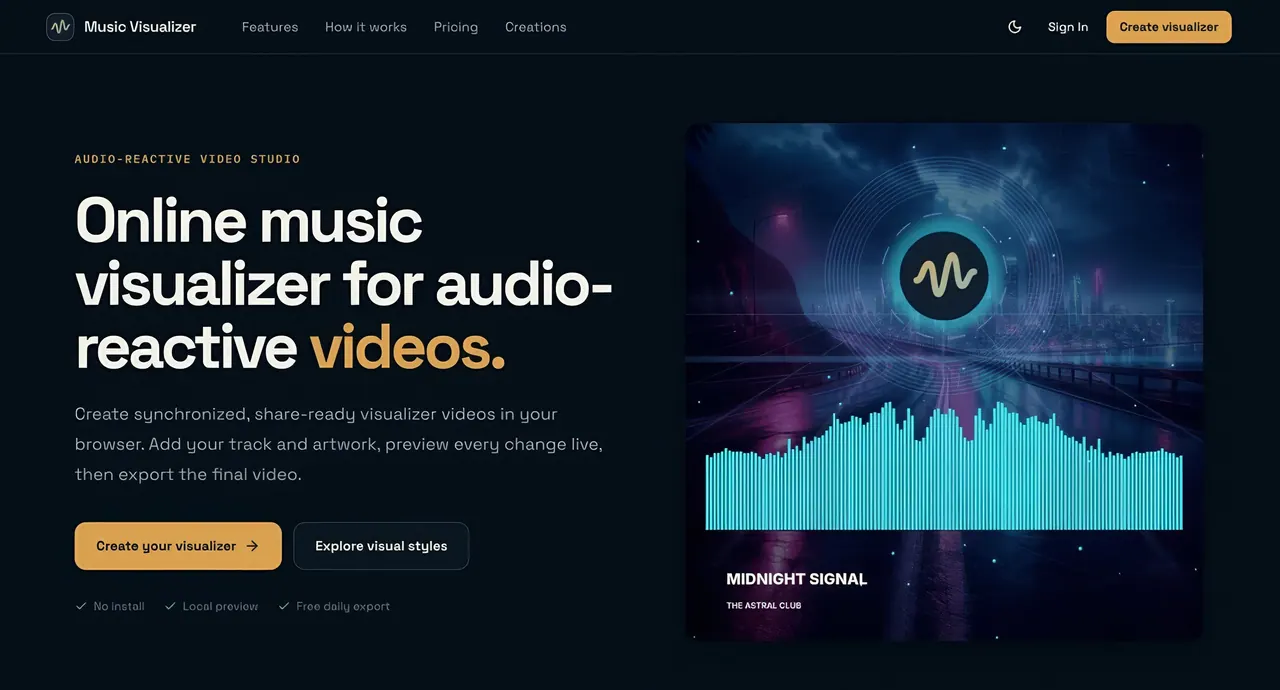
What does MusicVisualizer do?
MusicVisualizer is an online music visualizer studio for making synchronized, share-ready audio-reactive videos without installing software or using a subscription. Add a track and artwork, preview changes live, and export polished H.264 videos in formats designed for modern platforms.
Start from one of 19 audio-reactive presets and customize the look with your audio, artwork, logo, title, colors, composition, and motion intensity. Motion is driven by real-time frequency analysis so bars and pulses respond naturally to each beat and frequency.
Edit using a local-first workflow: audio and images stay in your browser while you preview, and uploads begin only when you export. Choose square (1:1), vertical (9:16), or widescreen (16:9), then render reliably in the cloud for up to 2K resolution and up to 60 FPS. Finished videos remain available for unlimited downloads during their retention window (download access lasts for 14 days).
What is a music visualizer?
A music visualizer turns the rhythm and frequency of an audio track into synchronized motion, creating a shareable video that matches your music.
Do I need to upload files before I start editing?
No. Your audio and images stay on your device while you edit and preview in the browser. Uploads begin only when you export the final video.
What video quality and format can I export?
Exports are H.264 video rendered in the cloud, supporting up to 2K resolution and up to 60 FPS. You can also choose square (1:1), vertical (9:16), or widescreen (16:9) formats.
What do the free daily exports include?
Each account receives one free export per day. For additional exports, longer/high-quality, watermark-free videos are available using one-time credits.
How many presets are available?
You can start from 19 professionally designed audio-reactive presets and then customize artwork, logo, text, colors, composition, and motion intensity.
Where can I publish the videos?
Use the studio to create release videos, social clips, or long-form visuals by selecting the right ratio—square, vertical, or widescreen—before exporting.
This listing is claimed
Own MusicVisualizer? Sign in with the email used to claim it to manage this listing, or upgrade to Pro for featured-first placement and a newsletter feature.