MusicMV
Verified
AI Music Tools & Generators
Turn your song and photo into a beat-synced AI music video with storyboard preview, lip-sync singing shots, and MP4 downloads up to 1080p.
- Pricing
- Free trial
- Category
- Music
- Listed
- Oct 31, 2026
- Updated
- Nov 14, 2026
Promoted
 AI Checker PlusAI detector that highlights which passages AI wrote. Free check, no sign-up. Plagiarism too.
 RewindType any X/Twitter handle. Get their year back as a narrated video story. Then ask it anything.
 KurodyneSell the tools from your AI side projects. Listing is free.
 Pixmax.aiPixmax.ai is an all-in-one AI workspace for videos, visual stories, and marketing content.
 SEOify - Improve your SEO & rankingsBuild links to rank in Google. Improve your DR with links you can start building now.Advertise here330,000+ people visit Dang.ai every month.
What does MusicMV do?
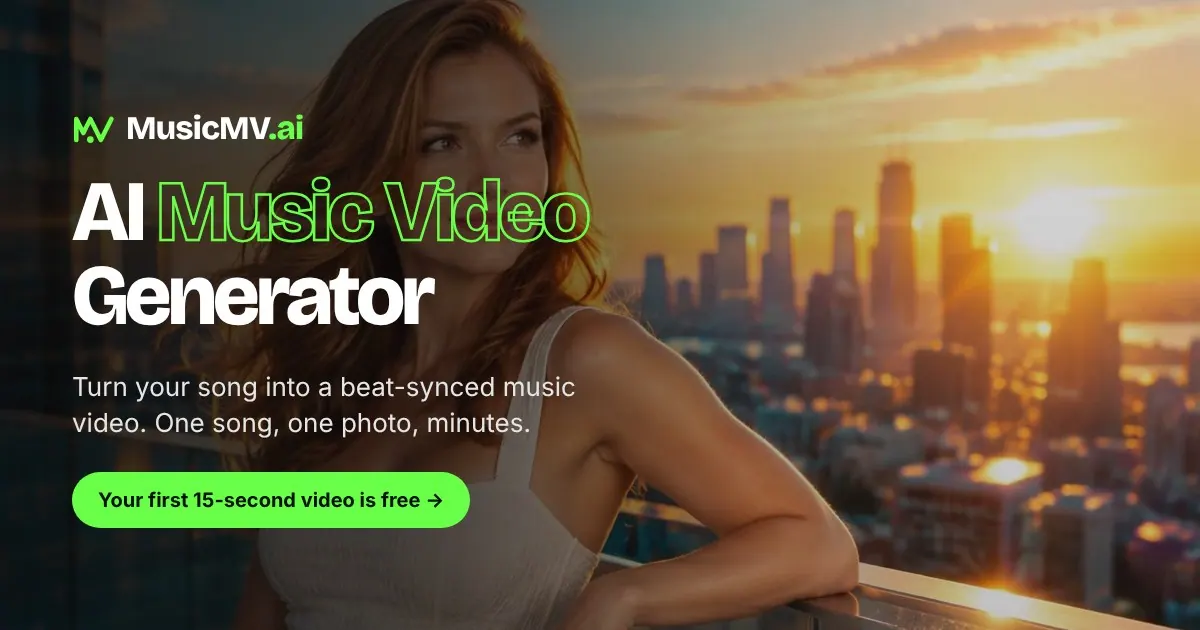
MusicMV is an AI music video generator that transforms your track into a finished, beat-synced MP4 video using a clear photo of your lead. Upload a song (MP3, WAV, or M4A) and a front-facing photo, then choose whether you want a full-song video or just the chorus. MusicMV analyzes your track’s beat, sections, lyrics, and mood to plan a shot-by-shot storyboard and cut each scene to the music.
You can choose how your lead appears: in “Sing & Perform,” your main character sings with lip-sync across the story scenes; in “Perform,” the lead acts out the music without lip-sync. MusicMV also keeps your lead consistent from frame to frame so the performance feels like one continuous character across the entire video. Before rendering, you’ll see a storyboard preview and can review every storyboard frame.
Editing is built around shot-level control. If you don’t like a frame or moment, you can redraw shots and regenerate clips before your final render, so you only pay credits for the version you’re happy with. There’s also the option to generate format-ready videos for common platforms—9:16 for TikTok and Reels, and 16:9 for YouTube—plus additional aspect ratios (1:1, 4:3, 3:4). Downloads are available as MP4 up to 1080p.
Pricing is credit-based with no subscription or recurring payments. Costs are 1 credit per second at 768p and 2 credits per second at 1080p, and credits never expire. You can start free, and a 15-second chorus clip costs 15 credits. Credit packs are available (including Starter, Creator, Studio, and Studio Plus), with Black Friday discounts showing up at checkout.
What do I need to make a music video with MusicMV?
Upload your song (MP3, WAV, or M4A) and add a clear, front-facing photo of your lead. Then pick whether you want the whole song or just the chorus.
How does MusicMV keep the video beat-synced?
MusicMV maps your track’s beat, sections, and mood, then plans a shot-by-shot storyboard and cuts each shot to land on the music.
Can the lead lip-sync singing in the video?
Yes—lip-sync singing shots are available for the main character in “Sing & Perform.” In “Perform,” the lead focuses on story scenes without lip-sync.
Do I get to review the storyboard before rendering?
Yes. You can preview storyboard frames for every shot and rewrite or redraw shots you don’t like before you spend credits on the final render.
What video formats and sizes can I download?
You can download MP4 videos up to 1080p in 9:16, 16:9, 1:1, 4:3, or 3:4—optimized for platforms like TikTok/Reels (9:16) and YouTube (16:9).
How does credit pricing work, and do credits expire?
There’s no subscription—payment is credit-based. It costs 1 credit per second at 768p and 2 credits per second at 1080p, and credits never expire.
This listing is claimed
Own MusicMV? Sign in with the email used to claim it to manage this listing, or upgrade to Pro for featured-first placement and a newsletter feature.