
Music3AI
AI Music Tools & Generators
Music3AI is an online AI music generator that turns lyrics into complete, mixed songs with genre, BPM, key, and vocal controls.
- Pricing
- Free
- Category
- Music
- Listed
- Aug 25, 2026
- Updated
- Aug 25, 2026
Promoted
 KurodyneSell the tools from your AI side projects. Listing is free.
 Sidrune AI85% off. Stable Claude API for agent developers. Pay as you go. Invoices & refunds available.
 Pixmax.aiPixmax.ai is an all-in-one AI workspace for videos, visual stories, and marketing content.
 RewindType any X/Twitter handle. Get their year back as a narrated video story. Then ask it anything.
 SEOify - Improve your SEO & rankingsBuild links to rank in Google. Improve your DR with links you can start building now.Advertise here270,000+ people visit Dang.ai every month.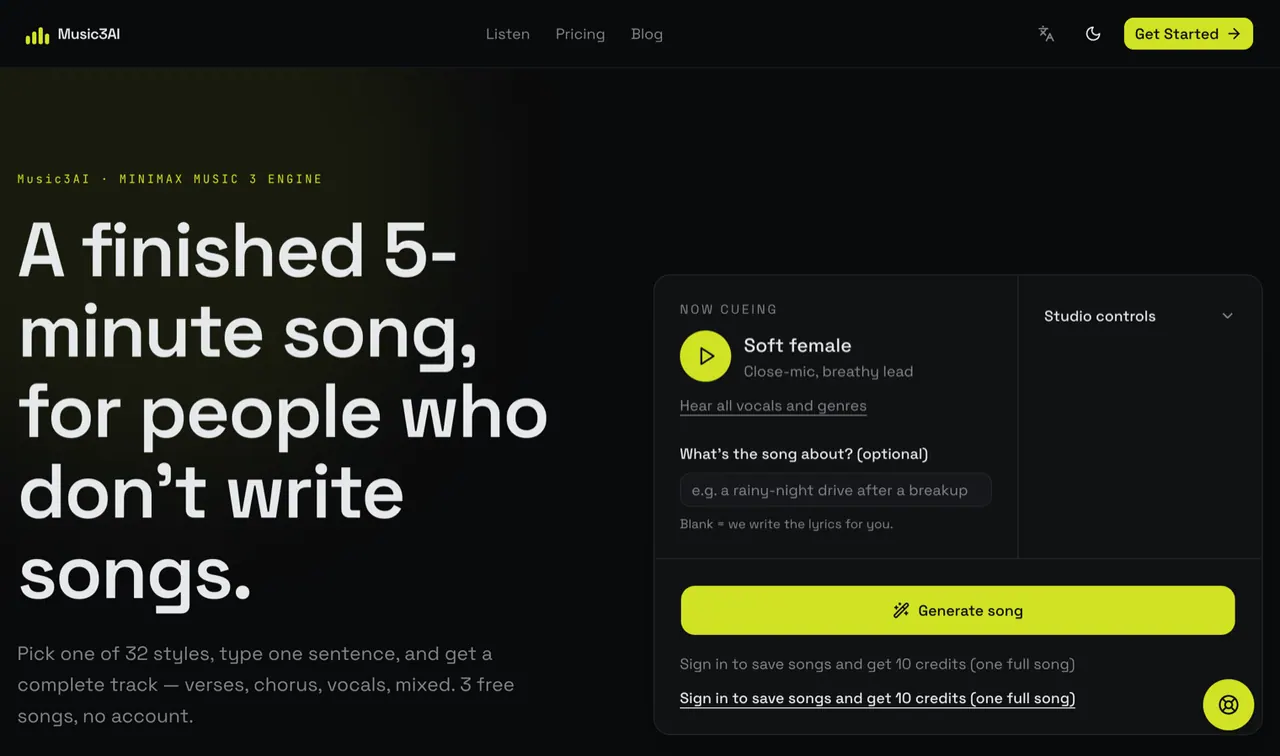
What does Music3AI do?
Music3AI turns a short lyric idea into a finished, mixed track powered by the MiniMax Music 3 engine. You can generate a complete song with verses, chorus, vocals, and a backing track—without needing music theory, a DAW, or mixing skills.
Start by choosing a style from 32 presets with real previews, then add what the song is about (optional). If you want more direction, you can use studio controls like BPM, musical key, vocal timbre, and arrangement style to shape the sound. Section tags help guide structure so your lyrics map to the song rather than ending up as a random arrangement.
Generation outputs come as downloadable 32kHz WAV and MP3 files, with song length up to about five minutes and render times around 1–3 minutes. You can try with three free songs and no account, and the service uses a pay-per-song credits model (no monthly subscription).
What can I generate with Music3AI?
You can generate a complete, finished music track from your input—lyrics structure plus vocals, a backing track, and a mixed result you can download as WAV or MP3.
Do I need music theory, instruments, or a DAW?
No. Music3AI is designed so you can start with a direction (and lyrics if you have them) and get a usable track without music training or DAW setup.
How do section tags affect the result?
Using section tags like [Verse] and [Chorus] helps the generation follow your intended structure instead of improvising a random arrangement.
What controls can I use in the studio?
You can pick from style presets and also fine-tune the sound with controls like BPM, musical key, vocal timbre, and arrangement style.
How much does generation cost?
Music3AI uses a pay-per-song credits model: credits never expire, and you purchase credit packs as needed. There’s also a free trial option with three free songs and no account.
What audio formats will I be able to download?
Downloads are available as 32kHz WAV and MP3.
This listing is claimed
Own Music3AI? Sign in with the email used to claim it to manage this listing, or upgrade to Pro for featured-first placement and a newsletter feature.