MOSS Image Studio
AI Image Generators from Text Tools
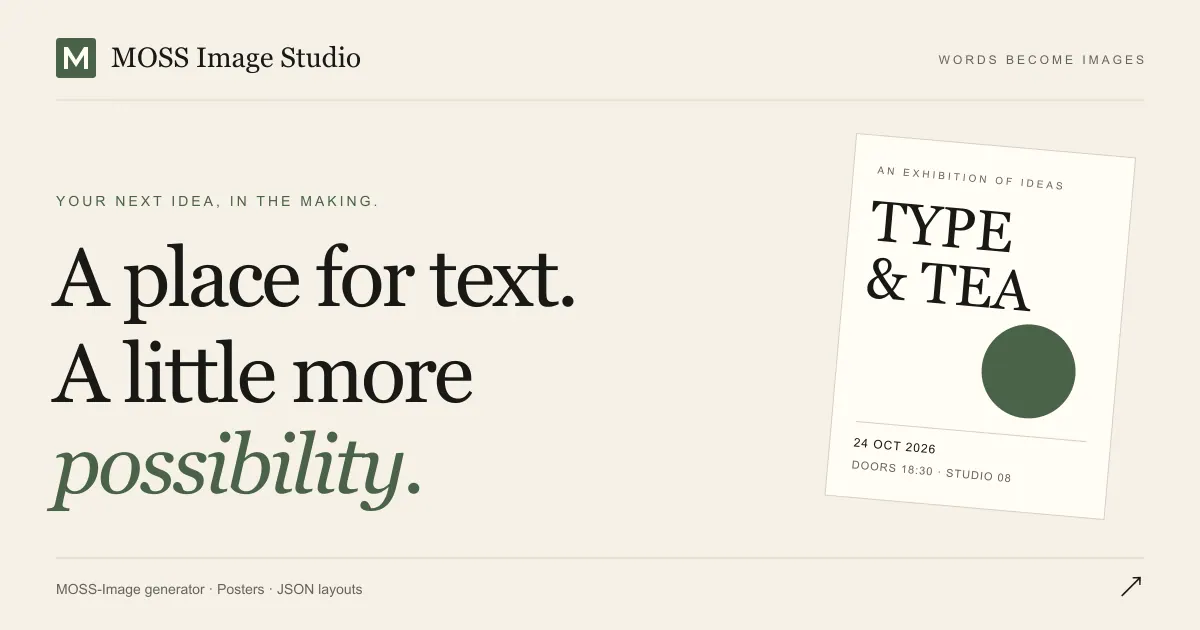
MOSS Image Studio generates posters and menus with exact text and box-controlled layout directly in your browser using MOSS-Image.
Promoted
 AI Checker PlusAI detector that highlights which passages AI wrote. Free check, no sign-up. Plagiarism too.
 RewindType any X/Twitter handle. Get their year back as a narrated video story. Then ask it anything.
 KurodyneSell the tools from your AI side projects. Listing is free.
 Sidrune AI85% off. Stable Claude API for agent developers. Pay as you go. Invoices & refunds available.
 Pixmax.aiPixmax.ai is an all-in-one AI workspace for videos, visual stories, and marketing content.
 SEOify - Improve your SEO & rankingsBuild links to rank in Google. Improve your DR with links you can start building now.Advertise here330,000+ people visit Dang.ai every month.
What does MOSS Image Studio do?
MOSS Image Studio is an online generator for posters, menus, banners, and other text-heavy graphics. It runs the MOSS-Image model in your browser, so there’s no ComfyUI installation, no GPU setup, and no workflow wiring needed.
The core focus is reliable typography. Many AI image tools treat text like decorative noise—headlines misspell, prices drift, and layout shifts. MOSS-Image is designed to follow exact text and layout instructions, helping you render labels, dish names, dates, and prices in the places you specify. The result is better for designs where the words matter as much as the image.
You can create restaurant and cafe menus, event and promotional posters, product graphics, and social banners. Start with a clear plain-language brief (including the exact copy you want) or use Layout Builder to draw boxes for each element (headline, details, artwork). Boxes guide the composition and preserve relative positioning when you change aspect ratio; you can export high-resolution images for print or publishing.
MOSS Image Studio is freemium. New accounts get 3 free image credits, and each image uses 1 credit. Failed generations are refunded. One-time credit packs are available in USD: $6 for 25 credits, $18 for 100 credits, and $45 for 300 credits. Credits never expire, and each pack unlocks 2K output.
Do I need to install ComfyUI to use MOSS Image Studio?
No—MOSS Image Studio runs the MOSS-Image model in your browser, so you can generate images without ComfyUI or any GPU/workflow setup.
How can I make the generated design use exact words like prices and labels?
Provide the text you want in your prompt and keep capitalization, punctuation, and line breaks exactly as intended. For best control, use Layout Builder to place each text element in its own box.
Can I mix Chinese and English in the same poster or menu?
Yes. You can include multiple languages in your copy and specify where each line should go using the Layout Builder.
Why does text sometimes come out garbled in AI images?
Garbling often happens when the model treats text as decoration rather than something it must render exactly. MOSS-Image is trained to follow exact text and layout instructions, but you should still proofread the output before publishing.
What is a MOSS-Image JSON layout?
It’s a structured layout definition (JSON) that captures your element boxes and instructions. Layout Builder generates this for you based on the boxes you draw.
Do credits expire, and how much does it cost?
Credits never expire. New accounts start with 3 free image credits, and you can buy one-time packs for $6 (25 credits), $18 (100 credits), or $45 (300 credits); each image uses 1 credit.
This listing is claimed
Own MOSS Image Studio? Sign in with the email used to claim it to manage this listing, or upgrade to Pro for featured-first placement and a newsletter feature.