MixVio AI
Verified
AI Video Maker Generators & Tools
MixVio AI is a curated workspace to create short AI videos, images, and audio from prompts or references using multiple models.
Promoted
 Sidrune AI85% off. Stable Claude API for agent developers. Pay as you go. Invoices & refunds available.
 Pixmax.aiPixmax.ai is an all-in-one AI workspace for videos, visual stories, and marketing content.
 AI Checker PlusAI detector that highlights which passages AI wrote. Free check, no sign-up. Plagiarism too.
 RewindType any X/Twitter handle. Get their year back as a narrated video story. Then ask it anything.
 KurodyneSell the tools from your AI side projects. Listing is free.
 SEOify - Improve your SEO & rankingsBuild links to rank in Google. Improve your DR with links you can start building now.Advertise here270,000+ people visit Dang.ai every month.
What does MixVio AI do?
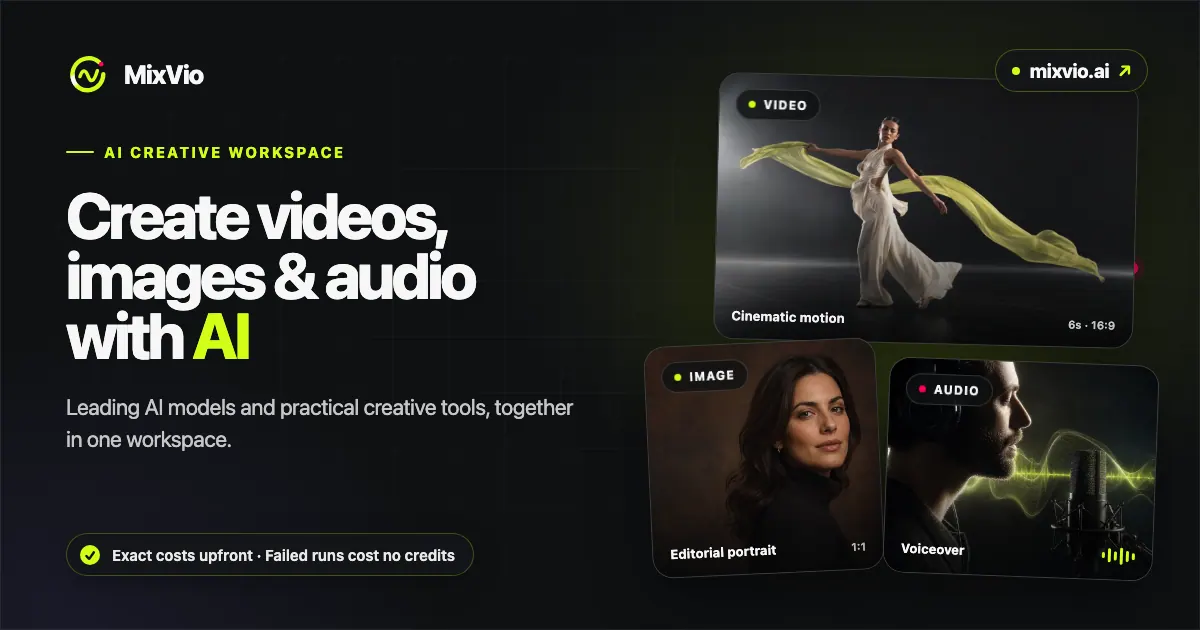
MixVio AI is a multimodal creative workspace that helps you go from idea to generated media—videos, images, and audio—using AI models all in one place. Build results from a text prompt, or work reference-first when you want to guide the outcome with your own image or video.
For video creation, you can generate short cinematic videos from prompts, animate an image with camera motion, or restyle/recast an existing video using prompts. Motion Control lets you copy motion from a video onto a photo, and other video options help you vary scenes and styles while keeping your creative direction.
For image workflows, MixVio AI includes text-to-image generation, image-to-image editing, an AI photo editor that keeps the subject while changing what you ask for, background removal for transparent subjects, and image upscaling to sharpen for social, print, or listings. You can also try AI effects that turn a single photo upload into short “viral-style” vertical video outcomes.
Creation is credit-based. You see the exact cost before each run, and failed runs cost no credits. Uploads and results are private by default. Pricing starts with a limited Free option and a Google welcome-credit offer: 40 welcome credits valid for 7 days, then 10 credits a day up to 7 days; per-model prices are available (e.g., Seedance 2.0 as low as $0.10 per video, Veo 3.1 as low as $0.17 per video).
What can I create in MixVio AI?
You can generate videos, images, and audio with AI, then use editing and enhancement tools to refine results.
Can I make a video from just a text prompt?
Yes—text-to-video supports creating a short video directly from a prompt. Some workflows may also require a reference file depending on what you’re generating.
What video reference features does MixVio AI offer?
You can animate an image with camera motion, restyle or recast a video using a prompt, and use Motion Control to copy motion from a video onto a photo.
What image editing tools are available?
MixVio AI includes image-to-image editing, an AI photo editor that keeps the subject while changing your request, background removal for transparent subjects, and image upscaling to sharpen results.
How do credits and costs work?
You see the exact cost before every run. If a generation fails, you don’t lose credits for that failed run.
Is my content private while I create?
Yes—uploads and results are private by default during your workflow.
This listing is claimed
Own MixVio AI? Sign in with the email used to claim it to manage this listing, or upgrade to Pro for featured-first placement and a newsletter feature.