
MiniMax H3 AI Video Generator
AI Video Maker Generators & Tools
Generate 4–15s AI videos in your browser with built-in dialogue, sound effects, and music using MiniMax H3 (Hailuo 3).
- Pricing
- Free
- Category
- Video
- Listed
- Aug 24, 2026
- Updated
- Oct 18, 2026
Promoted
 KurodyneSell the tools from your AI side projects. Listing is free.
 Sidrune AI85% off. Stable Claude API for agent developers. Pay as you go. Invoices & refunds available.
 Pixmax.aiPixmax.ai is an all-in-one AI workspace for videos, visual stories, and marketing content.
 RewindType any X/Twitter handle. Get their year back as a narrated video story. Then ask it anything.
 SEOify - Improve your SEO & rankingsBuild links to rank in Google. Improve your DR with links you can start building now.Advertise here270,000+ people visit Dang.ai every month.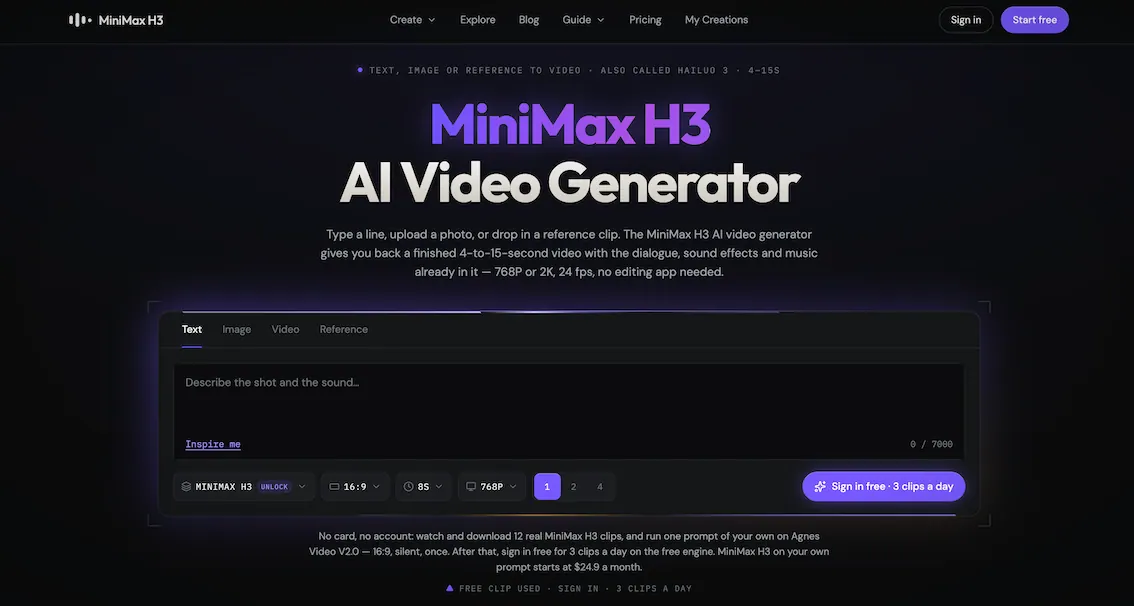
What does MiniMax H3 AI Video Generator do?
MiniMax H3 AI Video Generator is a browser-based interface for the MiniMax H3 model (also known as Hailuo 3). Start from text, a single image, or a reference clip set, then generate a finished MP4 with audio already included—no dubbing or editing app needed.
You can create from a prompt (“write the shot and the sound in one sentence”), animate a photo (use a first frame, last frame, or bracket with two photos), or generate with reference inputs to keep a character or style consistent. Reference-to-video supports up to 12 files total (up to 9 images, up to 3 clips, and up to 3 audio files), including face/style/camera-move/voice locking.
Outputs are 4–15 seconds at 24 fps, in multiple aspect ratios, with either 768P or native 2K. The 2K option is re-generated (not upscaled): the 768P result is sent back through the model with your original context so small on-screen text can remain legible.
Using MiniMax H3 here runs on credits (no subscription). You can start without an account to preview clips, and generation requires credits starting at $4.99. Paid plans also include 7-day refunds if credits are unused, with optional monthly plans and one-time credit packs.
Is MiniMax H3 free to use on this browser interface?
You can view and watch clips without signing in. Actual generation runs on credits, with costs starting at $4.99.
Does the generated video include sound, or is it dubbed afterward?
Sound is generated in the same pass as the picture. Dialogue, sound effects, and music are included inside the returned MP4.
Can I output in 2K (and will it be upscaled)?
Yes—native 2K is available. It is re-generated by sending the 768P result back through the model with your original context, rather than using an external upscaler.
What inputs can I use to create a video?
You can use text to video, image to video (1 photo as first or last frame, or 2 photos as a bracket), or reference to video (up to 12 files total: ≤9 images, ≤3 clips, ≤3 audio).
How long are the clips, and what frame rate/resolution do I get?
Clips are 4–15 seconds (whole seconds) at 24 fps. Output is available at 768P or 2K, depending on the resolution you choose.
What happens if a generation fails—do I lose credits?
Failed generations automatically return credits, so you don’t pay for a clip that doesn’t render.
This listing is claimed
Own MiniMax H3 AI Video Generator? Sign in with the email used to claim it to manage this listing, or upgrade to Pro for featured-first placement and a newsletter feature.