
MiniMax H3
Verified
AI Art Generator & Creator Tools
Turn text and reference assets into polished native 2K MiniMax H3 videos, with start/end frame control and guided multi-media inputs.
Promoted
 RewindType any X/Twitter handle. Get their year back as a narrated video story. Then ask it anything.
 KurodyneSell the tools from your AI side projects. Listing is free.
 Sidrune AI85% off. Stable Claude API for agent developers. Pay as you go. Invoices & refunds available.
 Pixmax.aiPixmax.ai is an all-in-one AI workspace for videos, visual stories, and marketing content.
 SEOify - Improve your SEO & rankingsBuild links to rank in Google. Improve your DR with links you can start building now.Advertise here270,000+ people visit Dang.ai every month.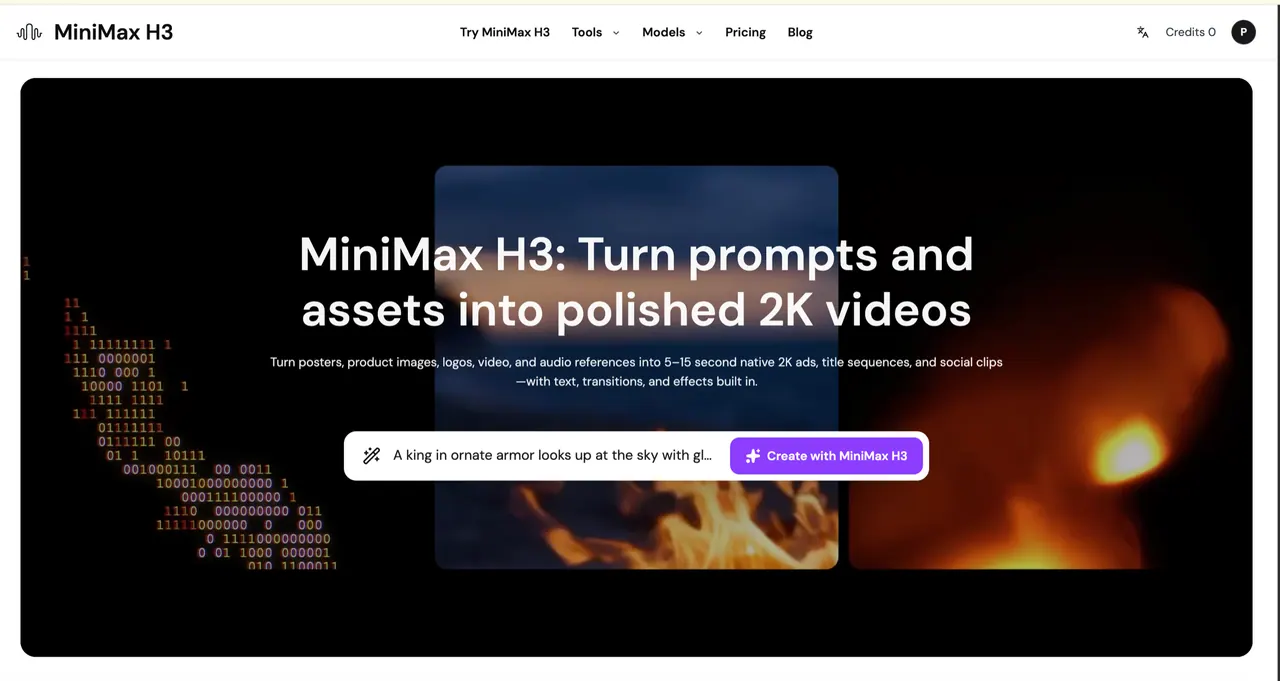
What does MiniMax H3 do?
MiniMax H3 is an AI video generation platform for creating native 2K MP4 clips (5 to 15 seconds) from prompts and creative assets. Use it to generate native 2K ads, title sequences, and social media clips with built-in text, transitions, and visual effects.
Work with flexible input types: text-to-video, image-to-video, or reference-based video generation. You can also upload a start frame and/or end frame to shape the motion, with the output following the aspect ratio of your source image.
For guided results, MiniMax H3 lets you add ordered references—up to 9 images, 3 videos, and 3 audio clips (each video/audio lasting 2 to 15 seconds). Choose a duration in whole seconds from 5 to 15 seconds for consistent output timing.
The generator supports MiniMax H3 by default and also includes other video models (including Seedance and Veo, and additional models listed alongside MiniMax H3). Plans use a credit-based system (including one-time credit packs and annual subscriptions), and you can add credit packs anytime to keep generating.
What can I use to generate a MiniMax H3 video?
You can start from text, a start frame, an end frame, or ordered reference media. Inputs can include images, videos, and audio used as guidance for the generated clip.
What resolution and length does MiniMax H3 output?
MiniMax H3 outputs native 2K MP4 videos. You can choose any whole-second duration from 5 to 15 seconds.
Can I control the motion using start and end frames?
Yes. Upload a start frame, an end frame, or both to shape the motion, and the output will follow the aspect ratio of your source image.
How many reference files can I add, and how long can they be?
A reference request accepts up to 9 images, 3 videos, and 3 audio clips. Each video or audio clip must last 2 to 15 seconds, and there is a 15-second total limit per media type.
Does MiniMax H3 generate audio directly here?
No audio is generated directly through this workflow. You can add audio clips as references alongside at least one image or video.
How does credit billing work for MiniMax H3 tasks?
Credits are calculated from output duration. Reference-video seconds are added to the billable duration, and images after the first five add an input-image charge.
This listing is claimed
Own MiniMax H3? Sign in with the email used to claim it to manage this listing, or upgrade to Pro for featured-first placement and a newsletter feature.