
Meta Image (metaimage.dev)
AI Image Generators from Text Tools
Meta Image is an AI studio for text-to-image, photo editing, and AI video generation—combining Muse Image and Meta Video in one workspace.
- Pricing
- Free
- Category
- Image
- Listed
- Jul 20, 2026
- Updated
- Jul 21, 2026
Promoted
 KurodyneSell the tools from your AI side projects. Listing is free.
 Sidrune AI85% off. Stable Claude API for agent developers. Pay as you go. Invoices & refunds available.
 Pixmax.aiPixmax.ai is an all-in-one AI workspace for videos, visual stories, and marketing content.
 AI Checker PlusAI detector that highlights which passages AI wrote. Free check, no sign-up. Plagiarism too.
 RewindType any X/Twitter handle. Get their year back as a narrated video story. Then ask it anything.
 SEOify - Improve your SEO & rankingsBuild links to rank in Google. Improve your DR with links you can start building now.Advertise here270,000+ people visit Dang.ai every month.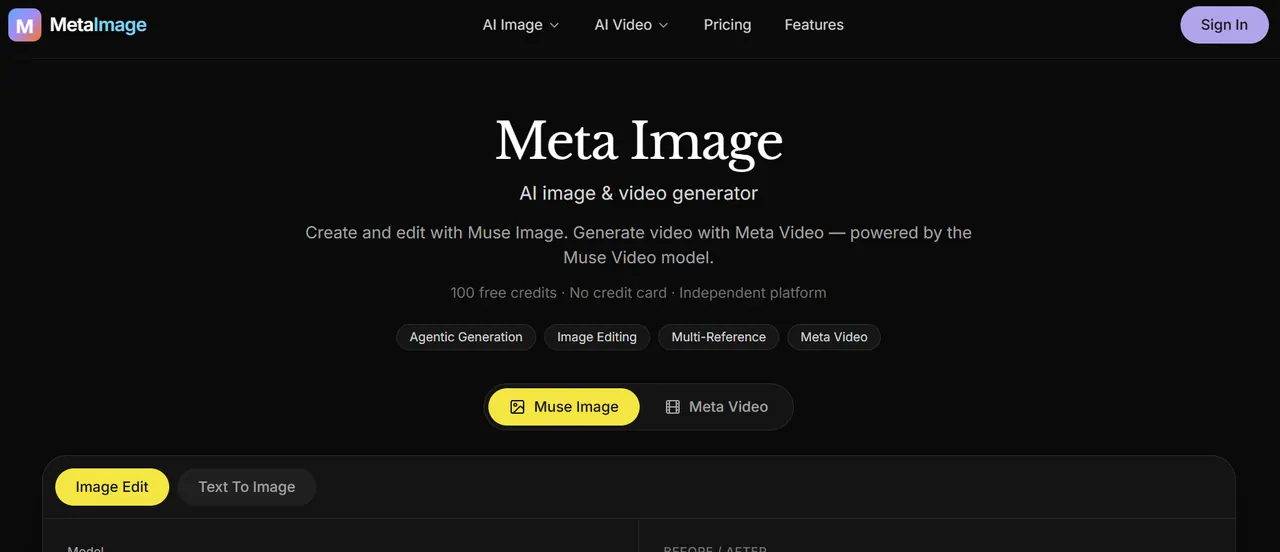
What does Meta Image (metaimage.dev) do?
Meta Image is an independent AI creative studio for images and video. Generate images from text prompts, edit photos using natural language, or create short AI videos from either a prompt or a starting image—all in one place.
Muse Image covers text-to-image and quick photo edits like object removal, background changes, photo restoration, and room redesign. You can upload JPG, PNG, or WEBP images, add a prompt (up to 2000 characters), and choose output formats like 1:1, 16:9, 9:16, or 4:3.
Meta Video adds text-to-video and image-to-video. Create short MP4 clips by describing scene, motion, and camera, or by animating a still image with an optional end frame. Multiple engines are available per job (Kling, Seedance, and Gemini Omni), with credits shown before you generate.
What can I create with Meta Image?
You can generate AI images from text prompts, perform natural-language photo edits, and create short AI videos in MP4 format. Video can be generated from a text prompt or from a starting image.
What is Muse Image in Meta Image?
Muse Image is the image generator and editor in the Meta Image studio. It supports text-to-image and quick edits like removing objects, changing backgrounds, restoring photos, and redesigning rooms.
What is Meta Video (and what is Muse Video)?
Meta Video is the video capability inside Meta Image, enabling text-to-video and image-to-video generation. Muse Video is the upcoming flagship model mentioned for later availability.
Which engines are available for AI video generation?
You can pick an engine per job, including Kling, Seedance, and Gemini Omni. Each engine supports different approaches depending on the clip you want to generate.
How do credits work?
Generation uses credits, and the credits required are shown before you click Create. Free credits are included for starting, and failed jobs refund credits automatically.
What is an end frame in image-to-video?
An end frame helps define how the animation should conclude when you start from a still image. It’s an optional part of the image-to-video workflow.
This listing is claimed
Own Meta Image (metaimage.dev)? Sign in with the email used to claim it to manage this listing, or upgrade to Pro for featured-first placement and a newsletter feature.