
Max H3
AI Video Maker Generators & Tools
Max H3 is an AI video workspace that helps you generate 5–15 second shots with MiniMax H3 Max Turbo, H3 Max, or MiniMax H3 using guided, model-specific controls.
- Pricing
- Free
- Category
- Video
- Listed
- Sep 14, 2026
- Updated
- Sep 15, 2026
Promoted
 Sidrune AI85% off. Stable Claude API for agent developers. Pay as you go. Invoices & refunds available.
 Pixmax.aiPixmax.ai is an all-in-one AI workspace for videos, visual stories, and marketing content.
 RewindType any X/Twitter handle. Get their year back as a narrated video story. Then ask it anything.
 KurodyneSell the tools from your AI side projects. Listing is free.
 SEOify - Improve your SEO & rankingsBuild links to rank in Google. Improve your DR with links you can start building now.Advertise here270,000+ people visit Dang.ai every month.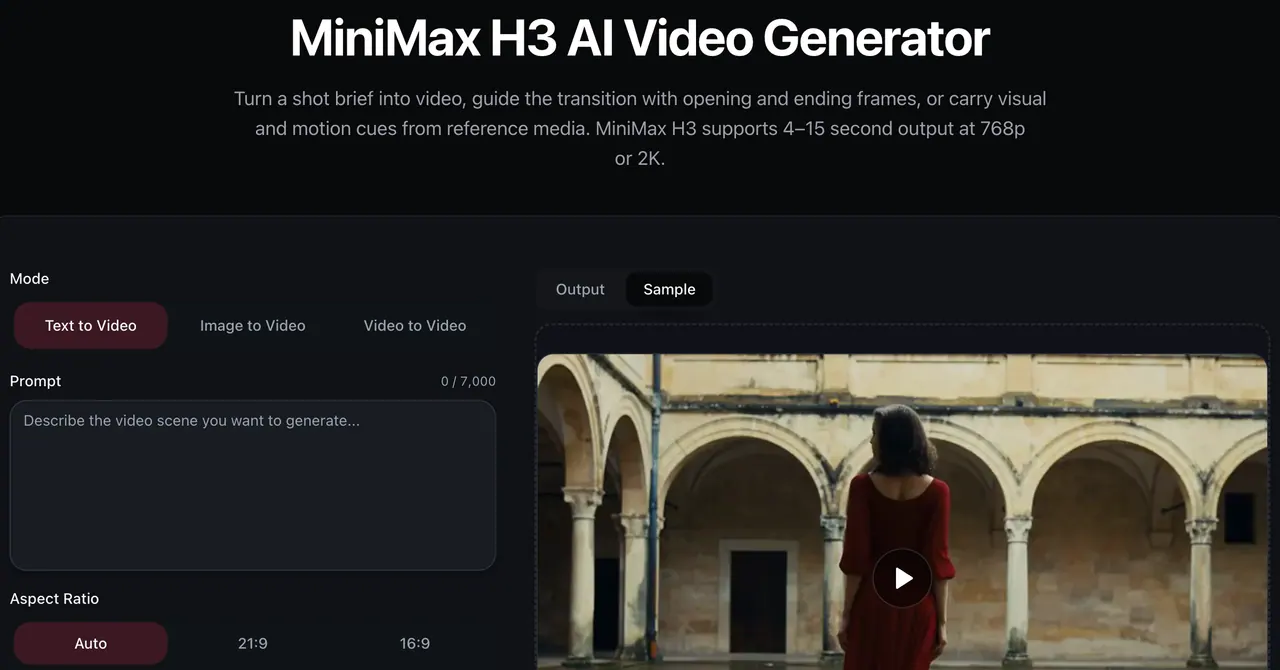
What does Max H3 do?
Max H3 is a curated AI video creation workspace focused on the MiniMax H3 family. Instead of forcing every project through the same inputs, it offers model-specific workflows designed for different kinds of directed takes—fast drafts, focused polish, or deeper multimodal guidance.
Use MiniMax H3 Max for 5–15 second clips generated from text, start/end frames, or a reference video, with controls for runtime (whole seconds) and output at 480p or 768p. The workflow also supports sound timing inside the brief so your scene arrives as a synchronized audiovisual take rather than a mute animation.
For projects needing a different balance of speed, continuity control, and output depth, Max H3 includes standard MiniMax H3 workflows that accept mixed references (text, images, video, and audio) and can generate up to 2K. You can compare model options within the same workspace to iterate quickly while keeping your generation settings, credit estimates, and completed results in one place.
Before you render, Max H3 provides live credit estimates based on the model and your selected duration, resolution, and reference inputs. Completed generations are stored in your account history so you can review and download the results later.
What can I generate in Max H3?
You can generate short AI video clips using MiniMax H3 Max Turbo, MiniMax H3 Max, and standard MiniMax H3. Workflows include text-to-video, image-to-video (start and optional end frames), and video-to-video (using a reference clip).
Which H3 Max workflows are available on Max H3?
The Max H3 workspace supports text to video, image to video, and video to video within the MiniMax H3 Max workflow, with selectable runtime and output resolution for short directed takes.
How long can an H3 Max video be?
For the MiniMax H3 Max workflow, you can set the runtime to whole-second values from 5 through 15 seconds.
Does H3 Max generate audio?
Yes—MiniMax H3 Max includes synchronized native audio generation, and you can direct dialogue, ambience, impact, music, or silence alongside the visible action in your brief.
Do I need an ending frame for image-to-video?
No. You can upload a start frame for image-to-video, and you can add an optional end frame when the landing composition matters.
How do I know how many credits a render will cost?
Max H3 shows a live estimated cost before you generate, based on the selected model and your chosen inputs such as duration, resolution, and reference inputs (including reference duration for video-to-video).
This listing is claimed
Own Max H3? Sign in with the email used to claim it to manage this listing, or upgrade to Pro for featured-first placement and a newsletter feature.