
MangaMade
AI Art Generator & Creator Tools
MangaMade turns your stories into manga, manhua, and webtoon chapters with editable scripts, consistent cast, AI-drawn panels, and export-ready lettering.
- Pricing
- Free trial
- Category
- Art
- Listed
- Oct 19, 2026
- Updated
- Oct 19, 2026
Promoted
 Sidrune AI85% off. Stable Claude API for agent developers. Pay as you go. Invoices & refunds available.
 Pixmax.aiPixmax.ai is an all-in-one AI workspace for videos, visual stories, and marketing content.
 SEOify - Improve your SEO & rankingsBuild links to rank in Google. Improve your DR with links you can start building now.Advertise here270,000+ people visit Dang.ai every month.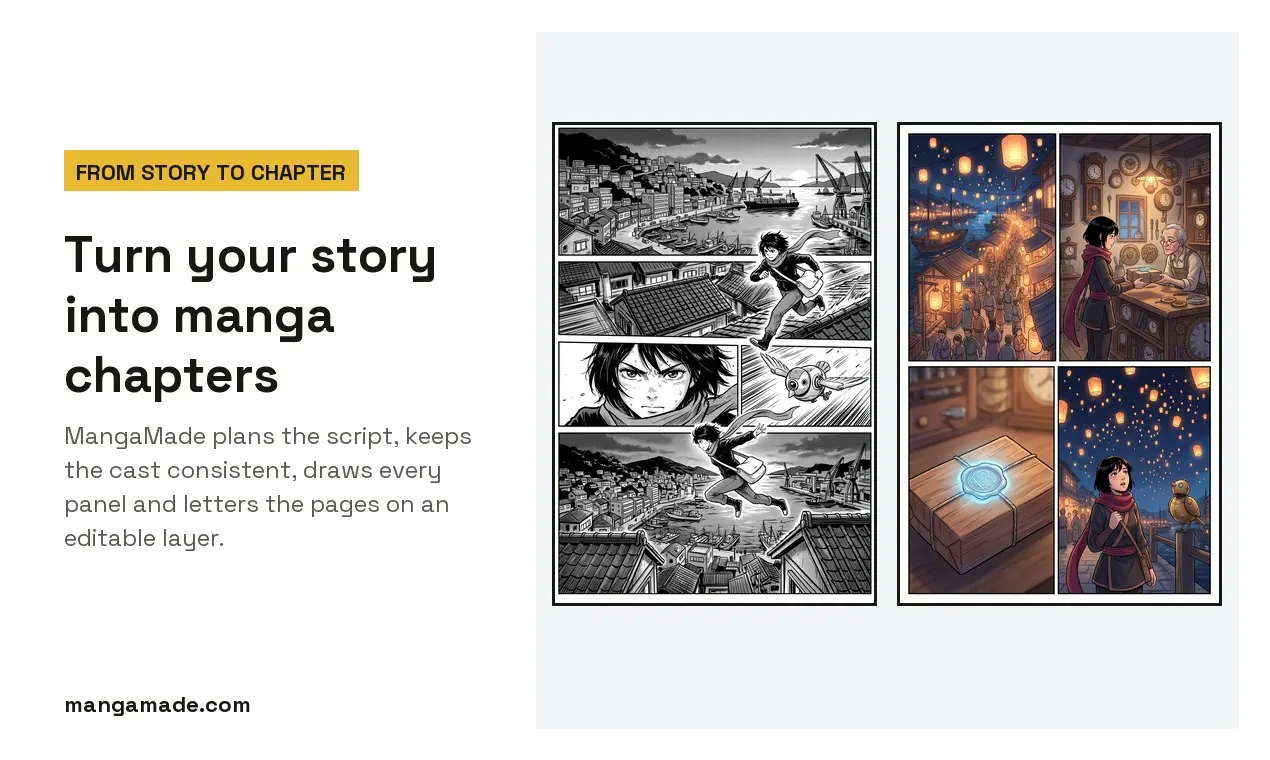
What does MangaMade do?
MangaMade is a manga creation studio that helps you go from story to finished chapter—page planning, cast consistency, panel generation, lettering, and exports in one workflow. You choose a format, style, and dialogue language, then paste an outline, scene, or prose. MangaMade plans pages and panels you can edit before anything is drawn.
To keep characters recognizable throughout your chapter, you build a cast using descriptions or your own reference art. A model sheet with a turnaround and expressions acts as the reference for every panel where each character appears. Panel generation follows your series style, and you can regenerate individual panels with notes while keeping the version you like.
MangaMade generates panels without text, placing dialogue, captions, and sound effects on a separate editable lettering layer. You can move, resize, and rewrite lettering, then re-letter the chapter in more than 30 languages (including right-to-left languages) without redrawing the panels. This keeps your art stable even when you adjust wording.
When you’re ready, export your chapter as PNG pages, PDF, CBZ, or a vertical webtoon strip for phone-friendly reading. New users get 15 free trial credits on sign-up (no card required), and planning, lettering, and exports are free; credits are used to draw panels.
What does MangaMade create for me?
You create chapter-ready manga, manhua, or webtoon content: planned pages and panels, AI-drawn artwork, and editable lettering (dialogue, captions, and sound effects), then export it in multiple formats.
How does MangaMade keep my cast consistent across panels?
You define characters with descriptions or reference art, then a model sheet (turnaround and expressions) is used as the reference for every panel where those characters appear.
Why are the generated panels created without text?
Panels are drawn text-free, while dialogue, captions, and sound effects are placed on a separate editable lettering layer—so you can fix wording without redrawing the art.
Can I edit a chapter after panels are generated?
Yes. You can edit the chapter script and re-letter from it, and you can regenerate a single panel with a note while keeping the version you prefer.
How do credits and the free trial work?
You get 15 free credits on sign-up (valid for 30 days) with no card required. One credit draws one panel at 1K; planning, lettering, and exports are free.
What export formats are available?
You can download PNG pages, a PDF, a CBZ package, or export a vertical webtoon strip designed for phone viewing.
This listing is claimed
Own MangaMade? Sign in with the email used to claim it to manage this listing, or upgrade to Pro for featured-first placement and a newsletter feature.