
Make Tiny Desk AI
AI Video Maker Generators & Tools
Turn a portrait into a viral Tiny Desk-style AI concert video and cast up to four friends in a single lineup.
Promoted
 KurodyneSell the tools from your AI side projects. Listing is free.
 Pixmax.aiPixmax.ai is an all-in-one AI workspace for videos, visual stories, and marketing content.
 AI Checker PlusAI detector that highlights which passages AI wrote. Free check, no sign-up. Plagiarism too.
 RewindType any X/Twitter handle. Get their year back as a narrated video story. Then ask it anything.
 SEOify - Improve your SEO & rankingsBuild links to rank in Google. Improve your DR with links you can start building now.Advertise here330,000+ people visit Dang.ai every month.
What does Make Tiny Desk AI do?
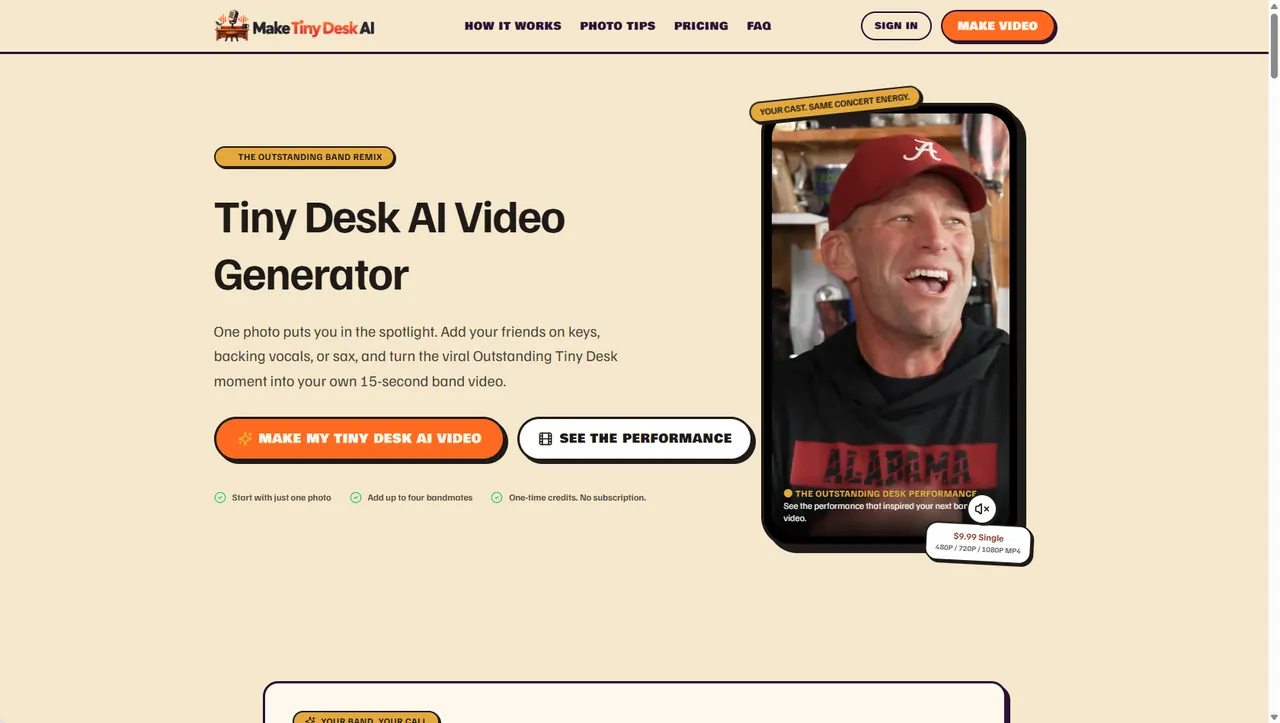
Make Tiny Desk AI is an online AI video generator that turns your photo(s) into a 15-second Tiny Desk-style concert performance inspired by the viral “Outstanding Tiny Desk AI” trend.
You start by uploading a single lead portrait (required). Then you can optionally swap in up to four additional bandmates—choose who appears as the keyboard player, left and right backing vocalists, and the saxophone soloist, or keep the original performers for any role you skip. The result is your “Outstanding” moment with the same familiar concert pacing and shot progression, but with your own cast.
Creating a video is straightforward: pick your aspect ratio (9:16, 16:9, or 1:1), choose HD quality (480P, 720P, or 1080P), and generate an MP4 you can download and share. You’ll also get a performance preview before downloading.
Plans are one-time credit purchases with no monthly subscription. A Single pack is $9.99 for 10 credits (480P/720P/MP4 at those qualities, with 1080P requiring more credits per video). There’s also a 3-Shows Trio pack for $24.99 (30 credits total) designed for trying multiple lineups.
How do I make an Outstanding Tiny Desk AI video?
Upload a clear lead portrait, optionally add photos for up to four bandmate roles, choose your video settings (aspect ratio and quality), then generate a 15-second MP4 performance.
Can I replace more than one person in the video?
Yes. You can optionally add up to four bandmates for the keyboard, backing vocals (left/right), and saxophone solo roles, while the lead performer is always replaced using your lead photo.
What video settings can I choose?
You can choose aspect ratio (9:16, 16:9, or 1:1), video quality (480P, 720P, or 1080P), and the video duration is 15 seconds.
How many credits does a video cost?
Credits are used based on quality: 480P costs 5 credits, 720P costs 10 credits, and 1080P costs 20 credits per video.
What happens if the AI generation fails?
Credits are restored for confirmed generation failures, so you can try again.
Do I need a monthly subscription?
No. You purchase one-time credit packs, with credits that never expire.
This listing is claimed
Own Make Tiny Desk AI? Sign in with the email used to claim it to manage this listing, or upgrade to Pro for featured-first placement and a newsletter feature.