
LunaLisa
AI Art Generator & Creator Tools
LunaLisa is a focused studio for generating and refining polished AI images from prompts and reference photos.
- Pricing
- Free
- Category
- Art
- Listed
- Sep 19, 2026
- Updated
- Sep 20, 2026
Promoted
 Sidrune AI85% off. Stable Claude API for agent developers. Pay as you go. Invoices & refunds available.
 Pixmax.aiPixmax.ai is an all-in-one AI workspace for videos, visual stories, and marketing content.
 AI Checker PlusAI detector that highlights which passages AI wrote. Free check, no sign-up. Plagiarism too.
 RewindType any X/Twitter handle. Get their year back as a narrated video story. Then ask it anything.
 KurodyneSell the tools from your AI side projects. Listing is free.
 SEOify - Improve your SEO & rankingsBuild links to rank in Google. Improve your DR with links you can start building now.Advertise here270,000+ people visit Dang.ai every month.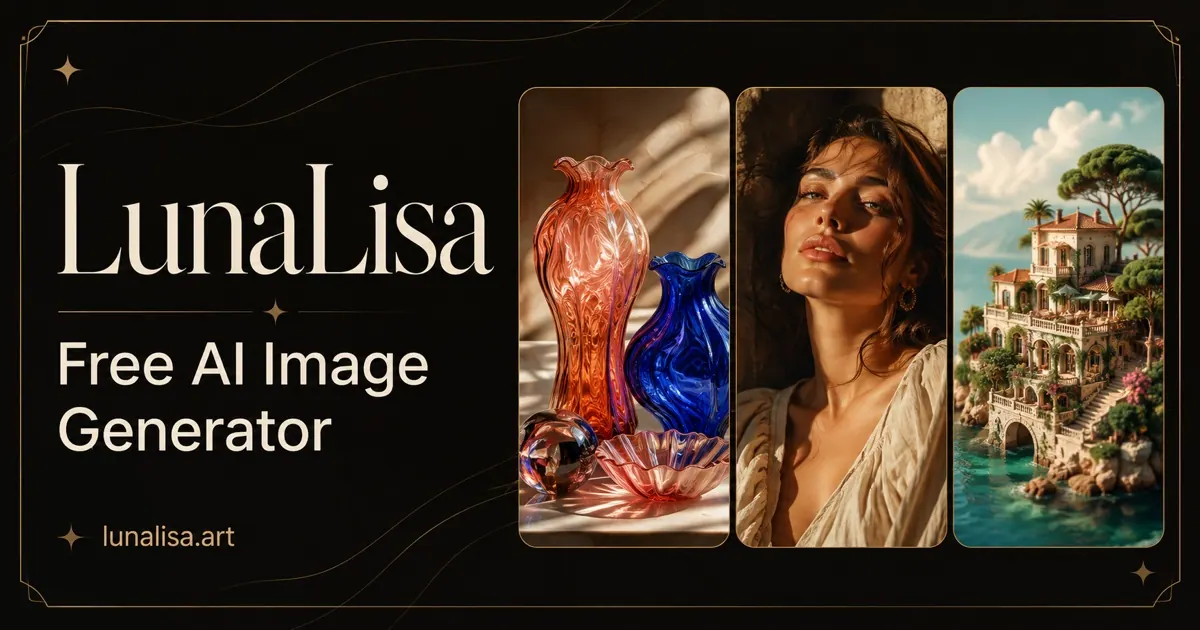
What does LunaLisa do?
LunaLisa is a curated AI image studio designed to help you move from idea to polished visuals with clear creative controls. Create images from text prompts and up to three reference images, explore multiple directions side by side, and keep your workflow prompt-led so you can iterate without starting over.
Choose from multiple aspect ratios and resolution options, then refine results using focused generation modes. LunaLisa also supports tools that help you improve existing imagery—enhance results, upscale images, remove backgrounds, swap faces, and transform styles.
Plans and credits let you match your pace, from free Standard Mode to higher-resolution Fast Mode generation and pro-focused workflows. Manage access, billing, credits, and API keys from your own workspace when you need more control.
How do I generate an image in LunaLisa?
You can start by creating a prompt in the studio, and optionally add up to 3 reference images. Free Standard Mode generates 1K images without signing in, while credit-based generation supports 1–4 images and up to 4K.
What resolution and aspect ratio options are available?
LunaLisa offers 10 selectable aspect ratios. Output resolution can be 1K (Standard Mode) and, depending on mode, also 2K or 4K for credit-based generation.
Can I add reference images to guide generation?
Yes—attach up to 3 reference images per request to guide subject, composition, material, or style during generation or edit requests.
How does Fast Mode work with credits?
Fast Mode uses credits per image at the selected resolution: 10 credits at 1K, 20 credits at 2K, or 30 credits at 4K. Requests can generate up to 4 outputs at a time.
Do I need an account to use LunaLisa?
Free Standard Mode generation at 1K works without signing in. Sign in is required to use credits for Fast Mode, higher resolutions, reference images, and multiple outputs.
Can I use the generated images commercially?
Paid plans are intended for commercial projects, subject to applicable law, provider terms, and third-party rights.
This listing is claimed
Own LunaLisa? Sign in with the email used to claim it to manage this listing, or upgrade to Pro for featured-first placement and a newsletter feature.