
Ltx
AI Video Maker Generators & Tools
LTX Studio is a web-based, all-in-one AI video production workspace for scripting, storyboarding, and generating/editing videos.
- Pricing
- Free
- Category
- Video
- Listed
- Jul 24, 2026
- Updated
- Oct 23, 2026
Promoted
 AI Checker PlusAI detector that highlights which passages AI wrote. Free check, no sign-up. Plagiarism too.
 RewindType any X/Twitter handle. Get their year back as a narrated video story. Then ask it anything.
 KurodyneSell the tools from your AI side projects. Listing is free.
 Sidrune AI85% off. Stable Claude API for agent developers. Pay as you go. Invoices & refunds available.
 Pixmax.aiPixmax.ai is an all-in-one AI workspace for videos, visual stories, and marketing content.
 SEOify - Improve your SEO & rankingsBuild links to rank in Google. Improve your DR with links you can start building now.Advertise here330,000+ people visit Dang.ai every month.
What does Ltx do?
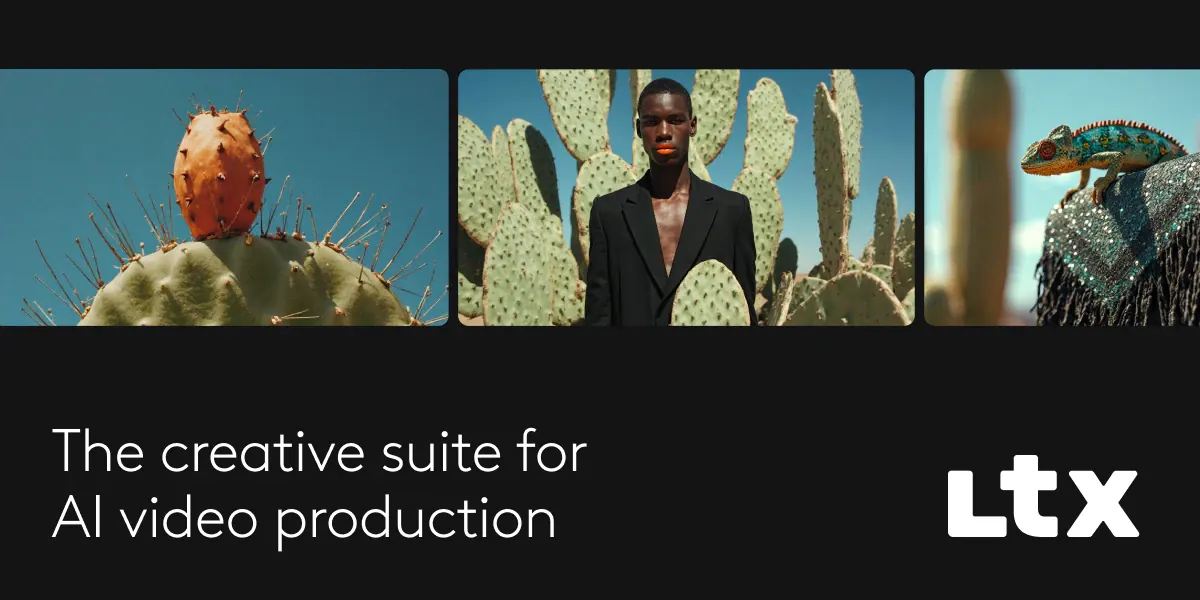
LTX Studio is a web-based, all-in-one creative workspace for AI video production—built to help filmmakers, advertisers, and creative teams move from concept to final cut. Create production-ready videos using text prompts, image references, or a mix of inputs, and use dedicated tools to guide what happens in each scene.
The studio includes a workflow designed for both exploration and control. Start from a script to generate scenes and storyboards, or begin with a concept, an image, or even an existing video that you want to expand, iterate, or repurpose. For directing shots, use tools that control camera movement and define motion through keyframes, with reference guidance to steer outputs toward a specific visual direction.
To keep projects consistent, LTX Studio provides AI elements such as characters, objects, locations, and other components—helping you maintain continuity across scenes while you iterate. You can also explore creative options quickly using preset visual styles, from cinematic looks to sketch-like directions and branded treatments.
LTX Studio is part of the broader LTX platform. Access is designed for desktop browser use (no mobile app). Pricing is available via LTX’s plans, with free access to basic features and paid plans that unlock premium tools, faster generations, and more computing time.
What can I create in LTX Studio?
You can generate production-ready videos using text prompts, image references, or both. You can also create scenes and storyboards from a script, and iterate on existing videos with AI-driven tools.
How does LTX Studio help with controlling the look of my shots?
Use camera controls and keyframes to define motion, then guide outputs with visual references. Preset visual styles help you explore different creative directions while keeping consistency.
Can I start a project from a script or an image?
Yes. You can upload a script to instantly generate scenes and storyboards, or add an image to build a visual narrative from a single reference.
Can I use an existing video as an input?
Yes. You can drop in a video to expand, iterate, or repurpose it using AI-driven tools.
Is LTX Studio available on mobile or as an app?
LTX Studio is designed for desktop use and isn’t available on mobile or as a mobile app. Use a desktop browser for the best experience.
What’s the pricing for LTX Studio?
LTX offers both free and paid plans. Free access covers basic features, while paid plans unlock premium tools, faster generations, and more computing time—pricing varies by plan and is listed on the Pricing page.
Is this your tool?
Claim Ltx to manage this listing, or upgrade to Pro for featured-first placement and a newsletter feature.