
LiveFaceSwap AI
AI Video Maker Generators & Tools
LiveFaceSwap AI delivers real-time face swap, try-on, and restyle with cloud processing in the browser or via a desktop virtual camera.
- Pricing
- Free
- Category
- Video
- Listed
- Aug 16, 2026
- Updated
- Aug 17, 2026
Promoted
 AI Checker PlusAI detector that highlights which passages AI wrote. Free check, no sign-up. Plagiarism too.
 RewindType any X/Twitter handle. Get their year back as a narrated video story. Then ask it anything.
 KurodyneSell the tools from your AI side projects. Listing is free.
 Sidrune AI85% off. Stable Claude API for agent developers. Pay as you go. Invoices & refunds available.
 Pixmax.aiPixmax.ai is an all-in-one AI workspace for videos, visual stories, and marketing content.
 SEOify - Improve your SEO & rankingsBuild links to rank in Google. Improve your DR with links you can start building now.Advertise here270,000+ people visit Dang.ai every month.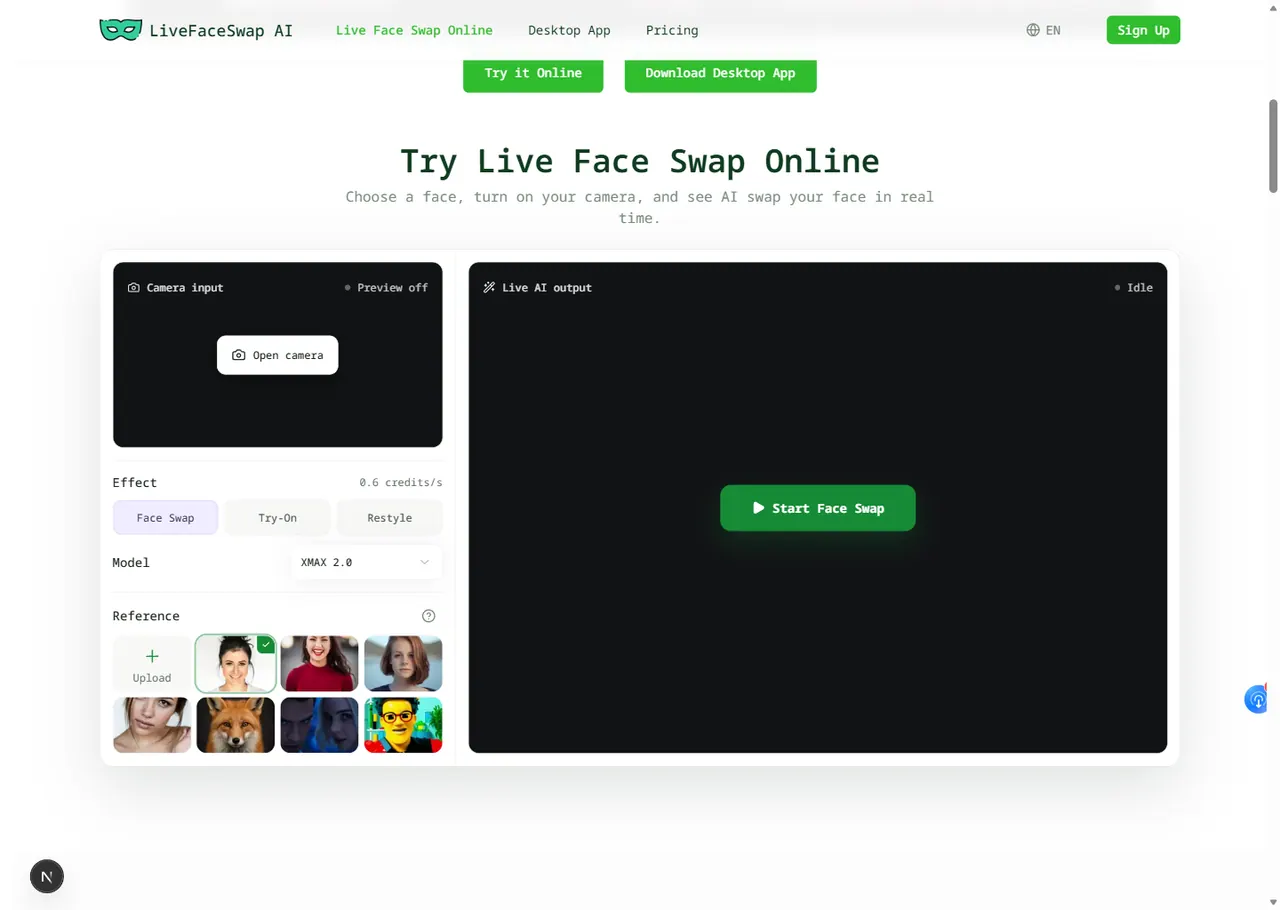
What does LiveFaceSwap AI do?
LiveFaceSwap AI lets you transform your live camera in real time using Face Swap, Try-On, or Restyle modes. Pick a portrait reference (with permission) or choose a preset, turn on your camera, select a model, and view the AI output immediately.
The online preview runs in your browser for quick testing and reference/model comparisons. For workflows beyond the web, the Desktop app provides virtual-camera output you can use with OBS, compatible streaming apps, and meeting or video-call apps.
Processing happens in the cloud, so you don’t need to download AI models or rely on a powerful local GPU. Live output is designed for low latency, and camera privacy is supported by keeping camera content from being saved or viewed by other users.
What can I do with LiveFaceSwap AI?
You can run real-time Face Swap, Try-On, and Restyle effects on your live camera feed for streaming, video calls, and creative video experiments.
Do I need to download AI models or use a powerful GPU?
No. Camera video is sent to cloud processing, so you can run effects without downloading local AI models or using a high-end GPU.
Does the online preview save or record my live camera output?
Your camera feed is not saved and cannot be viewed by other users. You can use the browser preview to test effects before using the desktop app.
Which reference photos work best?
Use a portrait you have permission to use. Clear, front-facing portraits generally provide a stronger starting point than less defined or more obscured images.
Is the swap really real time?
The system is built for live output with less than 500 ms of latency, returning the processed result to your device immediately.
How is the Desktop app different from the browser preview?
The Desktop app adds a virtual camera, so you can route the transformed video into OBS, compatible streaming software, and meeting/video-call apps.
This listing is claimed
Own LiveFaceSwap AI? Sign in with the email used to claim it to manage this listing, or upgrade to Pro for featured-first placement and a newsletter feature.