
KlingVideo
AI Video Maker Generators & Tools
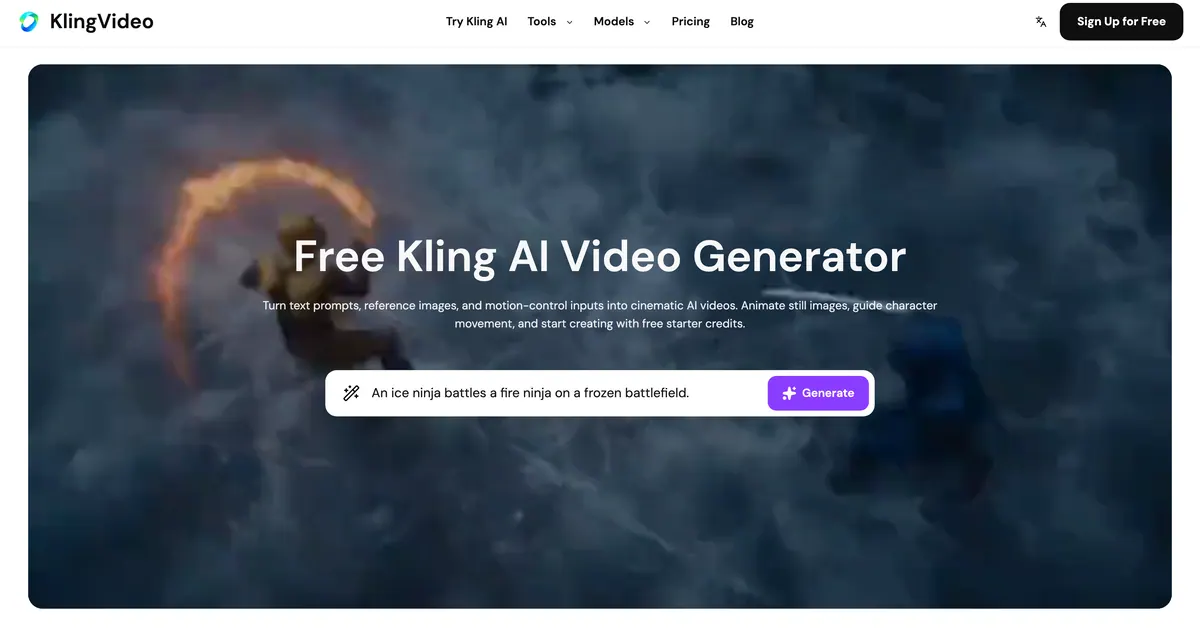
KlingVideo helps you create cinematic AI videos from text prompts, reference images, and motion controls using Kling 3.0 and more models.
- Pricing
- Free
- Category
- Video
- Listed
- Aug 14, 2026
- Updated
- Oct 16, 2026
Promoted
 Pixmax.aiPixmax.ai is an all-in-one AI workspace for videos, visual stories, and marketing content.
 AI Checker PlusAI detector that highlights which passages AI wrote. Free check, no sign-up. Plagiarism too.
 RewindType any X/Twitter handle. Get their year back as a narrated video story. Then ask it anything.
 KurodyneSell the tools from your AI side projects. Listing is free.
 Sidrune AI85% off. Stable Claude API for agent developers. Pay as you go. Invoices & refunds available.
 SEOify - Improve your SEO & rankingsBuild links to rank in Google. Improve your DR with links you can start building now.Advertise here270,000+ people visit Dang.ai every month.
What does KlingVideo do?
KlingVideo is an AI video creation platform for turning prompts, reference images, and motion-control inputs into cinematic videos. Build scenes with text-to-video, animate stills with image-to-video, or transform existing footage with video-to-video. It’s designed for more than one-shot generations—helping you plan multi-shot sequences with consistent results.
A core strength is Kling 3.0’s director-style workflow. You can guide shot changes like framing and camera angle shifts from a prompt so the output feels closer to a cut scene than a single take. Locked characters and elements can help anchor people, products, or scene details while the camera pans, zooms, or moves through the shot.
Kling Video also supports motion-control character control (Motion Control 3.0), mapping reference movement into performance. This helps stabilize body action, timing, and facial identity consistency, improving reliability when you want characters to “perform” rather than just appear.
You can start with free starter credits by signing up. For ongoing use, KlingVideo offers subscription plans (Lite, Pro, Premium) with different monthly credit allotments, concurrency limits, generation speed, and output resolutions, plus add credit packs anytime. Yearly plans come with commercial license included and can save up to 50% versus monthly pricing; monthly plans differ on commercial rights.
What kinds of video generation does KlingVideo support?
You can generate from text prompts (text-to-video), animate reference images (image-to-video), and transform existing clips (video-to-video).
What makes Kling 3.0 useful for multi-shot storytelling?
Kling 3.0 can plan shot changes like framing and camera angles from a prompt, helping one generation feel more like a cut scene than a single one-shot clip.
How do locked characters and elements work?
By using image-to-video and element references, you can anchor people, products, and scenes so they stay consistent while the camera moves through the shot.
What is Motion Control 3.0 character control?
Motion Control 3.0 maps reference movement into character performance, aiming to keep body action, timing, and facial identity more stable.
Do I need to pay to try KlingVideo?
No—KlingVideo offers free sign-up with free starter credits and a free plan labeled “Free forever,” with no credit card required.
Which plans include commercial use rights?
Yearly plans include a commercial license, while monthly plans do not include commercial use rights as listed in the plan comparison.
This listing is claimed
Own KlingVideo? Sign in with the email used to claim it to manage this listing, or upgrade to Pro for featured-first placement and a newsletter feature.