
Jitter
AI Video Maker Generators & Tools
Jitter is a collaborative motion design tool for creating animated assets and professional animations in minutes, using AI and full creative controls.
- Pricing
- Free
- Category
- Video
- Listed
- Oct 10, 2026
- Updated
- Oct 30, 2026
Promoted
 Sidrune AI85% off. Stable Claude API for agent developers. Pay as you go. Invoices & refunds available.
 Pixmax.aiPixmax.ai is an all-in-one AI workspace for videos, visual stories, and marketing content.
 AI Checker PlusAI detector that highlights which passages AI wrote. Free check, no sign-up. Plagiarism too.
 RewindType any X/Twitter handle. Get their year back as a narrated video story. Then ask it anything.
 KurodyneSell the tools from your AI side projects. Listing is free.
 SEOify - Improve your SEO & rankingsBuild links to rank in Google. Improve your DR with links you can start building now.Advertise here270,000+ people visit Dang.ai every month.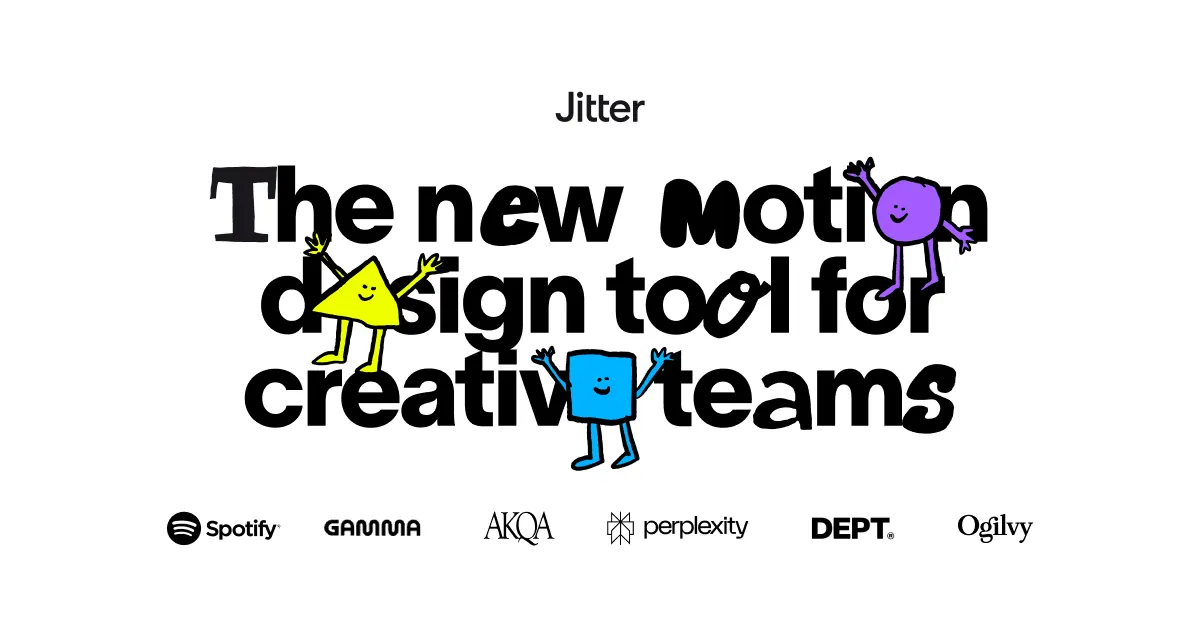
What does Jitter do?
Jitter is a fast motion design and animation tool for creative teams that want to go from idea to polished motion quickly. It helps you turn static designs into animated assets, then refine the results until they match your style—without losing control of the creative details.
Start with AI to kickstart ideas and generate editable animations, effects, and variations from prompts. From there, you can refine AI-generated results using full parameter-level control, or build motion from scratch. Jitter also supports natural-language tweaks to adjust animation details iteratively.
For teams, Jitter brings collaboration into the workflow. Use a shared workspace to centralize projects and assets, share work via links, and gather feedback using in-context comments for faster approvals. When you need repeatable production, animated components help you reuse motion and update multiple designs from a single edit.
Jitter also focuses on scale. You can create many variations with AI, use Magic Import to generate hundreds of variations with different copy or assets, and batch export animations to video, GIF, and Lottie. Export and formats are designed to help you ship more motion faster. Jitter is available free to start, with options to upgrade anytime.
Can I import my designs into Jitter?
Yes—Jitter supports importing from Figma so you can start animating without rebuilding everything from scratch.
How does Jitter’s AI help with animation?
You can describe what you want and Jitter AI generates editable animations, effects, and variations. You can then tweak and reuse what you generate.
Do I have control over AI-generated motion?
Yes. You can refine AI-generated effects with full creative control, adjusting details using parameter-level controls and natural-language tweaks.
What collaboration features does Jitter offer?
Jitter includes shared workspaces, link sharing, and in-context comments so stakeholders can review and provide feedback while staying aligned on the latest version.
What can I export and in what formats?
You can export animations to video, GIF, and Lottie, and batch export helps you ship many animations at once.
Is there a free way to try Jitter?
Yes—Jitter lets you start for free and you can upgrade anytime if you need more.
Is this your tool?
Claim Jitter to manage this listing, or upgrade to Pro for featured-first placement and a newsletter feature.