
instascript
AI Video Maker Generators & Tools
Turn Instagram Reels and videos into timestamped transcripts and SRT subtitles using an in-browser transcription tool.
- Pricing
- Free
- Category
- Video
- Listed
- Sep 12, 2026
- Updated
- Sep 13, 2026
Promoted
 Pixmax.aiPixmax.ai is an all-in-one AI workspace for videos, visual stories, and marketing content.
 Sidrune AI85% off. Stable Claude API for agent developers. Pay as you go. Invoices & refunds available.
 SEOify - Improve your SEO & rankingsBuild links to rank in Google. Improve your DR with links you can start building now.Advertise here270,000+ people visit Dang.ai every month.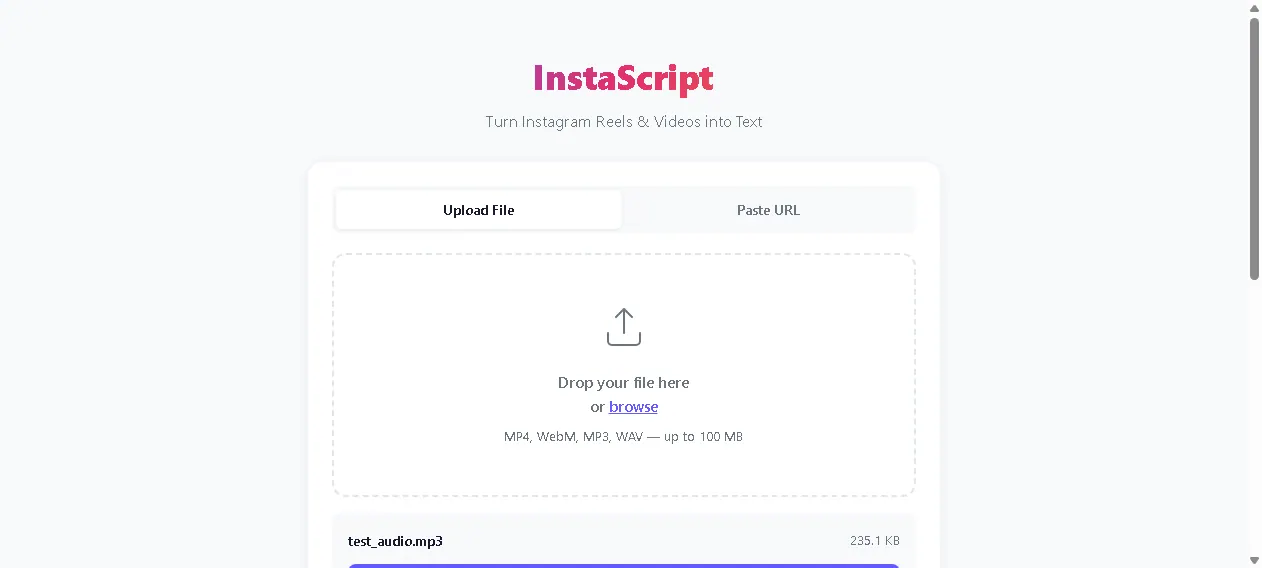
What does instascript do?
InstaScript converts Instagram Reels and other video formats into readable text with timestamps. You can either upload a file or paste an Instagram URL to begin.
Transcription runs entirely in your browser, with no upload to a server and no signup required. That makes it a simple option when you want text output without sending media elsewhere.
The tool supports MP4, WebM, MP3, and WAV up to 100 MB. After transcription, you get timestamped text and SRT subtitle files for easy reuse in editing and captioning workflows.
Can I transcribe an Instagram Reel by pasting a URL?
Yes. Paste the Instagram URL and start transcription directly from that source.
Does InstaScript upload my video to a server?
No. Transcription runs entirely in your browser, so your media isn’t uploaded to a server.
Do I need an account to use InstaScript?
No signup is required.
What file types and sizes are supported for uploads?
You can upload MP4, WebM, MP3, or WAV files up to 100 MB.
What do I get after transcription?
You receive timestamped transcript text and an SRT subtitles file.
Is this tool browser-based?
Yes. You use InstaScript in your browser and transcription happens locally in the browser.
This listing is claimed
Own instascript? Sign in with the email used to claim it to manage this listing, or upgrade to Pro for featured-first placement and a newsletter feature.