
FaceFusion
Verified
Industry leading face manipulation platform
FaceFusion is an open-source face manipulation platform that swaps and enhances faces entirely on your machine for privacy and control.
Promoted
 AI Checker PlusAI detector that highlights which passages AI wrote. Free check, no sign-up. Plagiarism too.
 RewindType any X/Twitter handle. Get their year back as a narrated video story. Then ask it anything.
 KurodyneSell the tools from your AI side projects. Listing is free.
 Sidrune AI85% off. Stable Claude API for agent developers. Pay as you go. Invoices & refunds available.
 Pixmax.aiPixmax.ai is an all-in-one AI workspace for videos, visual stories, and marketing content.
 SEOify - Improve your SEO & rankingsBuild links to rank in Google. Improve your DR with links you can start building now.Advertise here330,000+ people visit Dang.ai every month.
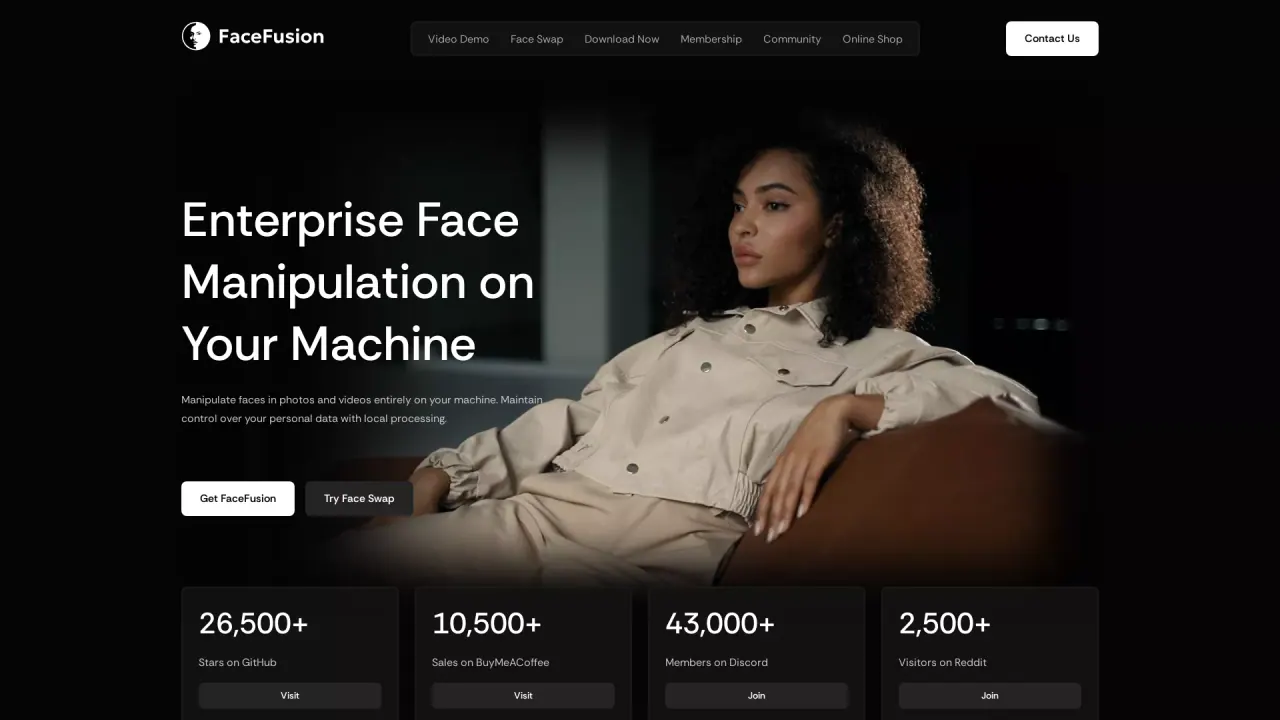
What does FaceFusion do?
FaceFusion is an open-source platform for manipulating faces in photos and videos, including face swapping and face enhancement. It’s built for “local first” workflows, so processing happens on your hardware rather than through cloud queues—keeping your work immediate and helping you maintain control over personal data.
With FaceFusion, you can clone the source code and run advanced face transformation features locally. Core capabilities include face swapping with precision masking, face enhancement, and tools for working with video frames. The platform also offers a “HyperSwap” plugin option for professional-grade workflows, with support highlighted for film studios and VFX artists.
FaceFusion is designed for a range of users: content creators and digital artists who want hands-on face manipulation, video producers and VFX teams exploring new pipelines, and researchers building with open-source components. You can choose how you want to set up—either via a manual install from source or through platform-specific installers that aim to streamline environment setup.
Pricing and plans vary by how you use FaceFusion: the base software is positioned as free and open-source, with Windows and macOS installer one-time purchases listed at $20 and $30 respectively. In addition, there are membership tiers (Explorer $20/mo, Creator $40/mo, Producer $100/mo) that include community and support perks. For HyperSwap, the page also references a cloud partner option with flexible plans, but membership pricing is the clearest stated cost here.
Can I run FaceFusion locally instead of uploading files to the cloud?
Yes—FaceFusion is designed for local processing on your machine, with no cloud queues or waiting. This helps keep your data on your hardware.
Is FaceFusion free to use?
FaceFusion is offered as free and open-source. If you prefer a simpler setup, Windows and macOS installers are listed for purchase.
What are the main things I can do with FaceFusion?
You can manipulate faces in images and videos, including face swapping and enhancements. There are also additional processing-focused plugins and tools highlighted on the page.
What do the HyperSwap plugins add?
HyperSwap plugins are presented as suitable for professional-grade face manipulation, with support areas listed such as Face Swap, Mask Export, Video Composition, and Live Stream, plus compatibility highlights for tools like After Effects and Premiere Pro.
What does the membership include?
Membership tiers are listed as Explorer ($20/mo), Creator ($40/mo), and Producer ($100/mo). Common included perks include freebies/discounts, priority Discord support, feature voting, and early access program access.
How do I install FaceFusion if I don’t want to manage environments manually?
You can use the provided Windows or macOS installers to automate setup steps for Git/Conda/FFmpeg and launch without manual environment activation.
This listing is claimed
Own FaceFusion? Sign in with the email used to claim it to manage this listing, or upgrade to Pro for featured-first placement and a newsletter feature.