
ImagineVid AI
AI Video Maker Generators & Tools
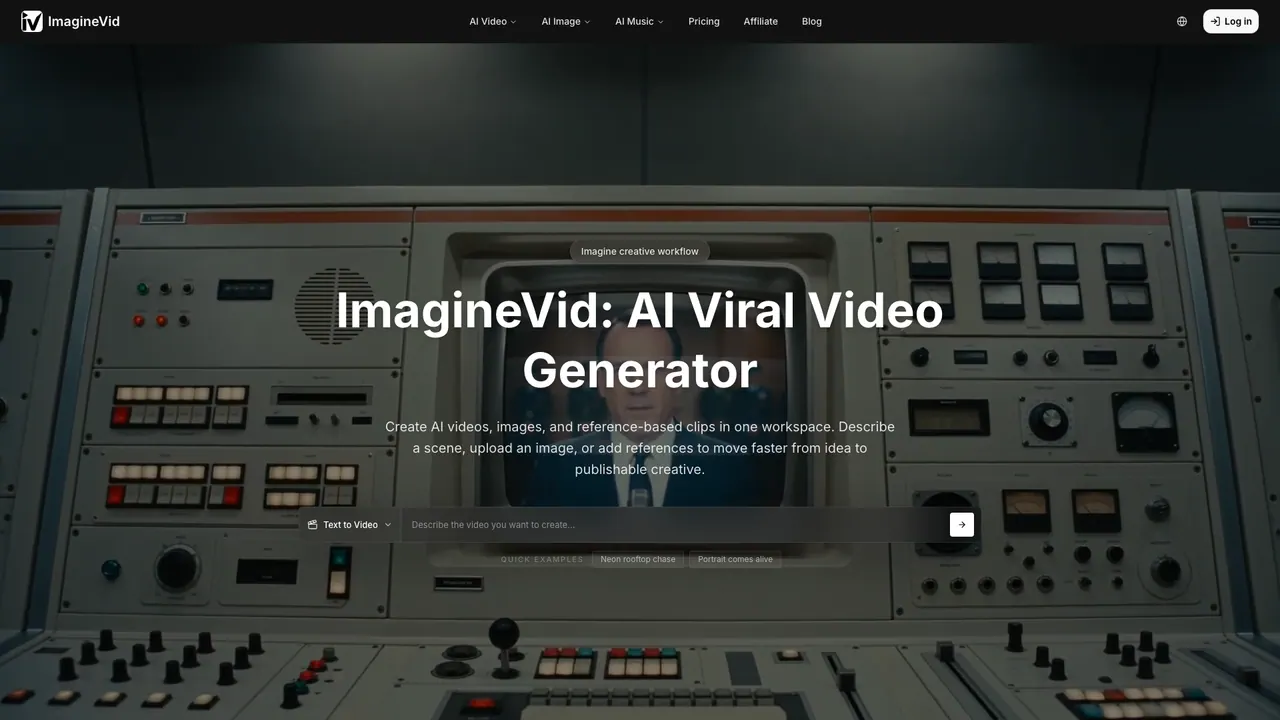
ImagineVid AI turns text, photos, and references into audio-aware AI videos and images in your browser.
- Pricing
- Free
- Category
- Video
- Listed
- Sep 6, 2026
- Updated
- Oct 18, 2026
Promoted
 AI Checker PlusAI detector that highlights which passages AI wrote. Free check, no sign-up. Plagiarism too.
 RewindType any X/Twitter handle. Get their year back as a narrated video story. Then ask it anything.
 KurodyneSell the tools from your AI side projects. Listing is free.
 Sidrune AI85% off. Stable Claude API for agent developers. Pay as you go. Invoices & refunds available.
 Pixmax.aiPixmax.ai is an all-in-one AI workspace for videos, visual stories, and marketing content.
 SEOify - Improve your SEO & rankingsBuild links to rank in Google. Improve your DR with links you can start building now.Advertise here330,000+ people visit Dang.ai every month.
What does ImagineVid AI do?
ImagineVid AI is a browser-based creative workspace for generating AI videos and images from text descriptions, images, and visual references. Build videos from scratch with text-to-video, animate existing photos with image-to-video, or guide what appears using reference-to-video. You can also generate new images from written ideas and refine outcomes by iterating on prompts and inputs.
A key focus is audio-aware creation: each generated video includes matched audio such as ambient sounds, background music, and sound effects, so you’re not limited to silent clips. The tool also supports multiple output resolutions (480p to 1080p) and common aspect ratios (16:9, 9:16, and 1:1). For more control, you can fine-tune camera motion (fixed or dynamic), adjust frame rates, and explore motion directions—useful for product reveals, portrait animation, and campaign concepts.
ImagineVid AI is designed for sellers creating product video variations, marketers turning briefs into ad concepts and localized creative, and creators producing story sequences and social shorts. Use it to go from a product shot or creative brief to shareable visuals quickly, while reviewing outputs for consistency and correctness before publishing.
Pricing details aren’t provided in the available text, but you can start creating from the platform interface and choose an option that fits your needs and plan terms.
What can I create with ImagineVid AI?
You can generate AI videos and images using text descriptions, source images, and visual references. Video creation includes motion plus automatically generated ambient audio, background music, and sound effects.
How does text-to-video work?
Describe the subject, action, setting, and camera movement you want. Then generate a clip and explore different looks by adjusting your prompt.
Can I animate a photo or product image into a video?
Yes. Upload an image and specify how the subject or camera should move, from subtle portrait animation to a moving product reveal. You can also explore multiple motion directions from the same starting visual.
How do reference-to-video inputs help?
Use reference images to keep who/what appears and the intended visual style closer to your goal. Select a model that supports reference images, then describe what should stay consistent versus what should change.
What video quality and aspect ratios are available?
You can generate outputs from 480p to 1080p and choose aspect ratios including 16:9, 9:16, and 1:1.
Does ImagineVid AI generate audio automatically?
Yes. Every generated video includes matching audio such as ambient sounds, background music, and sound effects that fit the scene.
This listing is claimed
Own ImagineVid AI? Sign in with the email used to claim it to manage this listing, or upgrade to Pro for featured-first placement and a newsletter feature.