
ImageVideoAI
AI Video Maker Generators & Tools
Turn a photo or text prompt into a short AI video using models like Kling, Veo 3.1, Seedance, Hailuo, Wan, Grok Imagine, and Vidu.
Promoted
 MuzieCreate professional AI music videos starring you. Bring a song or make one, done in minutes.
 AI Checker PlusAI detector that highlights which passages AI wrote. Free check, no sign-up. Plagiarism too.
 Pixmax.aiPixmax.ai is an all-in-one AI workspace for videos, visual stories, and marketing content.
 AdsfieldPro ads from one product photo — $40/year
 SEOify - Improve your SEO & rankingsBuild links to rank in Google. Improve your DR with links you can start building now.Advertise here330,000+ people visit Dang.ai every month.
What does ImageVideoAI do?
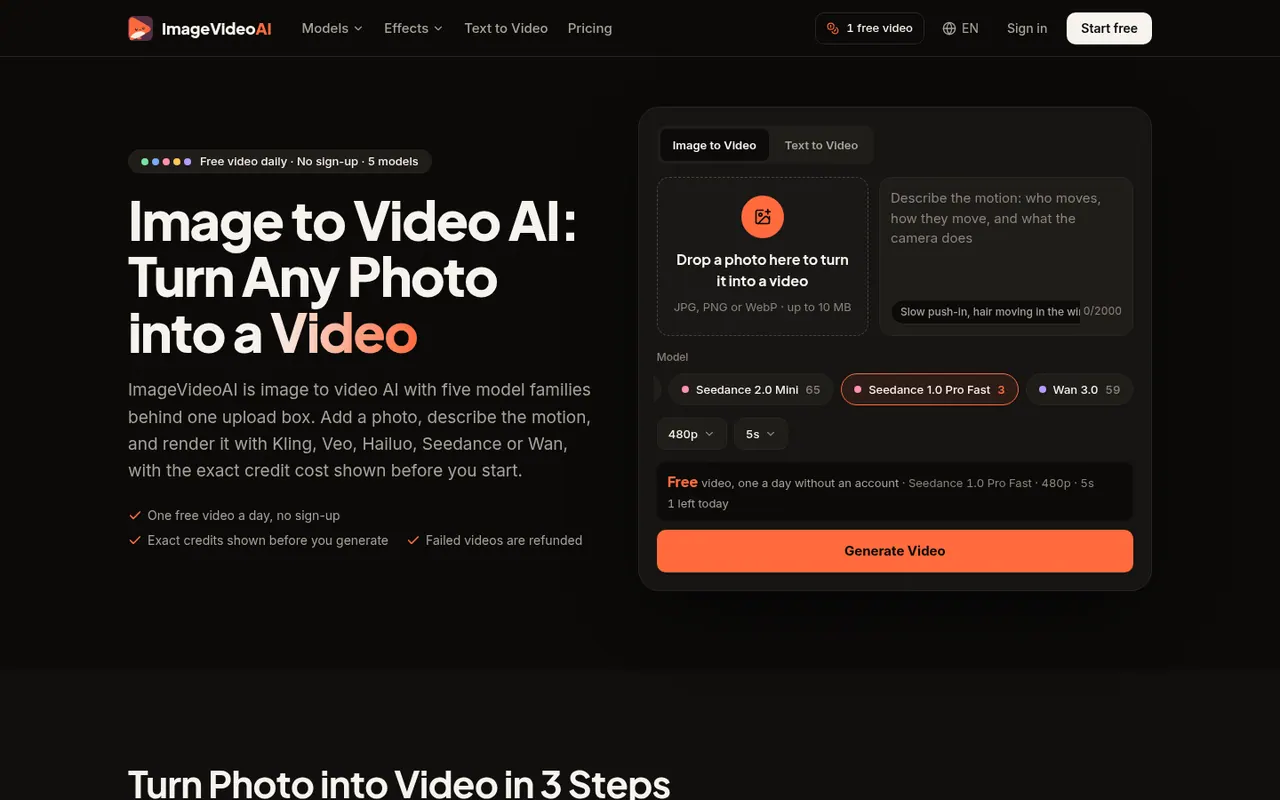
ImageVideoAI is an image-to-video tool that helps you animate a still photo in your browser. Upload a JPG, PNG, or WebP file (up to 10 MB), then describe the motion you want—or generate from a text prompt—before choosing a model family and render settings.
You can create videos in three steps: upload your image, write a simple description of what moves and how the camera behaves, then pick a model, clip length, and resolution. The app shows the exact credit cost before you generate, and if a render fails, the credits are refunded in full. When your video is ready, you can preview it and download.
Choose from multiple model families, each with different strengths, clip lengths, resolutions, and credit costs—for example Kling (up to 15s/4K on some tiers), Veo 3.1 (up to 8s/4K with sound), Seedance (wide price range, up to 30s/4K), Wan 3.0 (up to 30s/1080p with sound on by default), Grok Imagine (up to 30s/1080p in multiple aspect ratios, silent), and Vidu (up to 16s/1080p).
There’s a free video option: guests get one free video per day without sign-up. Free accounts add credits on joining (with a 30-day expiry for the signup credits) and also receive daily credits. Paid plans are available as subscriptions (Starter, Pro, Max) and via credit packs, with watermarks included on free and paid-plan renders and removed on paid features where applicable.
Is ImageVideoAI free to try?
Yes—guests can generate one free video per day without signing up. You can also start with a free account that includes a join gift and daily credits.
Do I need an account to generate a video?
No. You can generate as a guest for the one-free-video-per-day option; an account is only required if you want the account credit benefits and higher paid options.
How many credits will a render cost?
The app shows the exact credit cost before you generate based on the model family and settings you select. Failed renders are refunded in full.
What photo formats and size limits work?
Use JPG, PNG, or WebP files up to 10 MB. Clear subjects that fill a good portion of the frame tend to give the model more to animate.
What makes a good prompt for image-to-video?
Describe what should move (subject action) and how the camera behaves (e.g., slow push-in, pan, orbit). Keep it to one main action for short clips and adjust one detail at a time if results aren’t right.
Which models support sound?
Sound availability depends on the model family: some include audio by default (like Veo 3.1 and Wan 3.0), while others are silent options (like Grok Imagine and Vidu). Choose the model based on whether you want sound in the final clip.
This listing is claimed
Own ImageVideoAI? Sign in with the email used to claim it to manage this listing, or upgrade to Pro for featured-first placement and a newsletter feature.