
ImageColorPicker.io
Verified
AI Art Generator & Creator Tools
Instantly extract exact HEX, RGB, HSL, and HSV values from any image with a one-click, pixel-accurate color picker.
- Category
- Art
- Listed
- Jul 3, 2026
- Updated
- Jul 4, 2026
Promoted
 Pixmax.aiPixmax.ai is an all-in-one AI workspace for videos, visual stories, and marketing content.
 AI Checker PlusAI detector that highlights which passages AI wrote. Free check, no sign-up. Plagiarism too.
 RewindType any X/Twitter handle. Get their year back as a narrated video story. Then ask it anything.
 KurodyneSell the tools from your AI side projects. Listing is free.
 Sidrune AI85% off. Stable Claude API for agent developers. Pay as you go. Invoices & refunds available.
 SEOify - Improve your SEO & rankingsBuild links to rank in Google. Improve your DR with links you can start building now.Advertise here270,000+ people visit Dang.ai every month.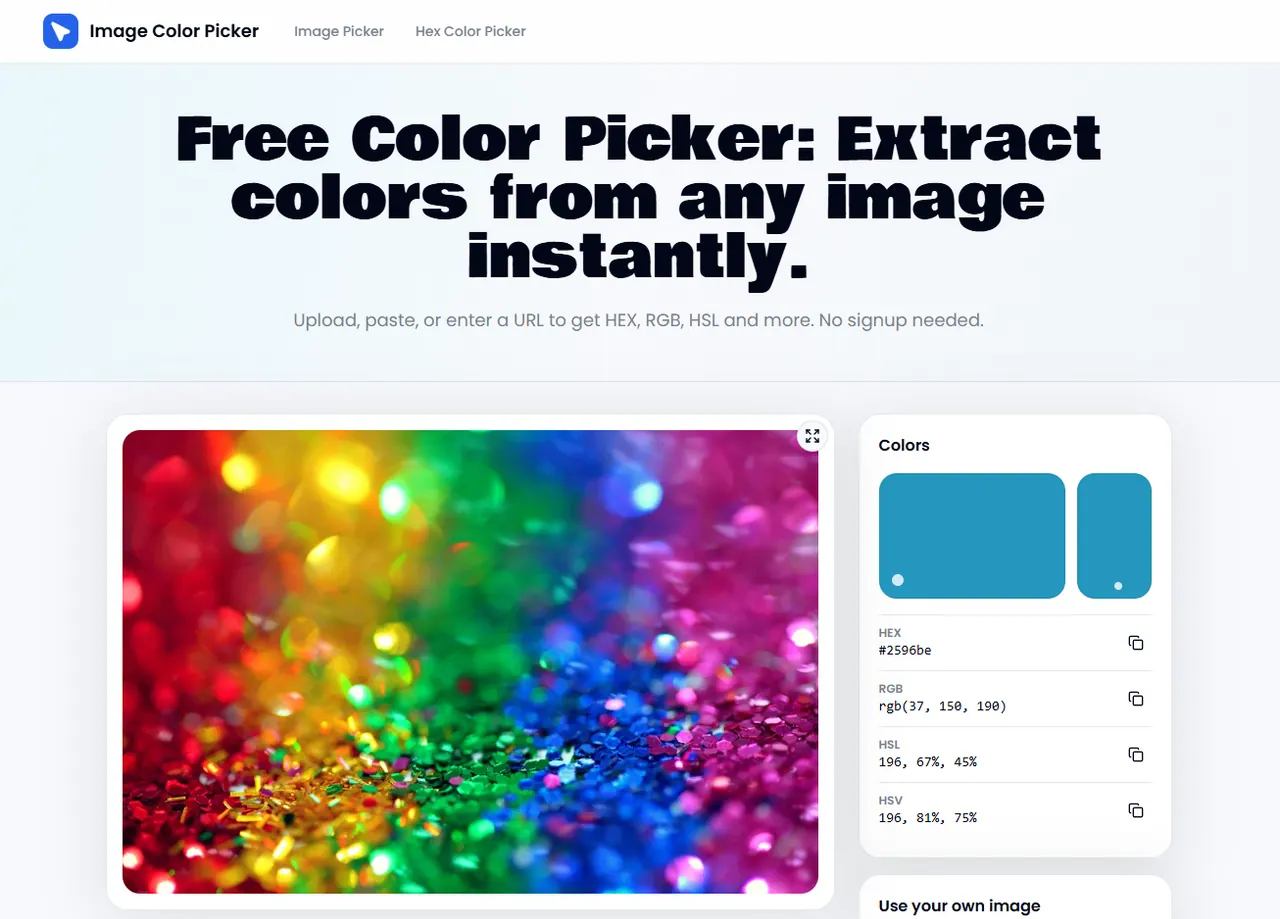
What does ImageColorPicker.io do?
ImageColorPicker.io helps you pull precise color codes from photos, screenshots, and images loaded by URL—directly in your browser. Upload a file, paste an image from your clipboard, or enter a URL to get color values without manual guessing.
Use the color identifier by clicking a pixel on the image canvas. It reads the pixel-level color data and returns HEX, RGB, HSL, and HSV together, with one-click copy for each format.
As you sample colors, you can build a palette strip and export or save your palette for later. It supports common image formats (including PNG, JPG, WebP, SVG, and GIF) and can also sample from the screen via an EyeDropper-style picker.
How do I extract a color code from an image?
Upload a photo or screenshot (or paste an image / enter a URL), then click a pixel on the image canvas to read its exact HEX, RGB, HSL, and HSV values.
Does it return exact pixel values or rounded approximations?
It reads pixel-level color data from the image using the browser’s Canvas API, so the displayed values reflect what’s stored in the image data rather than a coarse estimate.
What formats does ImageColorPicker.io return?
You can extract HEX, RGB, HSL, and HSV values. Copy any single value with one click without converting it yourself.
Can it work with screenshots and images from a website thumbnail or URL?
Yes. It can sample colors from photos, screenshots, thumbnails, and images loaded from URLs—as long as the image can be accessed for sampling.
Can I build and export a color palette?
Yes. Sample multiple colors into a palette strip, then download as a text file or save to local storage for later.
Does it save my images or require an account?
No account is required. Local files stay in your browser; loading images from a remote URL depends on whether the remote server allows canvas access.
This listing is claimed
Own ImageColorPicker.io? Sign in with the email used to claim it to manage this listing, or upgrade to Pro for featured-first placement and a newsletter feature.