
image25.photo
AI Image Generators from Text Tools
image25.photo generates or edits images with GPT Image 2.5, letting you keep your subject while changing setting, style, or composition at 1K or 2K.
- Pricing
- Free
- Category
- Image
- Listed
- Sep 22, 2026
- Updated
- Sep 23, 2026
Promoted
 Pixmax.aiPixmax.ai is an all-in-one AI workspace for videos, visual stories, and marketing content.
 AI Checker PlusAI detector that highlights which passages AI wrote. Free check, no sign-up. Plagiarism too.
 RewindType any X/Twitter handle. Get their year back as a narrated video story. Then ask it anything.
 KurodyneSell the tools from your AI side projects. Listing is free.
 Sidrune AI85% off. Stable Claude API for agent developers. Pay as you go. Invoices & refunds available.
 SEOify - Improve your SEO & rankingsBuild links to rank in Google. Improve your DR with links you can start building now.Advertise here270,000+ people visit Dang.ai every month.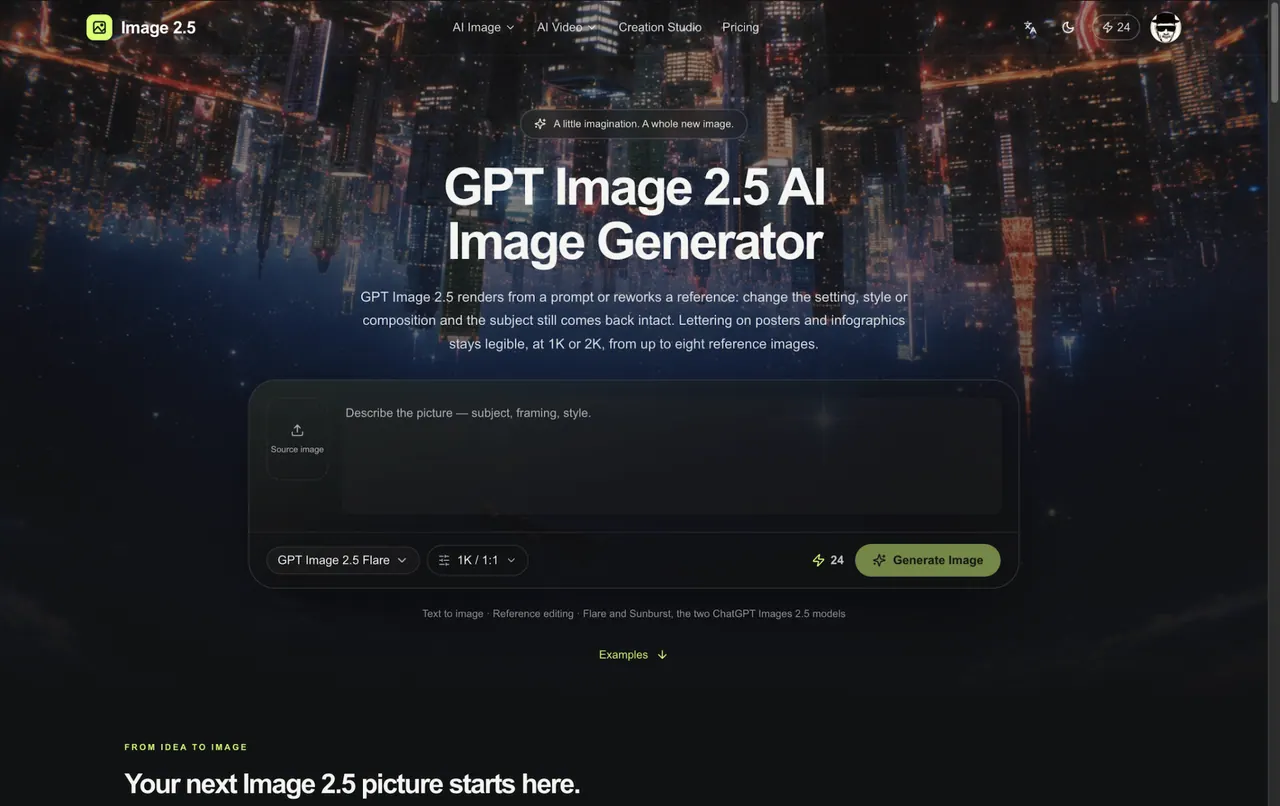
What does image25.photo do?
image25.photo is a creation workspace for GPT Image 2.5 AI images. Create from a text prompt, or rework an existing image by specifying what should change—like the setting, style, or composition—while keeping the subject recognizable.
You can also direct typography and infographic layout: lettering on posters and infographics stays legible, and charts are designed to read correctly rather than becoming purely decorative. If you have a particular subject or framing you want preserved, use reference images alongside your instructions.
Choose the pace that fits your workflow. Flare is positioned as the faster default for everyday generation and editing, while Sunburst prioritizes precision with longer generation times for carefully directed results. Both models support output sizes at 1K and 2K, with credits charged per image by resolution.
What can I create with GPT Image 2.5 on image25.photo?
You can generate an image from a text prompt, or edit a source image by directing what to change (setting, style, composition) while keeping the subject intact.
Can Image 2.5 edits keep my subject recognizable?
Yes—edits are designed to change the scene, style, or composition while the original subject comes back intact when you clearly describe what should stay the same.
Does it handle posters, lettering, and infographic layouts?
Yes. Lettering for posters and infographics is kept legible, and infographic accuracy and layout are improved so charts can read correctly.
How do Flare and Sunburst differ?
Flare is the faster default for everyday creation and editing. Sunburst takes longer and prioritizes precision for more carefully directed, detailed layouts.
What output sizes are available?
You can generate at 1K or 2K. Credit cost depends on the chosen resolution, and both models use the same resolution-based rates on this site.
Can I use reference images?
Yes. You can start from a reference and tell GPT Image 2.5 what to change, and lettering/infographic work can be directed using up to eight reference images.
This listing is claimed
Own image25.photo? Sign in with the email used to claim it to manage this listing, or upgrade to Pro for featured-first placement and a newsletter feature.