
VibeVideo
AIImageToVideoGenerator
VibeVideo turns your images and prompts into cinematic AI videos in seconds using multiple video models.
Promoted
 Pixmax.aiPixmax.ai is an all-in-one AI workspace for videos, visual stories, and marketing content.
 Sidrune AI85% off. Stable Claude API for agent developers. Pay as you go. Invoices & refunds available.
 SEOify - Improve your SEO & rankingsBuild links to rank in Google. Improve your DR with links you can start building now.Advertise here270,000+ people visit Dang.ai every month.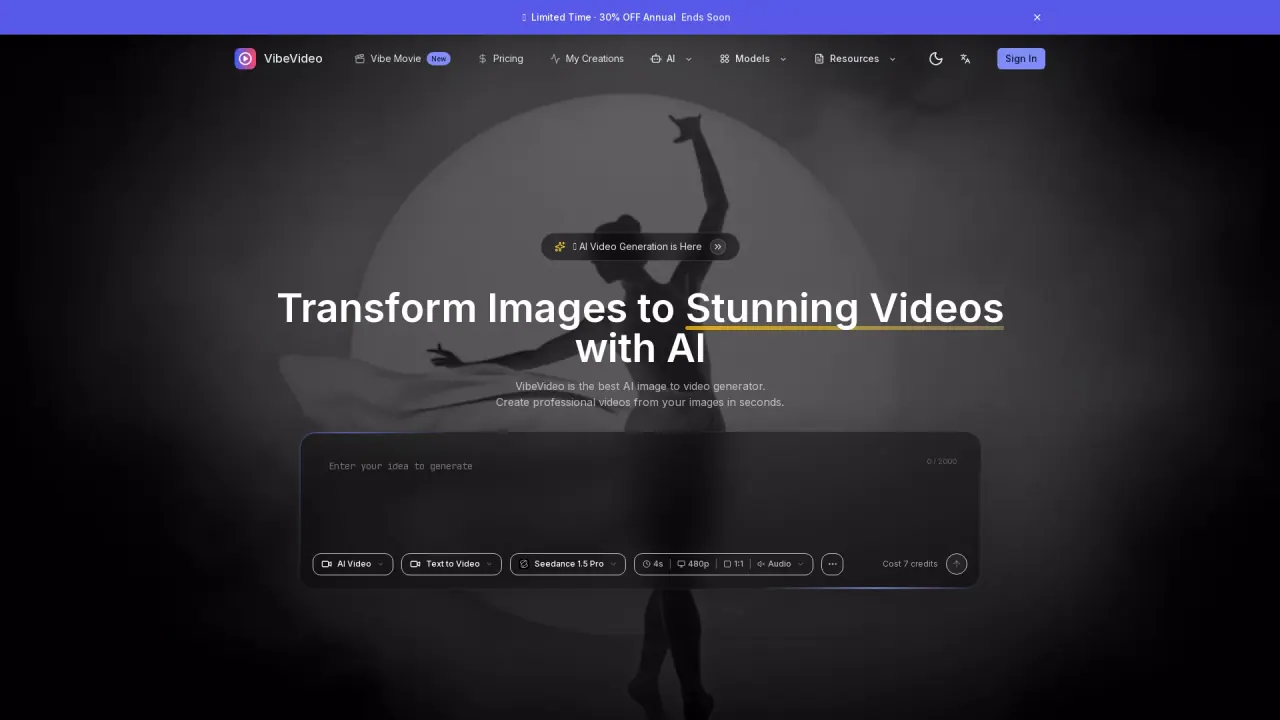
What does VibeVideo do?
VibeVideo is an AI image-to-video and text-to-video generator that transforms a still photo and your prompt into a dynamic, cinematic video. You can upload an image, describe the motion and style you want, choose a model, and generate an output ready to download and share.
It’s built for everyday production use—whether you’re creating social clips, launch content, product demos, marketing videos, or cinematic AI scenes. With both Image to Video and Text to Video workflows, you can go from a single original image to a finished HD video with natural motion and cinematic effects.
VibeVideo also supports multiple AI models, so you can match different styles and quality levels to your project. Generation is designed to be fast, with videos created in seconds, plus an HD output intended for social media and marketing use.
Pricing is based on a credit system for standard generation (including an example where an AI video shows “Cost 20 credits” for a 5s, 720p, 16:9 output). There’s also an “ULTRA MEMBERS” option offering unlimited generation with select flagship models (Veo and Seedance) without using credits, with monthly and annual Ultra plans and 365-day unlimited access. Start with free credits and scale as needed.
What can I create with VibeVideo?
You can generate cinematic AI videos from your own images (Image to Video) or create videos from text prompts (Text to Video).
How do I turn an image into a video?
Upload a JPG, PNG, or WebP image, add a prompt describing the motion and effects you want, select an AI model, then generate, download, and share.
How long are the videos you can generate?
The generator supports short clips; one example shown is a 5s video output (720p, 16:9).
Which AI models are available in VibeVideo?
You can choose from multiple AI models, including options such as Kling, Runway, and others listed on the platform (for example: Veo, Seedance, Flux, and more).
How does VibeVideo pricing work?
Standard generation uses a credit system (example shown: “Cost 20 credits”). You can also subscribe to ULTRA Members for unlimited generation with select flagship models (Veo and Seedance) without using credits.
Can I use VibeVideo for content like product demos and marketing videos?
Yes—VibeVideo is positioned for creators, product marketers, and businesses to produce videos like product demos, launch content, social clips, and marketing videos faster.
This listing is claimed
Own VibeVideo? Sign in with the email used to claim it to manage this listing, or upgrade to Pro for featured-first placement and a newsletter feature.