
Dovideo AI
Image to Video and Text to Video
Dovideo AI lets you generate engaging videos from text prompts, or animate your images with a description.
- Pricing
- Free trial
- Category
- Video
- Listed
- Jan 16, 2025
- Updated
- Oct 21, 2026
Promoted
 RewindType any X/Twitter handle. Get their year back as a narrated video story. Then ask it anything.
 KurodyneSell the tools from your AI side projects. Listing is free.
 Sidrune AI85% off. Stable Claude API for agent developers. Pay as you go. Invoices & refunds available.
 Pixmax.aiPixmax.ai is an all-in-one AI workspace for videos, visual stories, and marketing content.
 AI Checker PlusAI detector that highlights which passages AI wrote. Free check, no sign-up. Plagiarism too.
 SEOify - Improve your SEO & rankingsBuild links to rank in Google. Improve your DR with links you can start building now.Advertise here330,000+ people visit Dang.ai every month.
What does Dovideo AI do?
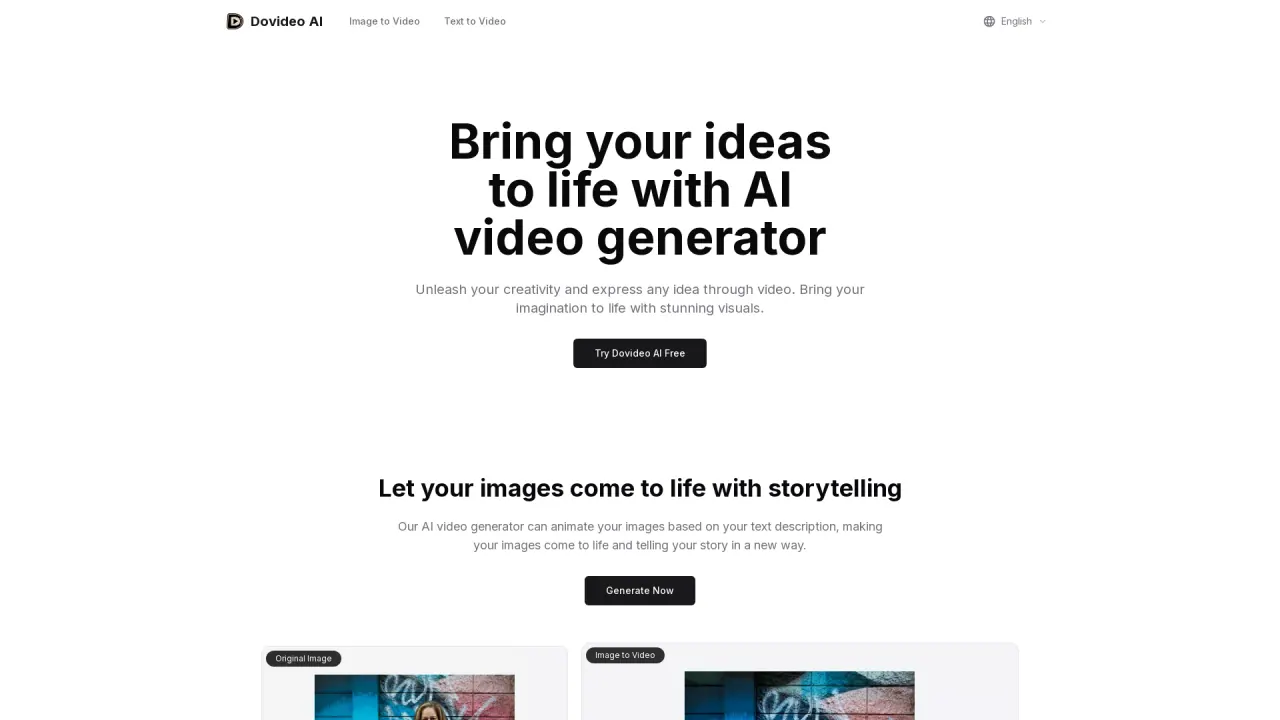
Dovideo AI is an AI video generator that helps you turn ideas into videos using text prompts, images, and (optionally) videos. Describe what you want to see, and the generator creates a video that matches your concept—whether you’re aiming for a movie-like scene or a stylized animation.
You can start from text to create videos directly from your description. If you have an image, you can upload it and add a text prompt to animate the image with storytelling elements. This makes it easier to bring still visuals to life and guide the outcome with your own creative direction.
Generated videos are high-quality and run from 5 seconds up to 10 seconds. The workflow is designed to be accessible—no technical video editing skills are required—so you can focus on the idea rather than the process.
For trying it out, there is a free trial available once. Videos created with Dovideo AI can be used for commercial purposes, such as advertisements, promotional content, or product explainer videos. Dovideo AI does not save or store your data; it only uses the authorized input for generating videos, and you should avoid entering private information.
What can I create with Dovideo AI?
You can generate videos from a text prompt, and you can also animate uploaded images using your image plus a text description.
How do I get started generating a video?
Enter a text description to generate a video from your prompt, or upload an image and add a text prompt to create an image-based video.
How long are the videos Dovideo AI generates?
Generated videos are typically high-quality and range from 5 seconds up to 10 seconds.
Do I need video editing skills to use Dovideo AI?
No. The tool is designed to be user-friendly and doesn’t require technical video editing skills.
Can I use videos created with Dovideo AI for commercial projects?
Yes. You can use generated videos for commercial purposes like advertisements, promotional content, and product explainer videos.
How does Dovideo AI handle my data?
Dovideo AI does not save or store your data. It uses the data you authorize for generating videos and won’t use your content for other purposes—so avoid entering private information.
This listing is claimed
Own Dovideo AI? Sign in with the email used to claim it to manage this listing, or upgrade to Pro for featured-first placement and a newsletter feature.