iArt
AI Video Maker Generators & Tools
iArt turns prompts, designs, and audio into broadcast-ready motion graphics—scene by scene—without timelines or After Effects skills.
- Pricing
- Free
- Category
- Video
- Listed
- Oct 1, 2026
- Updated
- Oct 6, 2026
Promoted
 Sidrune AI85% off. Stable Claude API for agent developers. Pay as you go. Invoices & refunds available.
 Pixmax.aiPixmax.ai is an all-in-one AI workspace for videos, visual stories, and marketing content.
 SEOify - Improve your SEO & rankingsBuild links to rank in Google. Improve your DR with links you can start building now.Advertise here270,000+ people visit Dang.ai every month.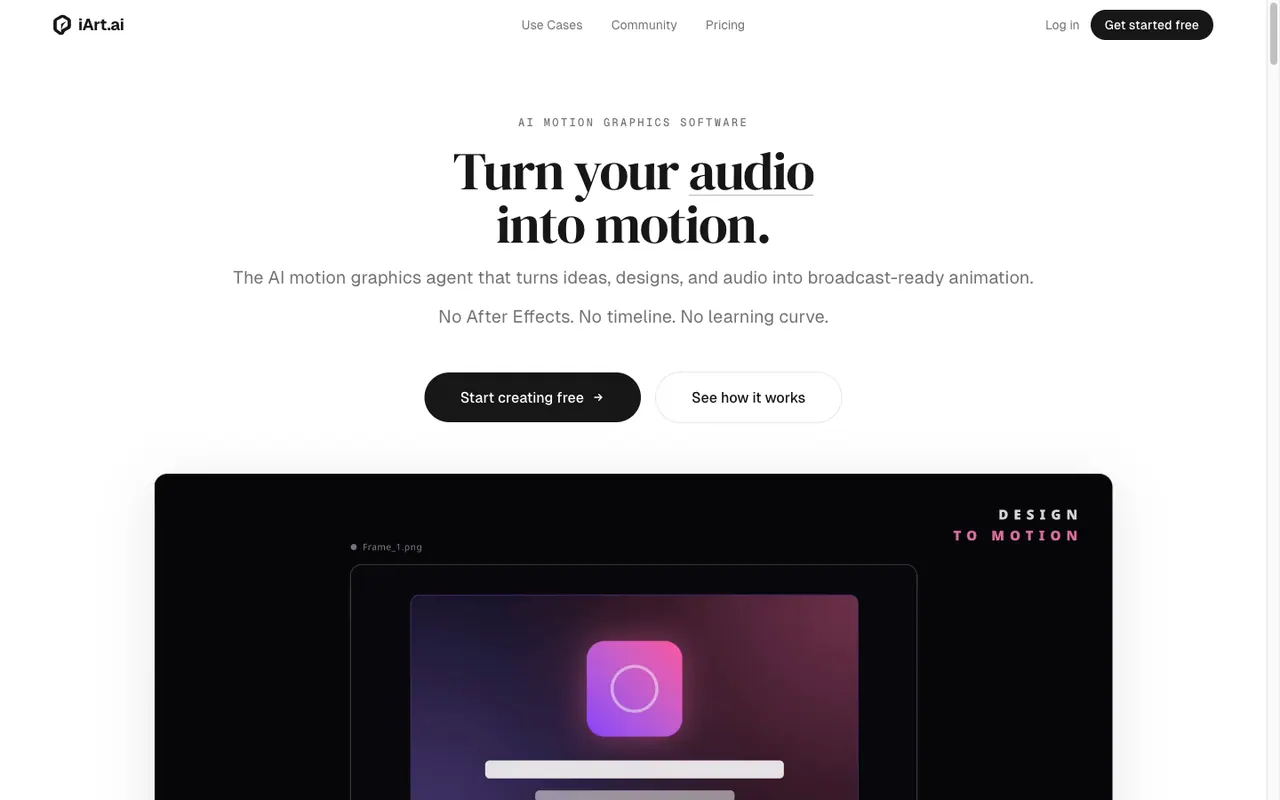
What does iArt do?
iArt is AI motion graphics software that turns ideas, designs, and audio into polished animation. Describe what you want in plain language or upload materials like images, PDFs, slide decks, or a web link—then iArt handles the design, animation, and timing.
iArt generates motion scene by scene, using three engines depending on the look you need: Motion Design (animation written as code with exact typesetting and chart data from your numbers), AI Video (generative, filmed/cinematic style), and Animation (every frame drawn in JavaScript on a canvas, including transparent WebM exports for overlays).
Edit by describing changes like “make the title two seconds shorter” or “swap the accent to navy.” iArt keeps the rest intact and re-renders with the update. You can add voiceover in nine languages (with voice cloning available on paid plans), include background music, and export or share your result as MP4 (1080p on Pro, 4K on Ultra) or share links anyone can play instantly.
Do I need After Effects skills to use iArt?
No. iArt is designed as an AI motion graphics alternative with no timeline and no learning curve required.
What inputs can I use to generate a motion graphic?
You can type a prompt or upload a mix of images, PDFs, slide decks, audio, data files, SVG logos, or even share a web link for iArt to read.
How does iArt build the animation?
An AI agent generates it scene by scene—handling layout, typography, timing, and transitions—until the full motion graphic sequence is assembled.
Can I edit the generated animation after it’s created?
Yes. You can request specific changes in plain language (for example, adjusting timing or swapping colors), and iArt re-renders the rest to stay consistent.
What export options are available?
You can download as MP4 (1080p on Pro and 4K on Ultra) or create a share link that anyone can play instantly. For overlays, Animation mode can export transparent WebM.
How much does iArt cost?
You can start free with a signup credit and no credit card. Pro is $20/month and Ultra is $50/month.
This listing is claimed
Own iArt? Sign in with the email used to claim it to manage this listing, or upgrade to Pro for featured-first placement and a newsletter feature.