
Hyper3D
SERP AI Tools
Turn text or reference images into detailed 3D assets using Rodin, with export and optional API/workspace integrations.
- Category
- Search Engine Results
- Listed
- Oct 30, 2026
- Updated
- Oct 30, 2026
Promoted
 Sidrune AI85% off. Stable Claude API for agent developers. Pay as you go. Invoices & refunds available.
 Pixmax.aiPixmax.ai is an all-in-one AI workspace for videos, visual stories, and marketing content.
 AI Checker PlusAI detector that highlights which passages AI wrote. Free check, no sign-up. Plagiarism too.
 RewindType any X/Twitter handle. Get their year back as a narrated video story. Then ask it anything.
 KurodyneSell the tools from your AI side projects. Listing is free.
 SEOify - Improve your SEO & rankingsBuild links to rank in Google. Improve your DR with links you can start building now.Advertise here270,000+ people visit Dang.ai every month.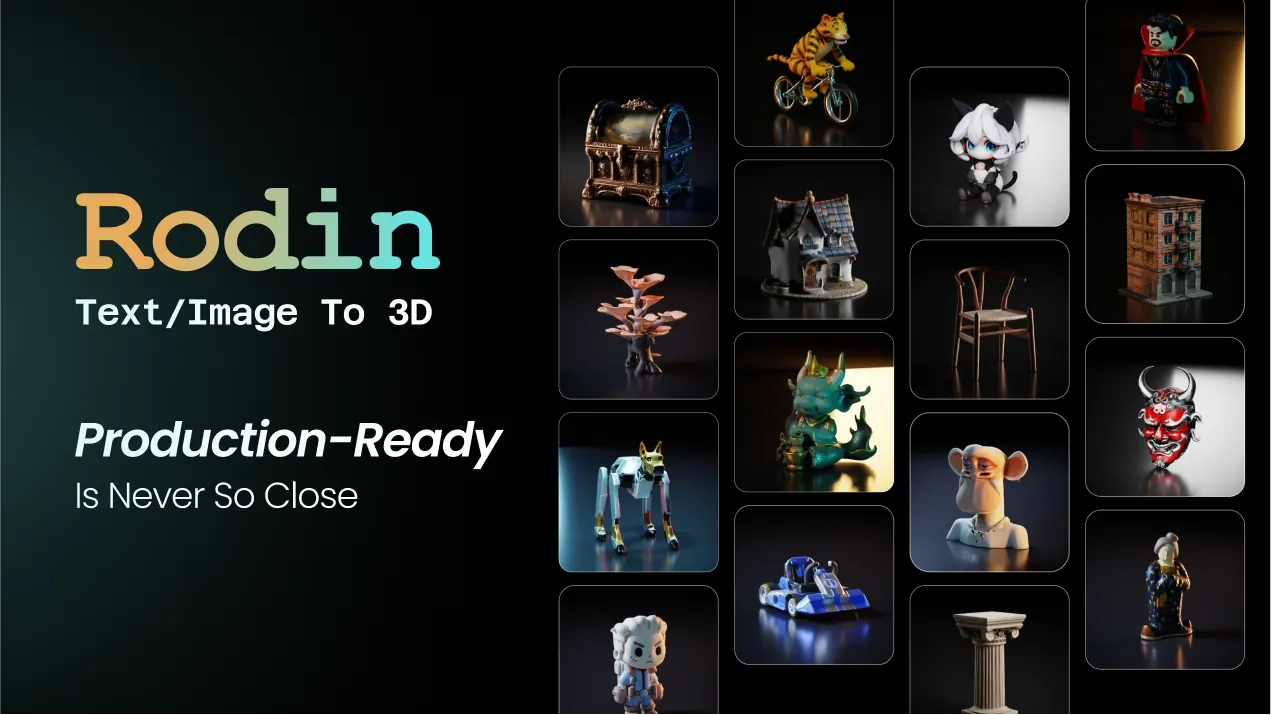
What does Hyper3D do?
Hyper3D Rodin is an AI 3D model generator that creates detailed 3D assets from either text prompts or reference images—without requiring 3D expertise. Upload a single image to generate most objects, or add optional extra views when you want more visual control and detail. You can also generate directly from a text description for fast concept-to-3D workflows.
Rodin focuses on high-fidelity results, including clean topology and PBR materials, so the outputs are ready for downstream production. Key controls help you guide generation: bounding boxes, ControlNet with voxels and point clouds, and additional workflow options such as partial edits (edit selected regions without rebuilding the model). You can also explore different directions, retry, and refine results as needed.
Beyond single-model generation, Hyper3D includes WorldGen to turn images into editable 3D worlds with independent objects and realistic physical relationships, as well as tools like video preview and avatar-related generation. Exports support common 3D pipelines and formats such as STL, FBX, OBJ, GLB/GLTF, and USDZ.
Hyper3D also offers a dedicated API platform for programmatic 3D generation and asset workflows, plus MCP support to connect agents. A free 7-day trial and free credits for testing are available to get started.
What can Hyper3D Rodin generate?
Rodin generates 3D models from text prompts and from reference images. You can start with one image for most objects, or add extra views for more control.
Do I need multiple images or a specific camera angle?
No—Rodin can work from a single reference image without a prescribed pose or camera angle. Multi-view input is optional and helps when you have additional views to guide the result.
What controls are available during 3D generation?
You can use flexible controls like bounding boxes and ControlNet guidance with voxels or point clouds. There are also options for partial edits to modify selected regions without rebuilding the model.
What formats can I export?
Hyper3D supports common 3D formats including STL, FBX, OBJ, GLB, GLTF, and USDZ—covering workflows for 3D printing, web/AR, game engines, and general editing.
Is Hyper3D usable for both creators and developers?
Yes. Creators can use Rodin for rapid text/image-to-3D, while technical teams can use the API and MCP connectivity to integrate AI 3D generation into apps and pipelines.
Is there a free way to try Hyper3D?
Yes—there is a free 7-day trial and free credits to test the platform without requiring a subscription.
Is this your tool?
Claim Hyper3D to manage this listing, or upgrade to Pro for featured-first placement and a newsletter feature.