
Hotel Lobby AI
AI Video Maker Generators & Tools
Turn two photos into a Hotel Lobby AI duo video with sound in the signature orange booth—choose duration, framing, and sides.
- Pricing
- Free
- Category
- Video
- Listed
- Oct 2, 2026
- Updated
- Oct 2, 2026
Promoted
 Pixmax.aiPixmax.ai is an all-in-one AI workspace for videos, visual stories, and marketing content.
 Sidrune AI85% off. Stable Claude API for agent developers. Pay as you go. Invoices & refunds available.
 SEOify - Improve your SEO & rankingsBuild links to rank in Google. Improve your DR with links you can start building now.Advertise here270,000+ people visit Dang.ai every month.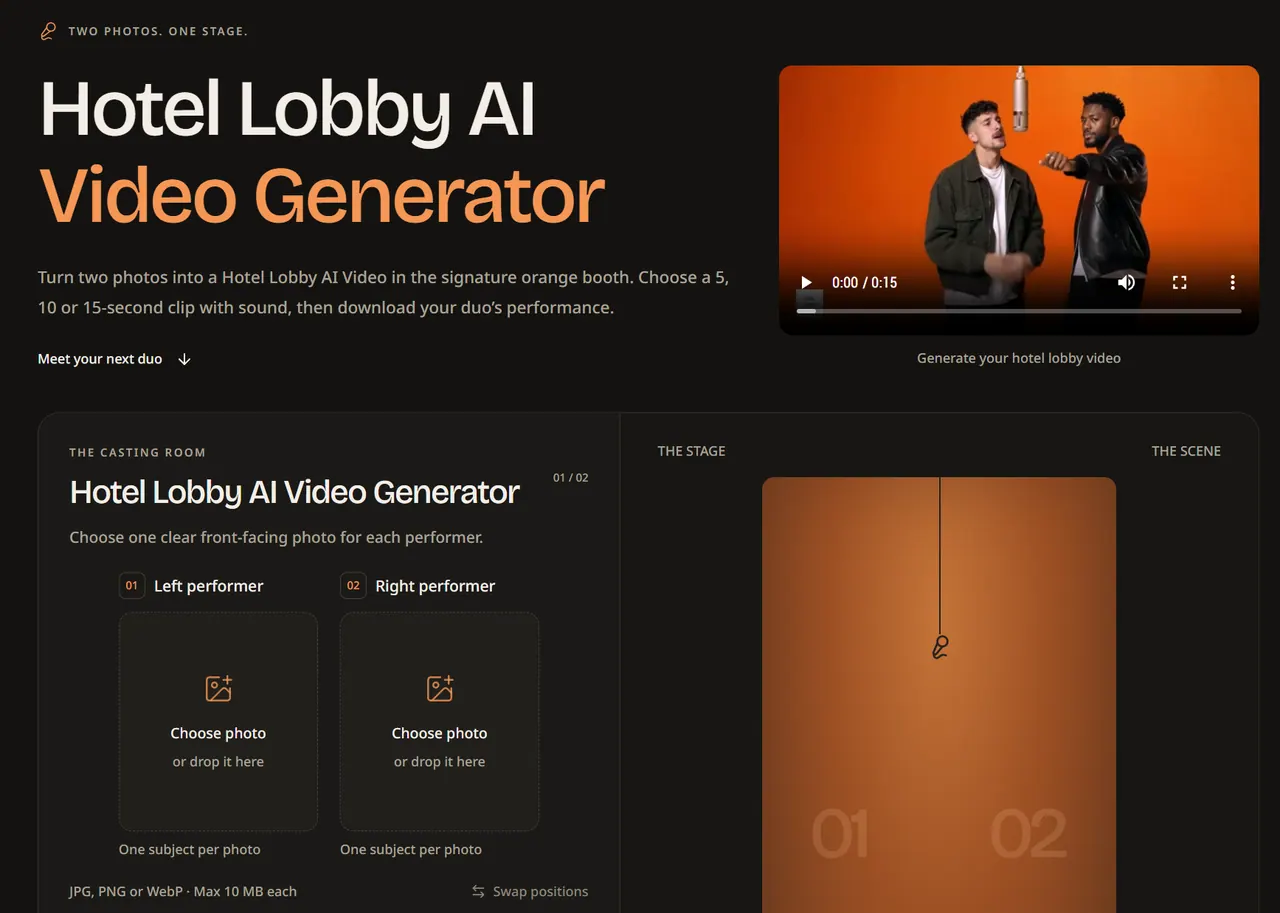
What does Hotel Lobby AI do?
Hotel Lobby AI lets you combine two separate portraits into one duo video on the signature orange booth stage. Upload one clear, front-facing photo per performer, pick which side each person stands on (left or right), and choose your video duration.
Generate a 5, 10, or 15-second clip with sound, and select your framing format (portrait, landscape, square, or Auto). The workflow is designed to avoid prompts and timeline editing—your photos and settings guide the result.
Submitted tasks are saved to your account so you can return to check progress. Completed videos stay available in History for 30 days, so you can download your favorites. Photo setup is open without an account, while video generation uses credits.
What is Hotel Lobby AI for Hot AI Video?
It’s a duo video generator that turns two consenting, front-facing portraits into a shared performance in the orange booth setting.
What photos can I use?
Use one clear, front-facing photo per performer. Accepted formats are JPG, PNG, or WebP (up to 10 MB each).
Do I need to write prompts or edit a timeline?
No. You choose two photos, assign left/right sides, select aspect ratio and duration, confirm permission, and then generate.
Can I include audio in the generated video?
Yes—sound is included in the Hotel Lobby AI results for generated videos.
How do credits and task saving work?
Video generation uses credits. Submitted tasks are saved to your account, and your completed videos remain available for 30 days in History for download.
Can I switch who stands on the left and right?
Yes. You can swap the photos between the left and right performer before generating to change the duo dynamic.
This listing is claimed
Own Hotel Lobby AI? Sign in with the email used to claim it to manage this listing, or upgrade to Pro for featured-first placement and a newsletter feature.