Hi3D
AI Image Generators from Text Tools
Generate high-fidelity 3D models from images in seconds with Hi3D.
- Category
- Image
- Listed
- Oct 30, 2026
- Updated
- Oct 30, 2026
Promoted
 Sidrune AI85% off. Stable Claude API for agent developers. Pay as you go. Invoices & refunds available.
 Pixmax.aiPixmax.ai is an all-in-one AI workspace for videos, visual stories, and marketing content.
 AI Checker PlusAI detector that highlights which passages AI wrote. Free check, no sign-up. Plagiarism too.
 RewindType any X/Twitter handle. Get their year back as a narrated video story. Then ask it anything.
 KurodyneSell the tools from your AI side projects. Listing is free.
 SEOify - Improve your SEO & rankingsBuild links to rank in Google. Improve your DR with links you can start building now.Advertise here270,000+ people visit Dang.ai every month.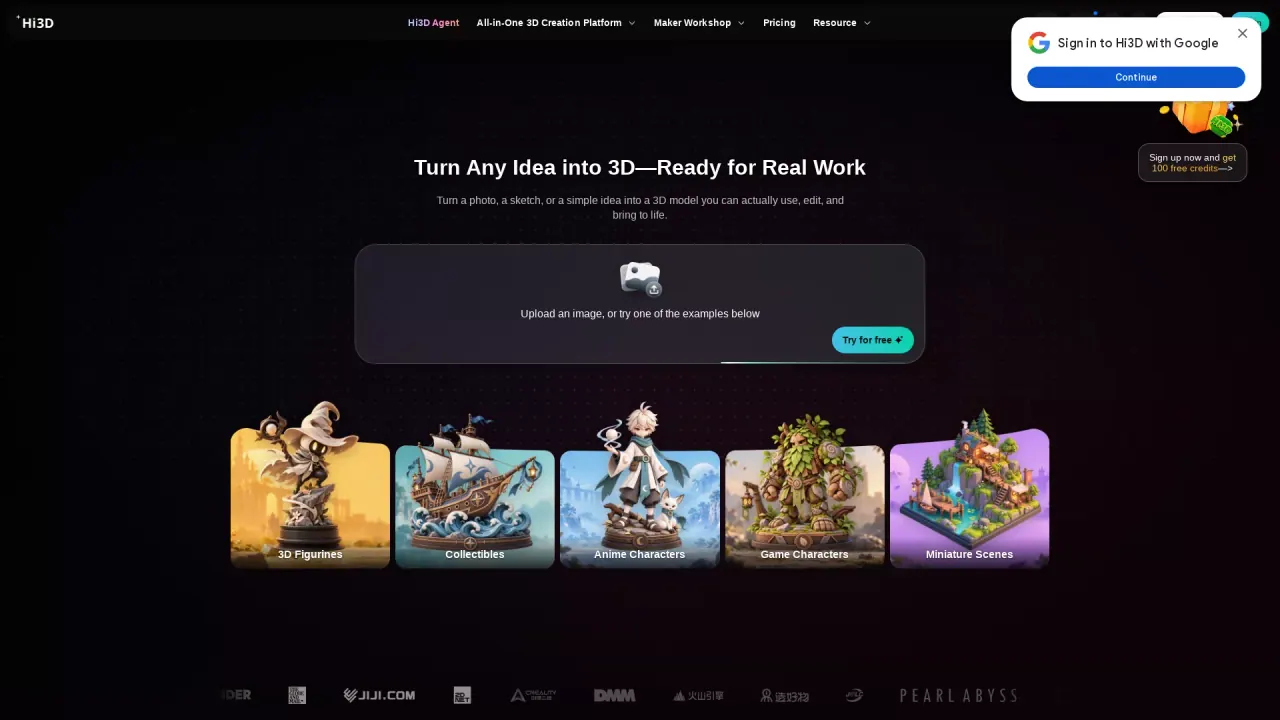
What does Hi3D do?
Hi3D is an all-in-one AI 3D creation platform that turns a photo, sketch, or text prompt into detailed, editable, print-ready 3D models. Start from an idea and generate 3D figurines, collectibles, game characters, product prototypes, and more—then refine and prepare the result for physical output.
With Hi3D, you can create by text-to-image or image-to-3D. The generator reconstructs form, structure, and fine details so the output stays clear and natural, even up close. After generation, you can use smart workflows to make models easier to print, including splitting complex parts and creating connection structures for assembly and interaction.
Hi3D also supports multi-color printing. It detects color regions and boundaries, then prepares your model for seamless slicing and printing across colors. If you prefer a guided approach, Creative Workshop offers templates for quick 3D creation from a single image, with no modeling experience required.
Once your model is ready, Hi3D can optimize its arrangement for efficient printing and export in common 3D formats including STL, OBJ, 3MF, GLB, and USDZ. You can also send your model to slicers like Bambu Studio, OrcaSlicer, and Creality Print. New users can try Hi3D for free with a Free plan that includes 100+ Credits to explore selected features, and Credits refresh each billing cycle.
What can I create with Hi3D?
You can generate detailed, editable, print-ready 3D models from text or images for uses like figurines and collectibles, personalized gifts, game assets/props, and product prototype workflows.
Do I need 3D modeling experience to use Hi3D?
No. Enter a text prompt or upload images to generate a model. For finer adjustments, you can open the model in Maker Studio and use templates in Creative Workshop.
How do I turn an image into a 3D model in Hi3D?
Upload a clear, well-lit image (JPG, PNG, or WebP), generate the model, then export it (such as GLB, OBJ, or STL) or send it to your slicer for printing. You can start seeing a usable result in as little as about 2 minutes.
What does “split to print” do?
It automatically splits complex models into easier-to-print parts and generates connection structures to help with assembly and interaction.
Can Hi3D prepare models for multi-color 3D printing?
Yes. Hi3D detects color regions and boundaries, then prepares the model for multi-color printing with slicing and filament matching workflows.
Is there a free plan, and how do credits work?
Yes. New users get a Free plan with 100+ Credits to try selected features and models. Before you create a task, Hi3D shows the required Credits and plan limits; Credits refresh each billing cycle, and failed tasks refund the Credits used for that task.
Is this your tool?
Claim Hi3D to manage this listing, or upgrade to Pro for featured-first placement and a newsletter feature.