
MediaAI
AI Photo Editing Tools
MediaAI turns real photos into gallery-worthy AI images, including headshots, photo-to-art styles, and old photo restoration.
Promoted
 Sidrune AI85% off. Stable Claude API for agent developers. Pay as you go. Invoices & refunds available.
 Pixmax.aiPixmax.ai is an all-in-one AI workspace for videos, visual stories, and marketing content.
 AI Checker PlusAI detector that highlights which passages AI wrote. Free check, no sign-up. Plagiarism too.
 RewindType any X/Twitter handle. Get their year back as a narrated video story. Then ask it anything.
 KurodyneSell the tools from your AI side projects. Listing is free.
 SEOify - Improve your SEO & rankingsBuild links to rank in Google. Improve your DR with links you can start building now.Advertise here270,000+ people visit Dang.ai every month.
What does MediaAI do?
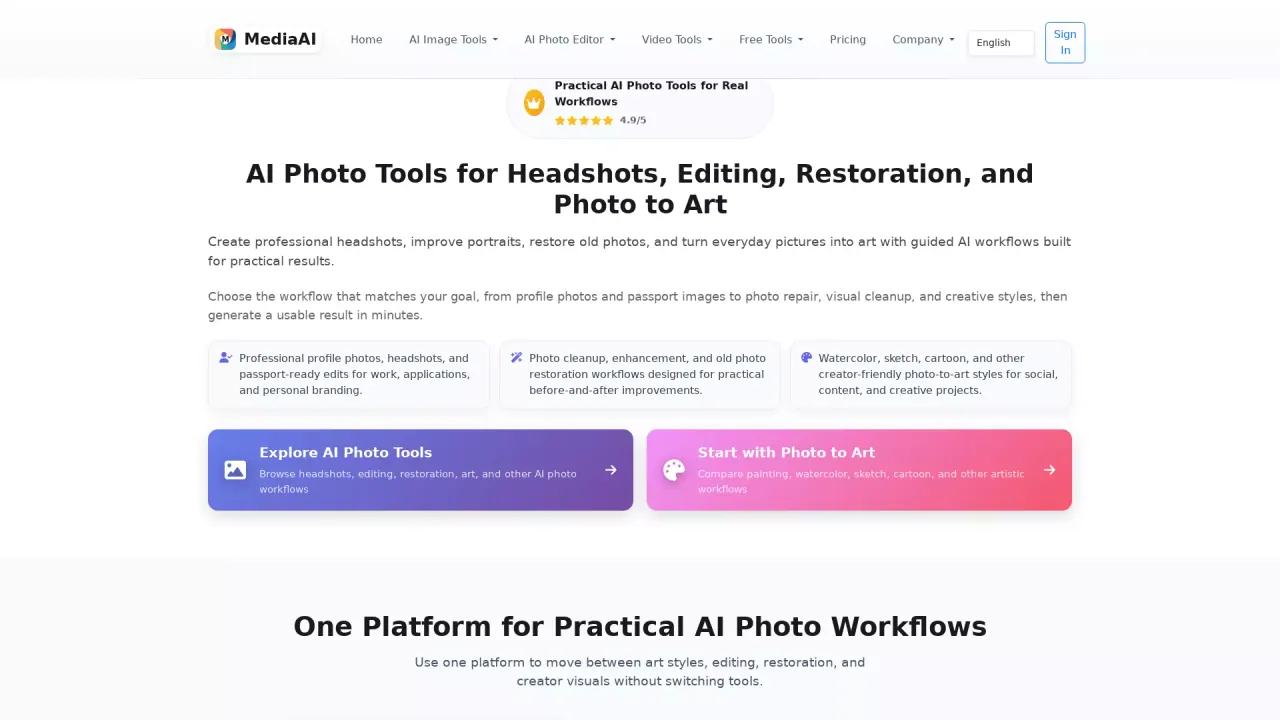
MediaAI helps you turn everyday photos into gallery-worthy AI images—without starting from blank prompts. Upload a selfie, portrait, pet photo, or couple shot and generate results like oil paintings, sketches, stylized portraits, and other photo-based art styles you’ll want to save.
The tool is built around photo-to-art workflows. Instead of crafting complex prompts, you can use your existing image as the input and explore multiple styles (such as oil painting or sketch) to create a polished output. It’s a good fit when you want creative results quickly for personal keepsakes, creator content, or marketing visuals.
MediaAI also focuses on real photo cleanup and restoration. If your source photo needs improvement, you can clean up distractions, restore older images, and enhance the background so the final result looks cleaner and more share-ready. Use it to create profile and social-ready images, including clearer, more styled headshots and avatars.
MediaAI includes a free plan for generating images, with optional paid features for higher usage and more advanced capabilities. It’s designed for creators, marketers, designers, and businesses that need fast, scalable, and visually appealing image generation from real photos.
What can I create with MediaAI?
You can generate AI images from your own photos, including oil paintings, sketches, headshots, and stylized portraits. You can also restore and clean up real photos before turning them into polished outputs.
Do I need to write prompts to use MediaAI?
No—MediaAI is built for photo-based workflows. Start with an uploaded selfie, portrait, or other photo, then transform it into the styles you want.
Can MediaAI help with old photo restoration?
Yes. You can clean up and restore older photos, remove distractions, clean backgrounds, and improve the source image so the result is more share-ready.
What types of photos work best?
Good inputs include selfies, portraits, pet photos, and couple shots. Upload a real photo and use it as the basis for photo-to-art styles and edits.
Is there a free plan for MediaAI?
Yes. MediaAI offers a free plan that lets you generate images, with optional paid features for higher usage and advanced capabilities.
Can I use MediaAI to create profile images and headshots?
Yes. Use the tool to create cleaner headshots, avatars, and social-ready creator images when your original photo needs more clarity, style, or confidence.
This listing is claimed
Own MediaAI? Sign in with the email used to claim it to manage this listing, or upgrade to Pro for featured-first placement and a newsletter feature.