
HeicToPng
AI Image Generators from Text Tools
Convert HEIC to high-quality PNG for free in your browser with private on-device, no-upload batch conversion.
- Pricing
- Free
- Category
- Image
- Listed
- Sep 2, 2026
- Updated
- Sep 3, 2026
Promoted
 AI Checker PlusAI detector that highlights which passages AI wrote. Free check, no sign-up. Plagiarism too.
 RewindType any X/Twitter handle. Get their year back as a narrated video story. Then ask it anything.
 KurodyneSell the tools from your AI side projects. Listing is free.
 Sidrune AI85% off. Stable Claude API for agent developers. Pay as you go. Invoices & refunds available.
 Pixmax.aiPixmax.ai is an all-in-one AI workspace for videos, visual stories, and marketing content.
 SEOify - Improve your SEO & rankingsBuild links to rank in Google. Improve your DR with links you can start building now.Advertise here270,000+ people visit Dang.ai every month.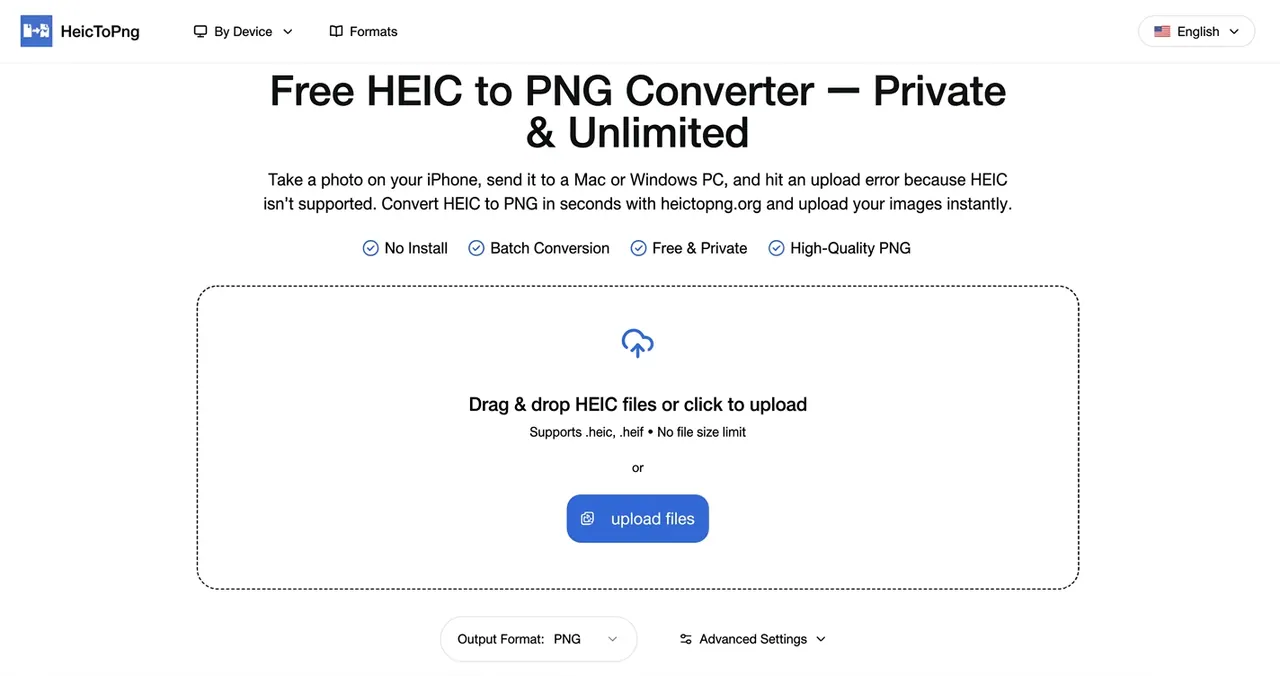
What does HeicToPng do?
HeicToPng is a browser-based HEIC (or HEIF) to PNG converter built for compatibility and privacy. It turns iPhone photos into universally usable PNGs without installing software or creating an account.
Conversion runs entirely on your device inside your browser, so your images aren’t uploaded to any server. You can drag & drop files (up to 100 per batch on desktop, 30 on mobile), then download a ZIP containing all converted PNGs.
For control over output, use Advanced Settings to apply EXIF auto-rotation and optionally cap the maximum dimension (Original or 4096/2048/1024 px). PNG output preserves original details and includes transparency when your source image has it.
Is HeicToPng really free and unlimited for batch conversions?
Yes. You can convert for free with no sign-up, paywall, or daily limit mentioned, with batch support of up to 100 files per session on desktop (30 on mobile).
Are my photos uploaded to a server during conversion?
No. Conversion is processed client-side in your browser, and your HEIC files aren’t uploaded to servers.
Will the converted PNG preserve EXIF metadata like date and camera info?
Yes. EXIF metadata is preserved during HEIC to PNG conversion, including details such as date taken and camera information.
Does converting HEIC to PNG reduce image quality?
No. PNG is lossless, and the converter preserves the original resolution, colors, and details of your HEIC photos.
Can it handle both .heic and .heif files?
Yes. The converter supports both .heic and .heif extensions and produces the same PNG output.
Does PNG output include transparency?
Yes. If the source image contains transparency data, the resulting PNG will preserve transparent backgrounds.
This listing is claimed
Own HeicToPng? Sign in with the email used to claim it to manage this listing, or upgrade to Pro for featured-first placement and a newsletter feature.