
Hair Transplant AI (HairBeforeAfter)
AI Image Generators from Text Tools
Upload a clear photo to generate an AI-labeled before-and-after hair transplant visualization you can compare and download.
- Pricing
- Free
- Category
- Image
- Listed
- Oct 6, 2026
- Updated
- Oct 23, 2026
Promoted
 Sidrune AI85% off. Stable Claude API for agent developers. Pay as you go. Invoices & refunds available.
 Pixmax.aiPixmax.ai is an all-in-one AI workspace for videos, visual stories, and marketing content.
 RewindType any X/Twitter handle. Get their year back as a narrated video story. Then ask it anything.
 KurodyneSell the tools from your AI side projects. Listing is free.
 SEOify - Improve your SEO & rankingsBuild links to rank in Google. Improve your DR with links you can start building now.Advertise here270,000+ people visit Dang.ai every month.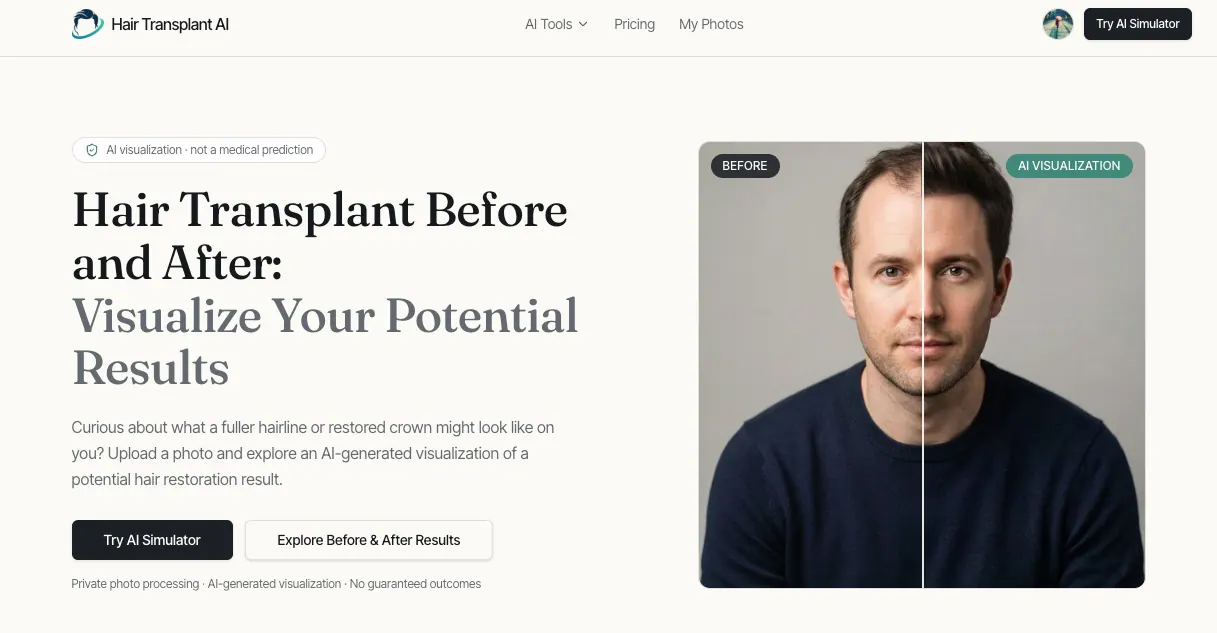
What does Hair Transplant AI (HairBeforeAfter) do?
Hair Transplant AI (HairBeforeAfter) lets you explore a potential hair restoration look by turning your uploaded photo into an AI-generated before-and-after visualization. You can use it to compare how different areas of concern might appear under a simulated “after” scenario, helping you brainstorm and come prepared for a real consultation.
To get started, upload a clear, front-facing image where your hair and forehead are visible. Then choose what you want to focus on—such as receding hairline, crown thinning, or overall density—select a style and a change level, and generate the visualization. The app supports side-by-side comparison using an interactive slider so you can quickly assess differences. You can also try multiple variations and download your comparison for reference.
The simulator includes common hair loss scenarios, including temple recession and diffuse thinning, plus female pattern thinning options like a widening center part. It also offers beard and eyebrow restoration visualizations. Each generated image is clearly labeled “AI Visualization.”
Use this tool as an illustrative, educational aid—not as a prediction of surgical outcomes or a substitute for medical advice. It’s designed to help you visualize possibilities privately, with a low-pressure way to ask better questions with a qualified professional.
What does Hair Transplant AI generate?
It generates an AI-labeled “before-and-after” visualization based on your uploaded photo. It’s meant for illustrative and educational purposes, not as a forecast of results.
Can AI predict what my surgery results will be?
No. The output is an illustration of a possible appearance, not a medical prediction of what surgery will achieve for you.
What photo should I upload for the best results?
Upload a clear, front-facing image with your hair and forehead visible. Good framing helps the visualization reflect the area you’re focusing on.
Can I simulate different hair loss areas like the hairline and crown?
Yes. You can choose a focus area such as the hairline, the crown, or overall density, then generate and compare variations.
Does the simulator include options for women?
Yes. It includes female hair thinning scenarios, such as a widening center part.
How can I view and save the comparison?
Use the side-by-side comparison with the interactive slider to compare results, then download your comparison for reference.
This listing is claimed
Own Hair Transplant AI (HairBeforeAfter)? Sign in with the email used to claim it to manage this listing, or upgrade to Pro for featured-first placement and a newsletter feature.