
H3 Max
AI Video Maker Generators & Tools
Turn a prompt or image into a 5–15 second video with synchronized audio and directed camera motion in minutes.
- Pricing
- Free
- Category
- Video
- Listed
- Sep 2, 2026
- Updated
- Sep 6, 2026
Promoted
 Sidrune AI85% off. Stable Claude API for agent developers. Pay as you go. Invoices & refunds available.
 Pixmax.aiPixmax.ai is an all-in-one AI workspace for videos, visual stories, and marketing content.
 AI Checker PlusAI detector that highlights which passages AI wrote. Free check, no sign-up. Plagiarism too.
 RewindType any X/Twitter handle. Get their year back as a narrated video story. Then ask it anything.
 KurodyneSell the tools from your AI side projects. Listing is free.
 SEOify - Improve your SEO & rankingsBuild links to rank in Google. Improve your DR with links you can start building now.Advertise here270,000+ people visit Dang.ai every month.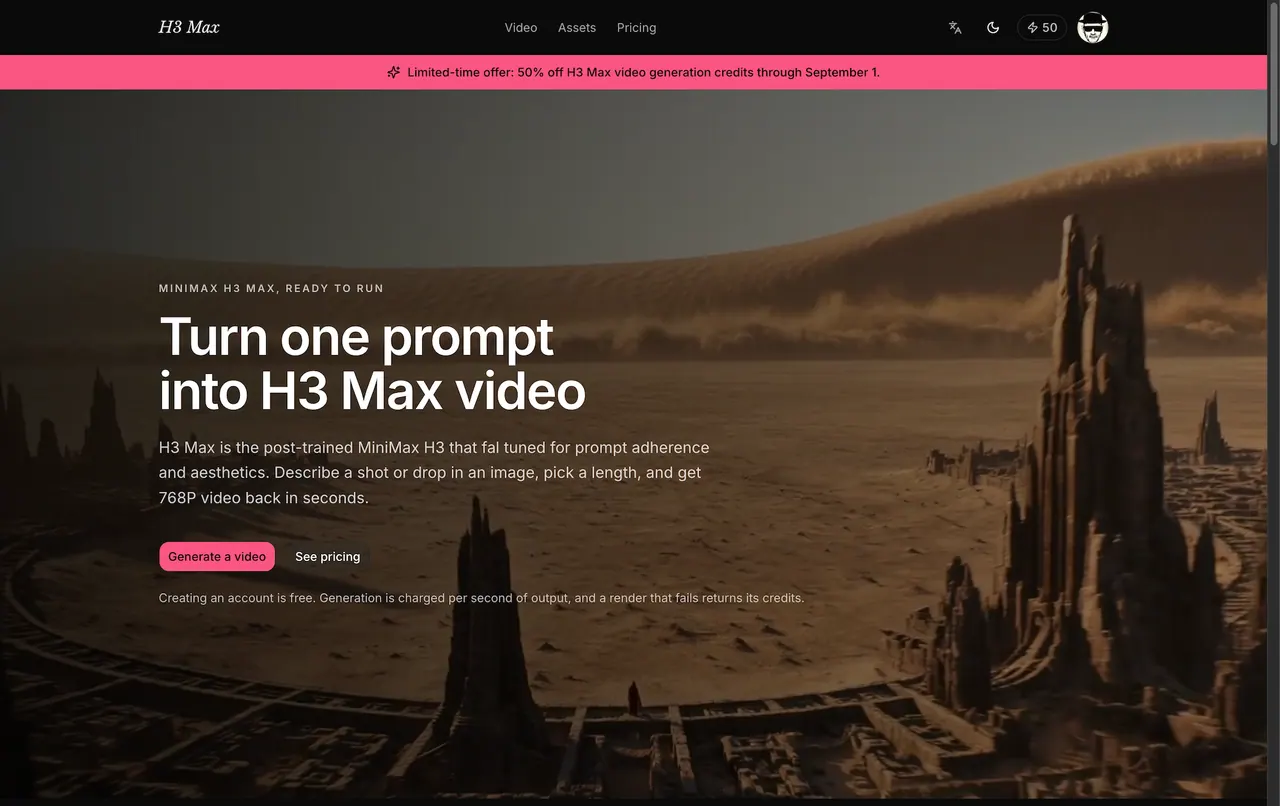
What does H3 Max do?
H3 Max is an AI video generator that converts a written shot description—or a single start image—into a 5–15 second clip with synchronized audio and camera motion you can direct. It’s designed for quick iteration at 480P or 768P, with an option to use Standard H3 when you need higher-resolution output.
You can guide the sequence with an optional first and last frame: upload a begin image (required to use an end frame), optionally add a closing image, and H3 Max builds the motion between them. For text-to-video, you can keep control over the framing, action beats, and look by describing camera movement, timing, and mood.
H3 Max renders are charged per second of output, with the exact credit cost shown before you generate. Failed renders return credits automatically. You can also choose prompt expansion behavior (Off to preserve wording, Balanced for moderate detail, or Quality for a richer prompt), plus set duration, resolution, and aspect ratio.
What can I generate with H3 Max?
You can create text-to-video from a prompt, or image-to-video from a start image. You can also add an optional end image to direct the final frame and motion between the two.
How long are the videos I generate?
H3 Max produces videos in the 5–15 second range per render.
What resolutions does H3 Max support?
H3 Max supports 480P and 768P. Standard H3 is used for 2K and 4K output.
How does the audio work?
H3 Max generates native audio synchronized to the picture during the same generation pass, instead of adding sound afterward.
Can I control the shot with specific frames?
Yes. Provide a begin image and (optionally) an end image. H3 Max uses them to build continuous motion between the opening and closing moments.
How is pricing handled?
Generation is charged per second of output, and the exact credit cost is shown before you generate. Renders that fail return the credits automatically.
This listing is claimed
Own H3 Max? Sign in with the email used to claim it to manage this listing, or upgrade to Pro for featured-first placement and a newsletter feature.