
Grok Imagine
AI Video Maker Generators & Tools
Grok Imagine is an AI video generator that turns text or images into 6–30s videos with synced audio, using Normal, Fun, and Spicy modes.
- Pricing
- Free
- Category
- Video
- Listed
- Jun 2, 2026
- Updated
- Jun 3, 2026
Promoted
 Sidrune AI85% off. Stable Claude API for agent developers. Pay as you go. Invoices & refunds available.
 Pixmax.aiPixmax.ai is an all-in-one AI workspace for videos, visual stories, and marketing content.
 SEOify - Improve your SEO & rankingsBuild links to rank in Google. Improve your DR with links you can start building now.Advertise here270,000+ people visit Dang.ai every month.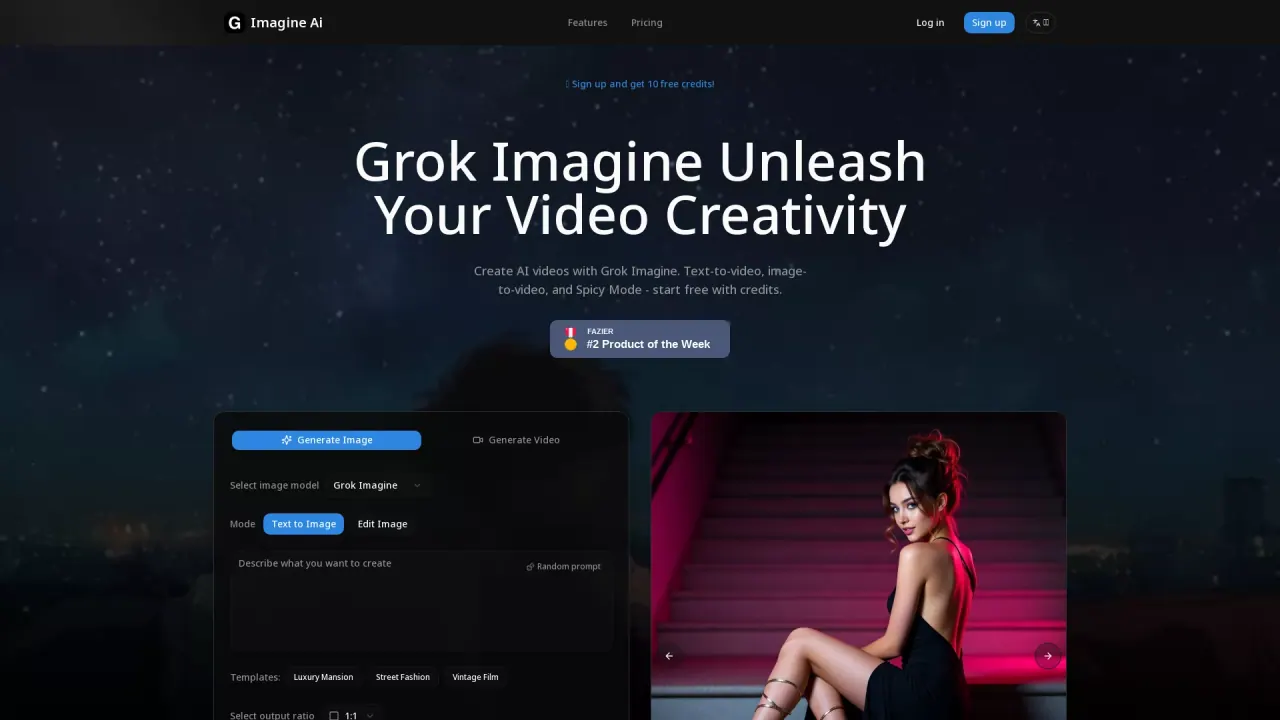
What does Grok Imagine do?
Grok Imagine helps you create AI videos with synced audio using either a text prompt (text-to-video) or a starting image (image-to-video). Choose a creative mode—Normal, Fun, or Spicy—and pick an aspect ratio before generating your output.
Video creation is designed for speed: generate short clips that include auto-generated background music and sound effects. You can also work from images to produce motion-based videos, with mode support depending on the workflow.
Behind the scenes, Grok Imagine uses the xAI Aurora engine for photorealistic rendering. If you want variety, explore multiple aspect ratios for both images and videos, generate quickly, and download your result with audio included.
How long are the videos I generate with Grok Imagine?
Grok Imagine generates 6 to 30-second videos with synchronized audio.
What input types does Grok Imagine support?
You can generate videos from a text prompt (text-to-video) or from an uploaded image (image-to-video).
What are Grok Imagine Normal, Fun, and Spicy modes?
Normal produces clear, balanced output; Fun uses bright, playful styling; Spicy is bold with stylized lighting for more expressive results.
Does Grok Imagine generate sound in the videos?
Yes. Videos include auto-generated background music and sound effects, so you can download the result without extra post-processing.
What aspect ratios are available for images and videos?
Supported ratios include 1:1, 2:3, 3:2, 9:16, and 16:9 (for both images and videos).
Are image-to-video outputs available in all modes?
Image-to-video supports Normal and Fun modes.
This listing is claimed
Own Grok Imagine? Sign in with the email used to claim it to manage this listing, or upgrade to Pro for featured-first placement and a newsletter feature.