
Gemini Omni
Verified
AI Video Maker Generators & Tools
Generate cinematic videos from text or references, then refine them shot-by-shot with conversational edits.
Promoted
 KurodyneSell the tools from your AI side projects. Listing is free.
 Sidrune AI85% off. Stable Claude API for agent developers. Pay as you go. Invoices & refunds available.
 Pixmax.aiPixmax.ai is an all-in-one AI workspace for videos, visual stories, and marketing content.
 AI Checker PlusAI detector that highlights which passages AI wrote. Free check, no sign-up. Plagiarism too.
 RewindType any X/Twitter handle. Get their year back as a narrated video story. Then ask it anything.
 SEOify - Improve your SEO & rankingsBuild links to rank in Google. Improve your DR with links you can start building now.Advertise here270,000+ people visit Dang.ai every month.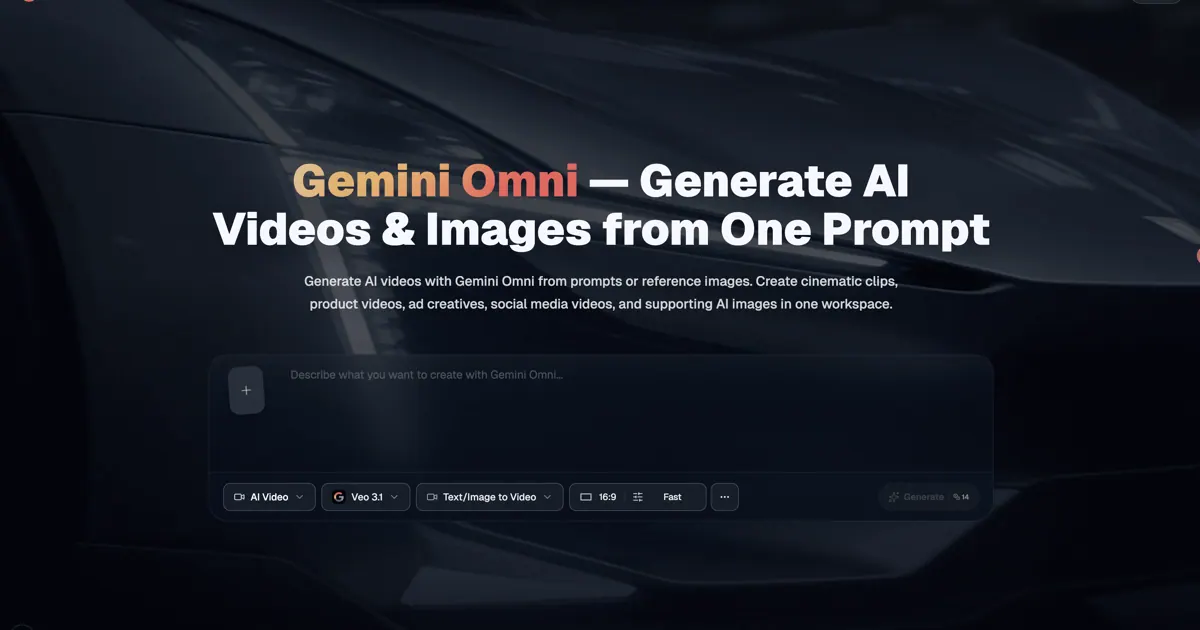
What does Gemini Omni do?
Gemini Omni is a browser-based AI video generator and editor that creates videos from text prompts and reference inputs like images, video clips, and audio. Generate from scratch (text-to-video, image-to-video, sketch-to-video) or start from existing footage, then steer the result with clear, follow-up instructions.
What sets Gemini Omni apart is iterative editing without starting over. After generating, you can ask for scene-level changes—swap the background, replace an object, adjust camera angle or movement, or update a character’s outfit—while the rest of the scene stays intact. Gemini Omni can also combine multiple references in a single generation and keeps characters consistent across edits.
Use it for marketing and ads, e-commerce product videos, social media content, education, explainers, and agency workflows where you want to go from idea to first draft quickly. Upload references, choose aspect ratio, resolution, and duration, generate, then refine and download your final output.
What can I generate with Gemini Omni?
You can generate videos from text prompts, reference images, sketches/storyboards, and existing video clips. You can also combine multiple references (like a character photo plus a background image) in one generation.
Can Gemini Omni edit a video I upload?
Yes. Upload a clip, describe what you want to change (such as swapping the background, replacing an object, or changing the style), and Gemini Omni updates the parts you mention while keeping the rest of the scene.
How does shot-by-shot refinement work?
After the first generation, you send follow-up instructions for what to change. Gemini Omni remembers the scene between edits so you don’t need to regenerate from scratch.
Can Gemini Omni keep characters consistent across edits?
Yes. When you use character or face references, Gemini Omni is designed to preserve the same character appearance across subsequent edits and new instructions.
Is Gemini Omni free to try?
Yes—sign up to receive free credits to start generating. Paid plans are available for more credits and additional capabilities.
Can I use generated videos commercially?
Yes. Paid plans include commercial use rights for using generated videos in ads, product pages, and social media content.
This listing is claimed
Own Gemini Omni? Sign in with the email used to claim it to manage this listing, or upgrade to Pro for featured-first placement and a newsletter feature.