
Fugte
No Code AI Tools
Fugte turns your AI or custom code into hosted, editable widgets you can embed and update anywhere—no developer needed.
- Pricing
- Free
- Category
- No Code
- Listed
- Aug 20, 2026
- Updated
- Aug 21, 2026
Promoted
 Sidrune AI85% off. Stable Claude API for agent developers. Pay as you go. Invoices & refunds available.
 Pixmax.aiPixmax.ai is an all-in-one AI workspace for videos, visual stories, and marketing content.
 SEOify - Improve your SEO & rankingsBuild links to rank in Google. Improve your DR with links you can start building now.Advertise here270,000+ people visit Dang.ai every month.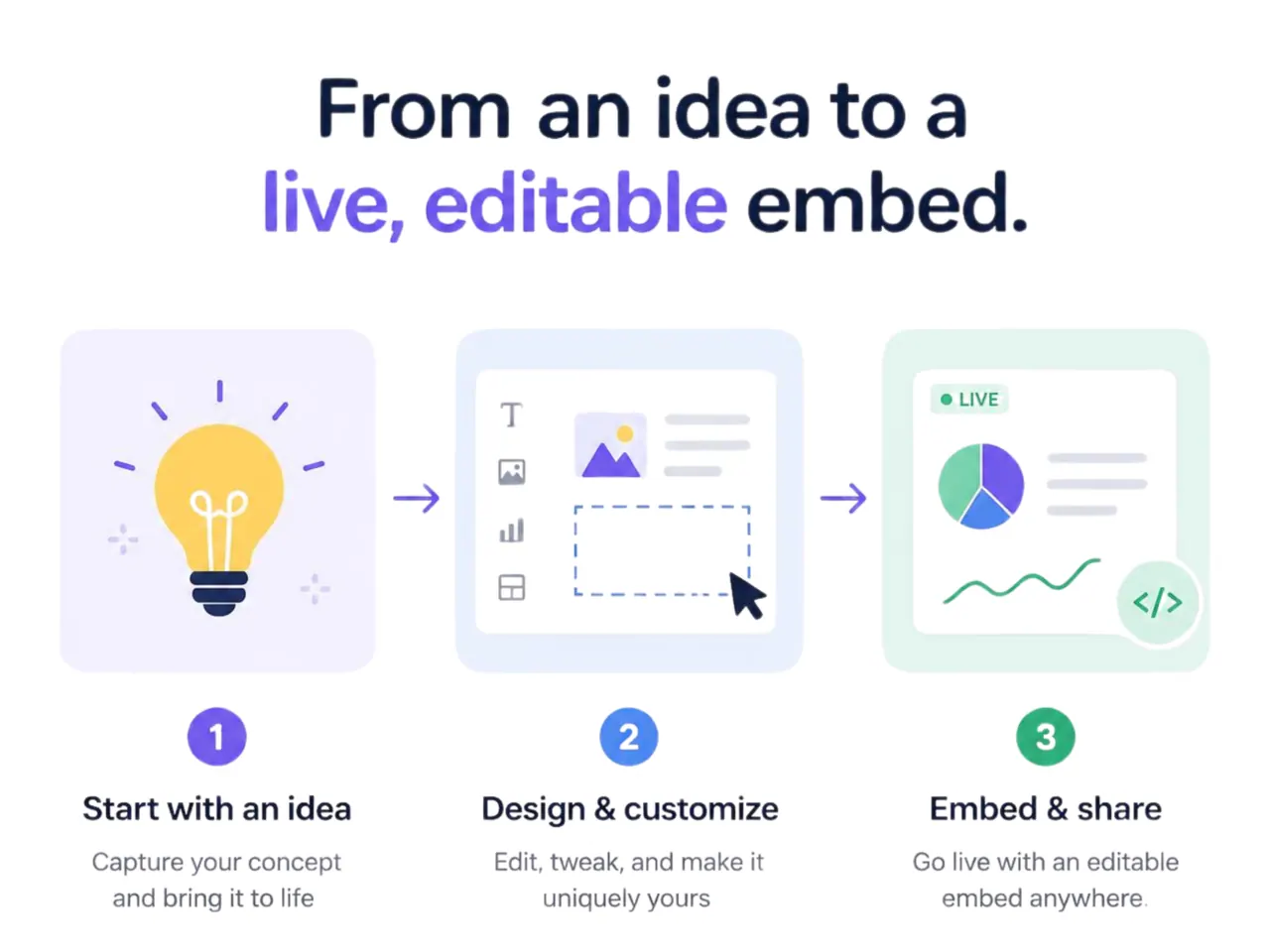
What does Fugte do?
Fugte helps small teams and businesses create and customize widgets without needing to code. Describe what you want with AI or paste code from tools like ChatGPT, Claude, Gemini, a developer, or your own project—Fugte converts it into a hosted widget.
What you build stays safe: you choose which parts remain editable (like text, prices, images, and colors), while the underlying code remains locked. Update once, and every place you embed that widget will reflect your changes.
Publish your widget with a single embed snippet. Fugte supports lead capture forms with stored submissions and spam protection, and works anywhere HTML embeds or blocks are supported—so you can place the widget across sites you already use (e.g., Canva, Shopify, WordPress, Notion, Webflow, Wix, Carrd).
Can I create a widget if I have code from ChatGPT, Claude, Gemini, or a developer?
Yes. Paste in the code you already have and Fugte will turn it into a hosted widget with safe visual controls for what you want to edit.
Do I need to understand or maintain the code after the widget is created?
No. Fugte locks the underlying code and gives you simple visual controls for the parts you choose to keep editable.
If I update the widget, do I need to re-embed it in multiple places?
No. When you update the widget, changes apply to every embed of that widget.
Where can I embed Fugte widgets?
You can embed them anywhere that accepts an embed or a block of HTML. Fugte provides a single embed snippet you can place across supported platforms like Canva, Shopify, WordPress, Notion, Webflow, Wix, and Carrd.
Does Fugte support lead capture forms and submissions?
Yes. Widgets can include lead capture forms with stored submissions and spam protection.
Can I create widgets with AI using just one sentence?
Yes. You can describe the widget you need, optionally start from a starter widget, and Fugte generates the widget from your prompt.
This listing is claimed
Own Fugte? Sign in with the email used to claim it to manage this listing, or upgrade to Pro for featured-first placement and a newsletter feature.