
VideoSnap
Media Conversion AI
VideoSnap is a free online video and image converter that converts in your browser with no upload, no sign-up, and no watermark.
Promoted
 Sidrune AI85% off. Stable Claude API for agent developers. Pay as you go. Invoices & refunds available.
 Pixmax.aiPixmax.ai is an all-in-one AI workspace for videos, visual stories, and marketing content.
 SEOify - Improve your SEO & rankingsBuild links to rank in Google. Improve your DR with links you can start building now.Advertise here270,000+ people visit Dang.ai every month.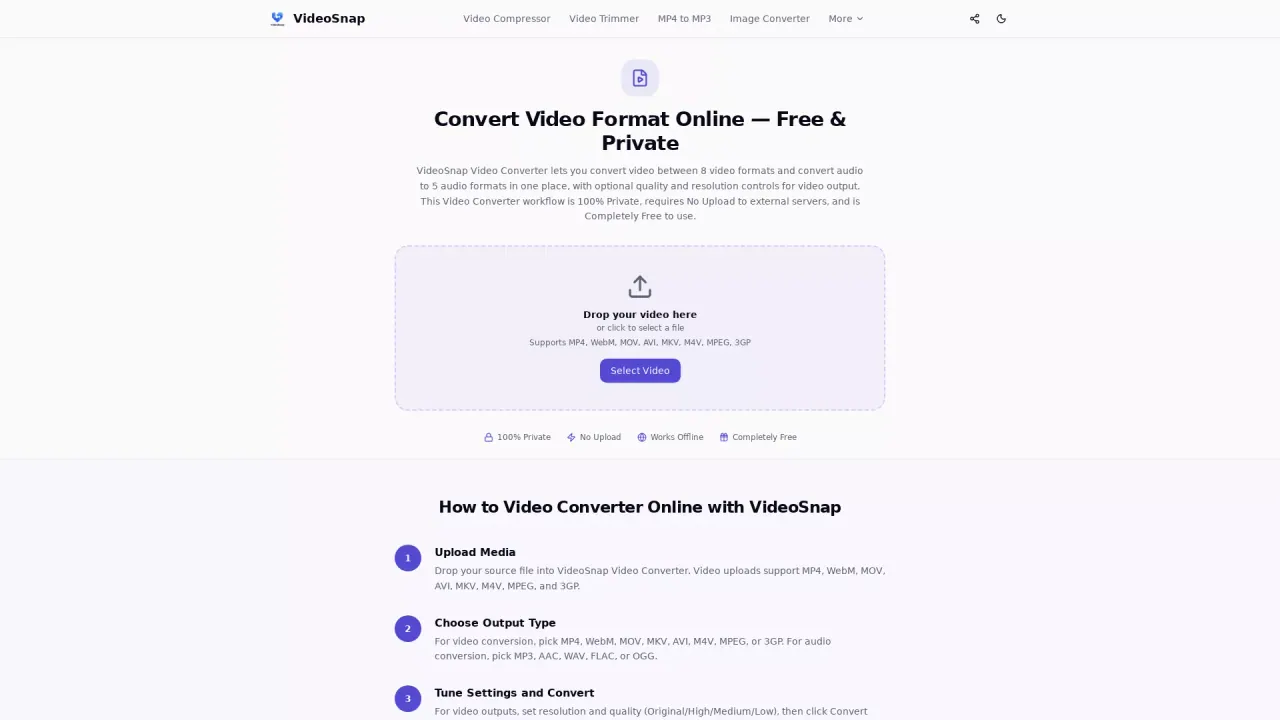
What does VideoSnap do?
VideoSnap is a free video converter designed to transform your media right in your browser. You can convert video formats or extract audio without uploading your source file to any server. The result is a fast, local workflow that keeps your content under your control.
Key features include 100% private, local processing with no server uploads and no third-party access to your files. VideoSnap supports common input formats such as MP4, WebM, MOV, AVI, MKV, M4V, MPEG, and 3GP. For output, you can convert to MP4, WebM, MOV, MKV, AVI, M4V, MPEG, or 3GP, or extract audio in MP3, AAC, WAV, FLAC, or OGG.
When converting video (not audio-only output), you can fine-tune the resolution and quality before you generate your download. Downloads are unbranded: your converted files come without a VideoSnap logo or added watermark.
VideoSnap is also built for speed and convenience. After your first visit, essential processing assets are stored in your browser, so you can keep converting even with weak or no internet—though initial page loads and opening new tools may still require a connection. VideoSnap is completely free to use with no account registration or premium tiers.
Is VideoSnap really free to use?
Yes—VideoSnap is completely free, with no subscription plans, hidden premium tiers, per-file charges, or watermarks on output.
Does VideoSnap upload my video to a server?
No. Your files stay on your device—conversion runs in your browser, so there’s no server upload and no cloud processing.
Do converted downloads include a VideoSnap watermark or logo?
No. Converted files are downloaded without a VideoSnap logo or any added watermark.
Which video and audio formats are supported?
Supported inputs include MP4, WebM, MOV, AVI, MKV, M4V, MPEG, and 3GP. Outputs include those video formats plus audio extraction in MP3, AAC, WAV, FLAC, and OGG.
Can I change video quality and resolution?
Yes—when outputting video, you can select an available resolution and a quality level. Audio-only output doesn’t use those video settings.
Will VideoSnap work offline?
After your first visit, VideoSnap stores processing assets in your browser for faster local use, so you can continue converting with weak or no internet. Refreshing pages or loading new tools may still require a connection.
This listing is claimed
Own VideoSnap? Sign in with the email used to claim it to manage this listing, or upgrade to Pro for featured-first placement and a newsletter feature.